
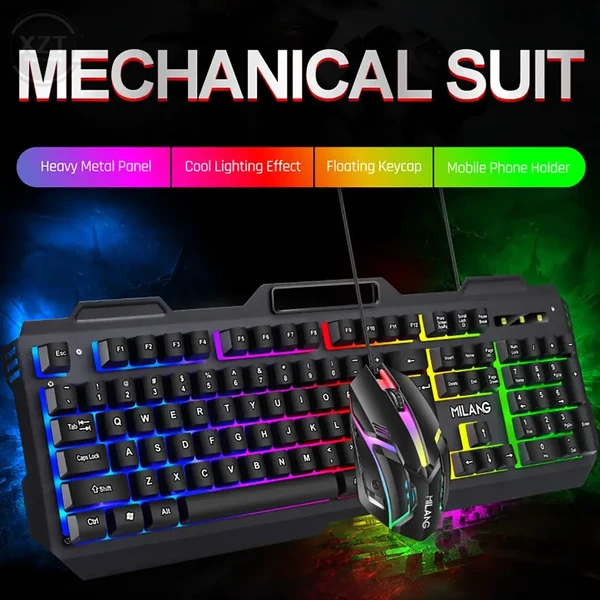
Gamer RGB Wired Keyboard and Mouse Set
£16.99 incl. VAT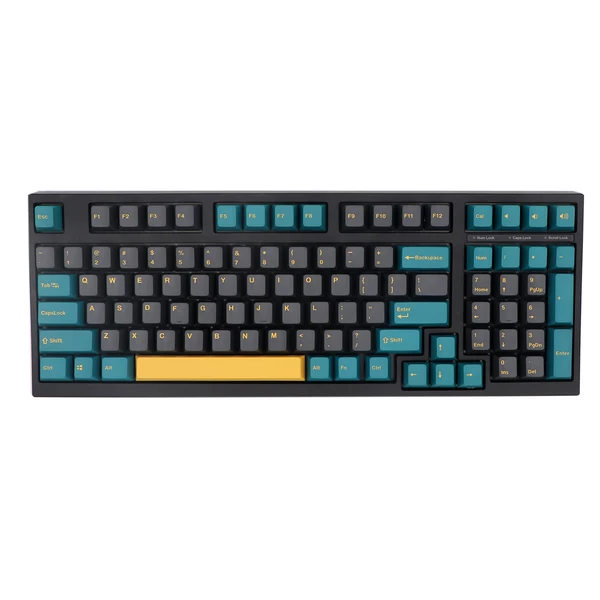
Mars Green PBT Two-Colour Keycap Set, 126 Keys
£52.99 incl. VAT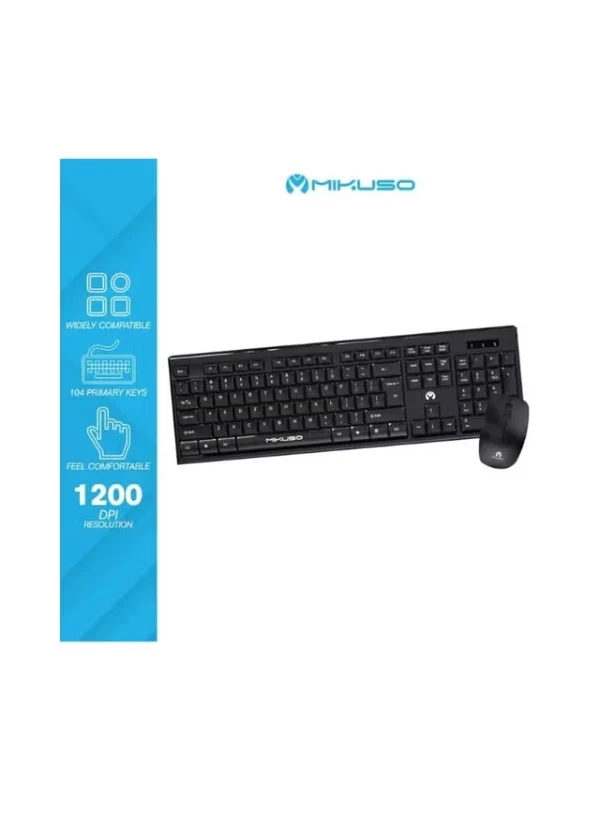
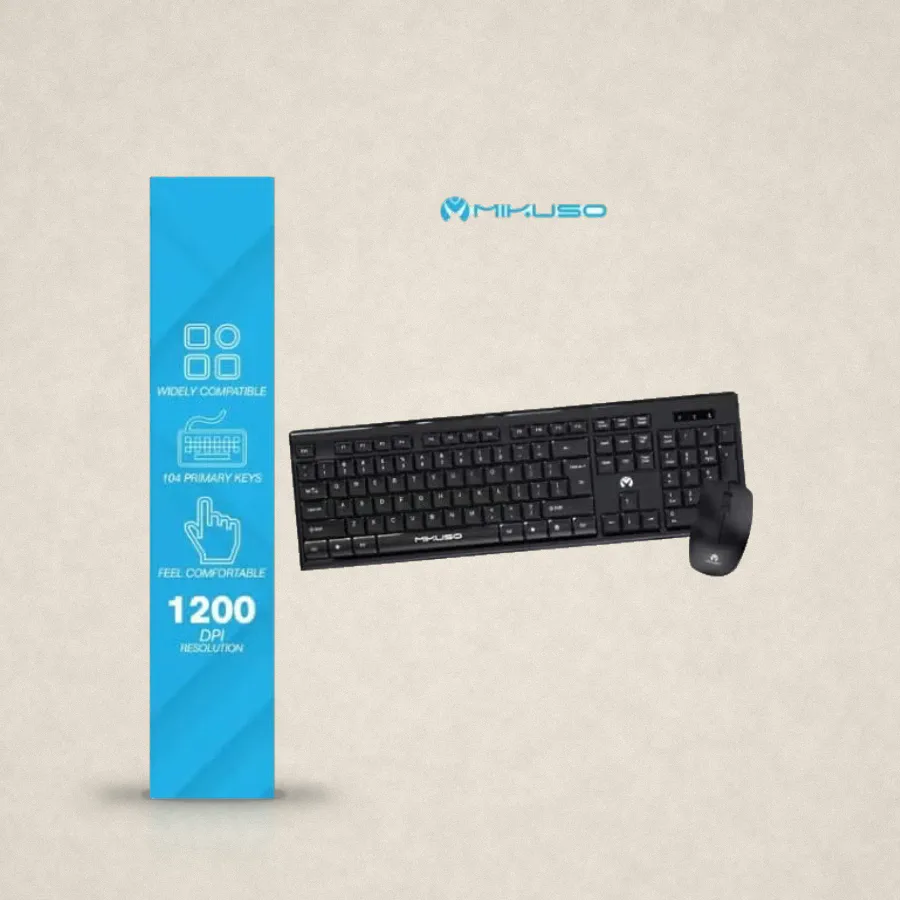
Mikuso KB- Wireless Keyboard and Mouse Combo
£16.99 incl. VAT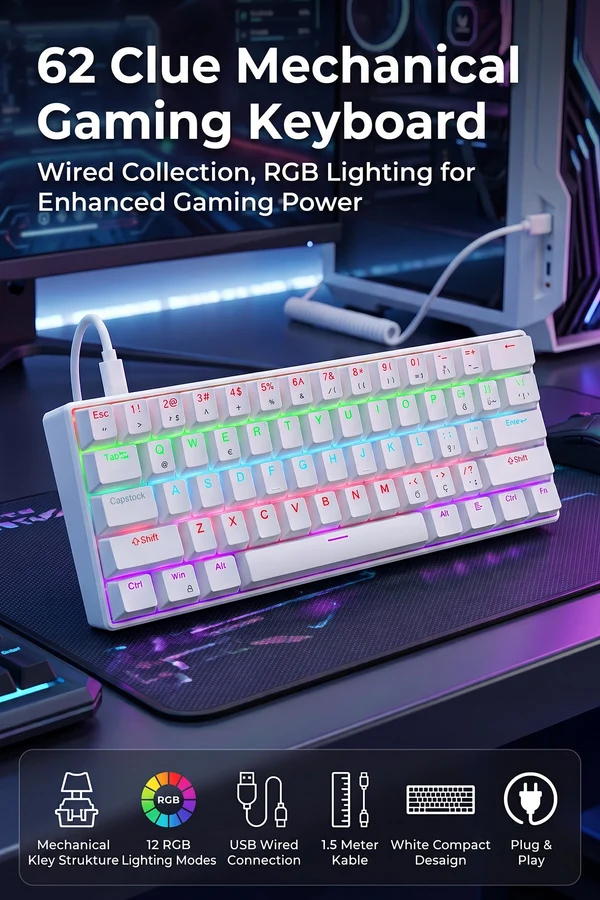
62-Key Mechanical Gaming Keyboard with 12 RGB Modes
£42.99 incl. VAT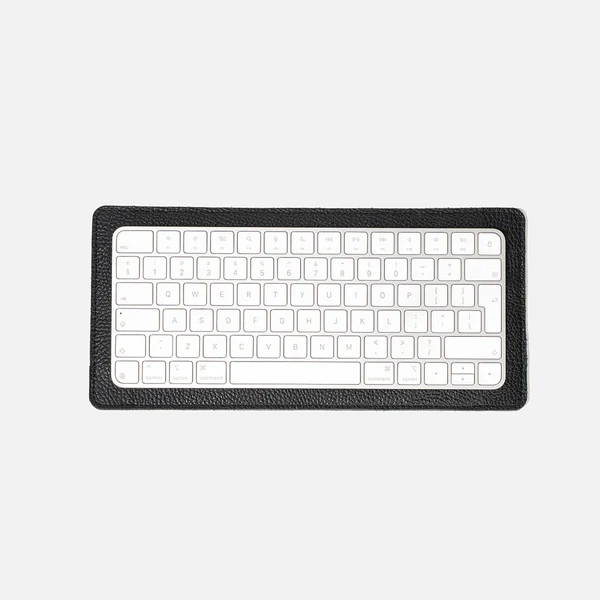
Leather Tray for Apple Magic Keyboard
£72.99 incl. VAT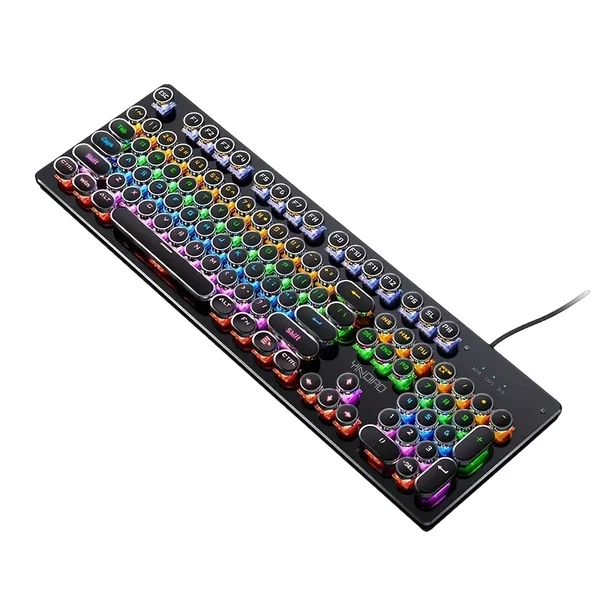
Caller 104-Key Backlit Mechanical Keyboard, Green Axis, USB, Black
£217.99 incl. VAT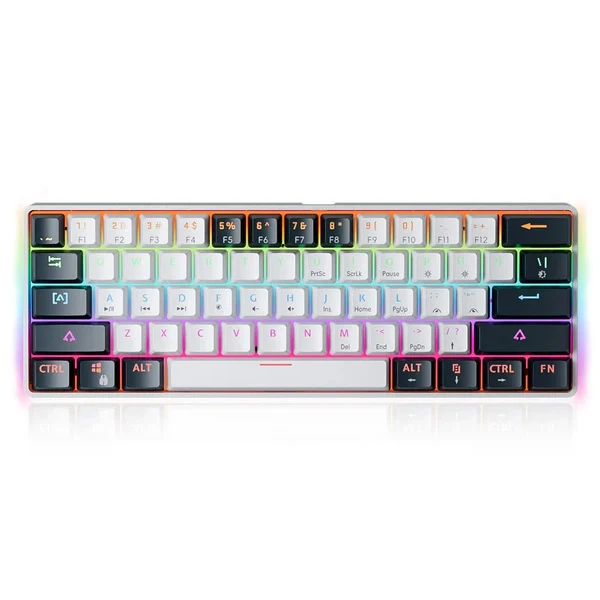
61-Key USB Gaming Mechanical Keyboard with Red Switches
£127.99 incl. VAT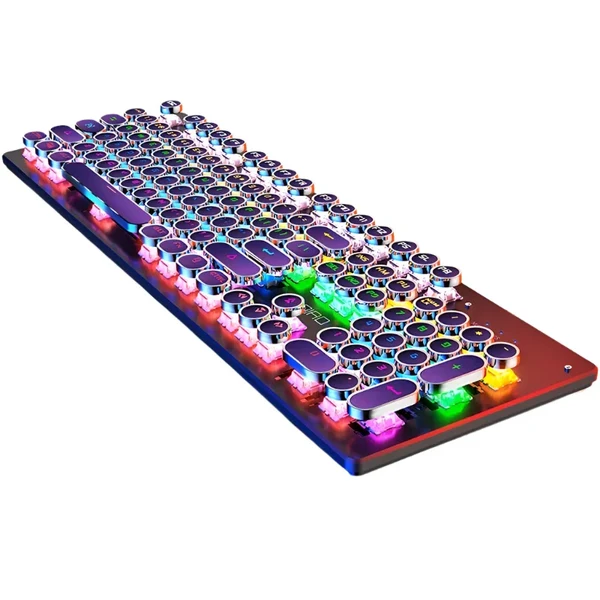
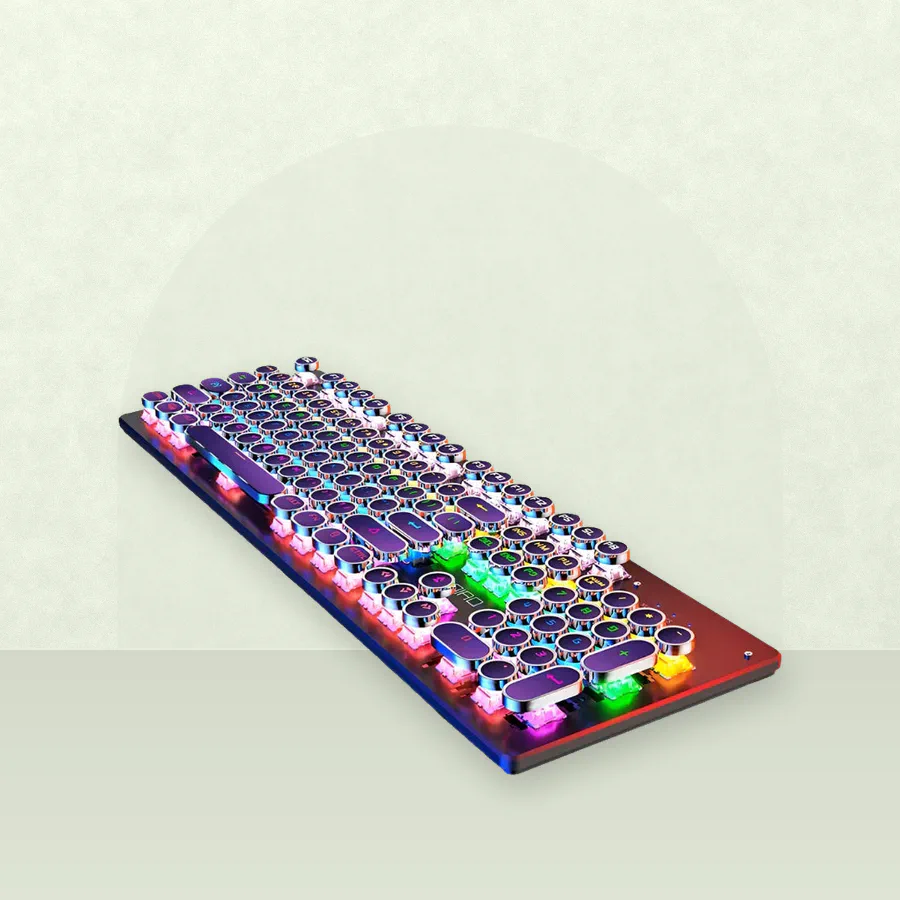
Retro Punk Mechanical Gaming Keyboard with RGB Backlight
£157.99 incl. VAT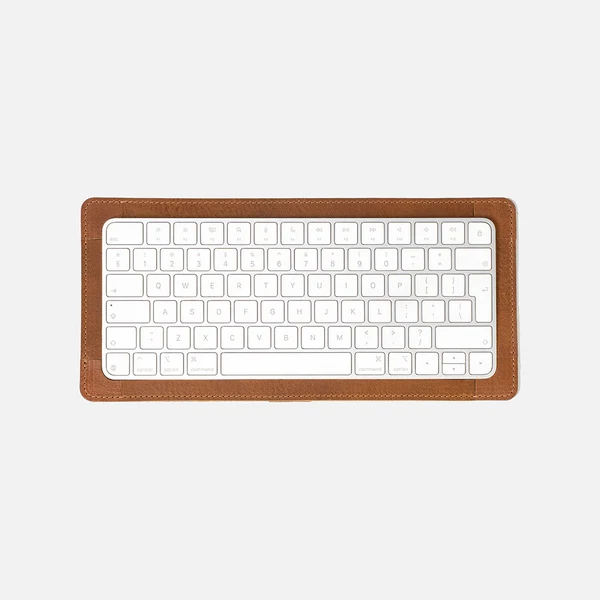
Full-Grain Leather Tray for Magic Keyboard
From £79.99 incl. VAT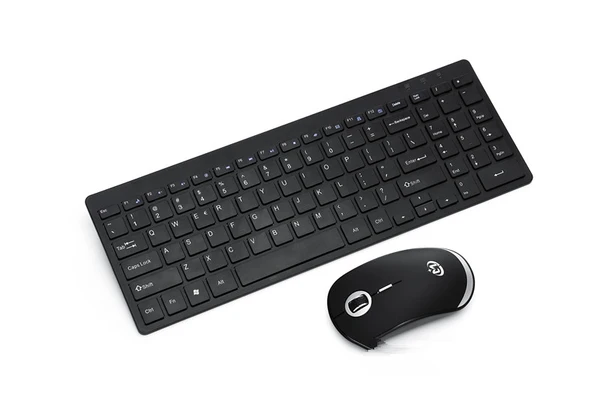
Wireless Keyboard with 95 Keys
£50.99 incl. VAT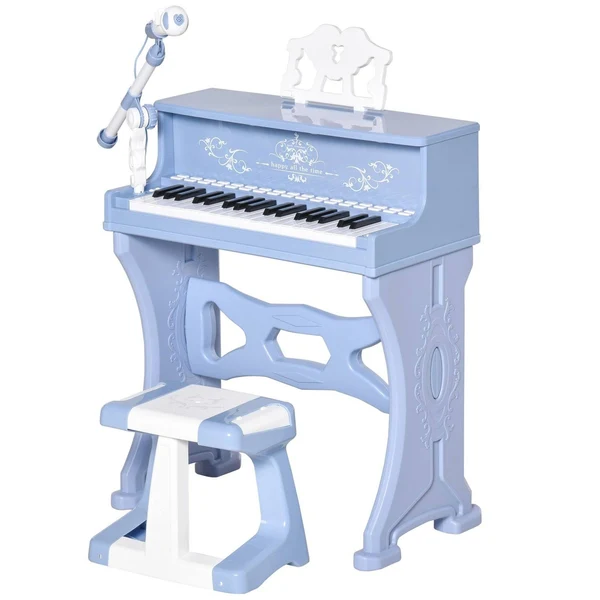
37-Key Kids’ Electronic Keyboard with Stool and Microphone
£189.99 incl. VATPick a type
How to choose
- Audio isolation and mic clarity: Closed-back headsets and in-ear monitors block PC fan noise, while a dedicated USB condenser mic upgrades voice chat and streams.
- Chair adjustability: Look for reclining tilt locks, lumbar cushions and adjustable armrests aligned with your desktop edge.
- If you are replacing something, list what worked and what did not, and use that as your brief.
- Compare a few options side by side on the same points rather than judging each one alone.
Frequently asked questions
What makes a racing gaming chair different from a mesh task chair?
Racing-style chairs feature high winged backrests, pillow headrests and reclining footrests, while mesh chairs prioritise airflow for warmer rooms.
How do I choose between a gaming headset and in-ear monitors?
Over-ear headsets cushion your ears with an integrated boom mic, whereas lightweight in-ear monitors stay cool during warm summer sessions and pair neatly with a dedicated desktop microphone.
How do I look after gaming keyboards?
Care for gaming keyboards depends on the material, so follow the care notes for each item; in general, regular light cleaning and dry storage keep things in good shape.