Custom Keycaps
Choosing custom keycaps well is largely a matter of reading the details closely: dimensions, materials and how the parts fit together. Look at how the parts are joined and finished; neat, even work is a good sign of careful making. Think about storage between uses as well, since shape decides how neatly it can be put away.
Related: Gaming Keyboards
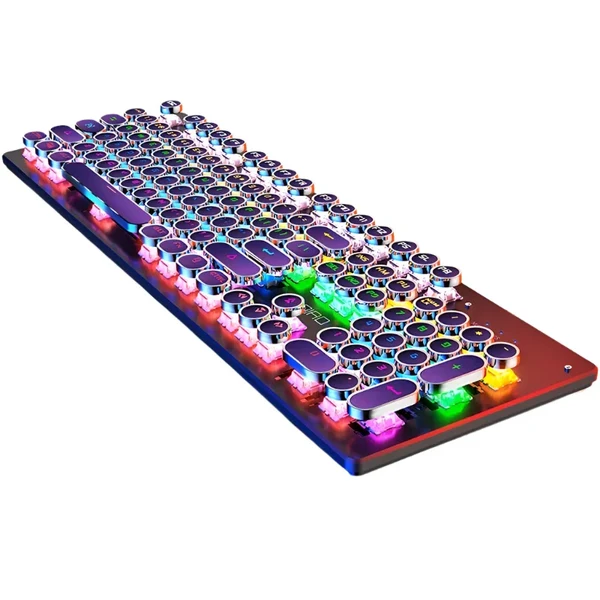
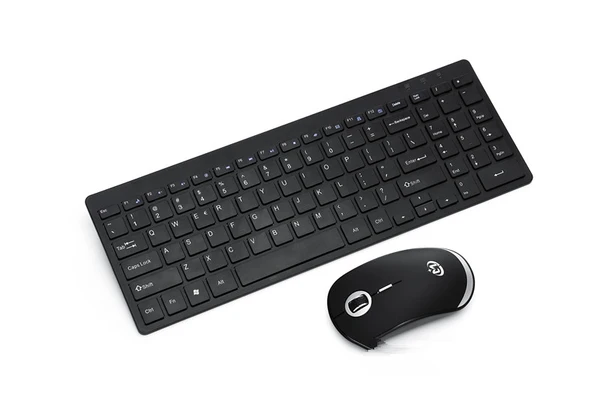
Wireless Keyboard with 95 Keys
£50.99 incl. VAT
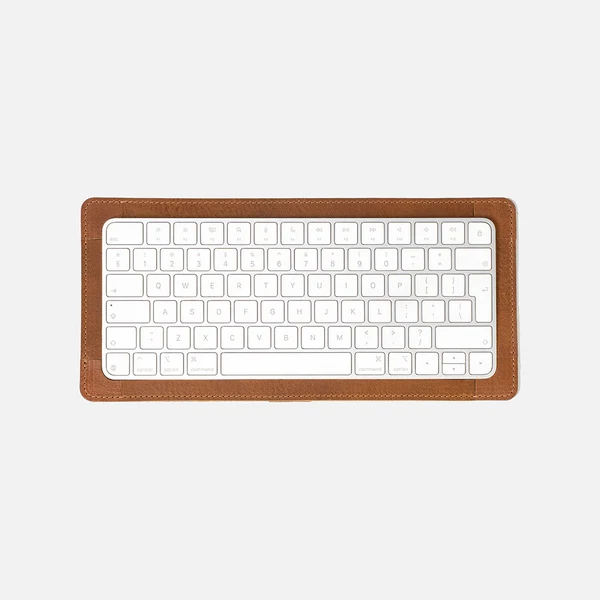
Full-Grain Leather Tray for Magic Keyboard
From £79.99 incl. VATLeather Tray for Apple Magic Keyboard
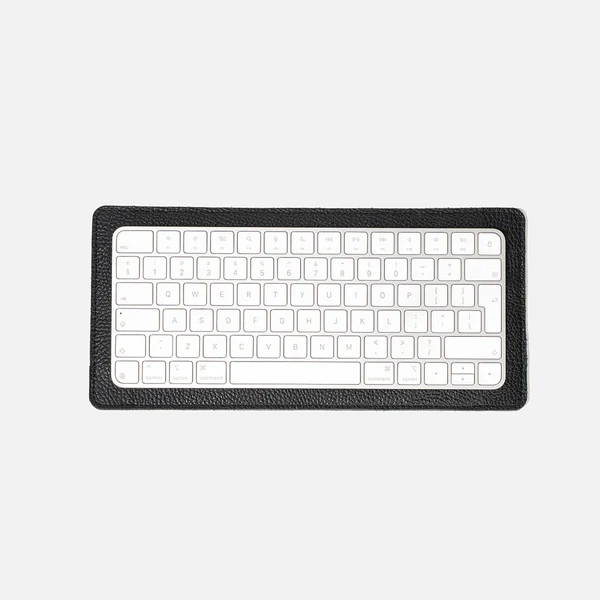
£72.99 incl. VATOther types to compare
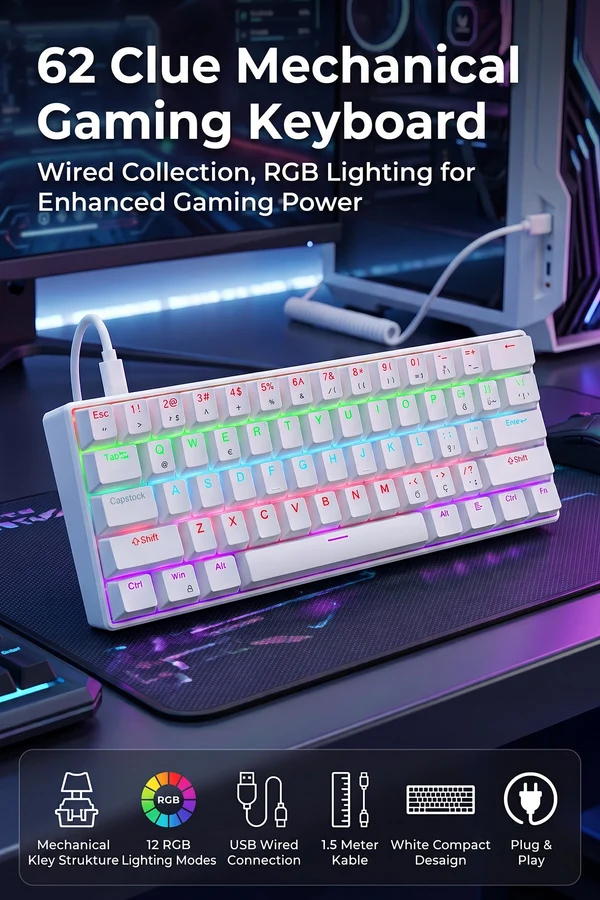
Comparing across types often settles a decision faster than comparing within one.
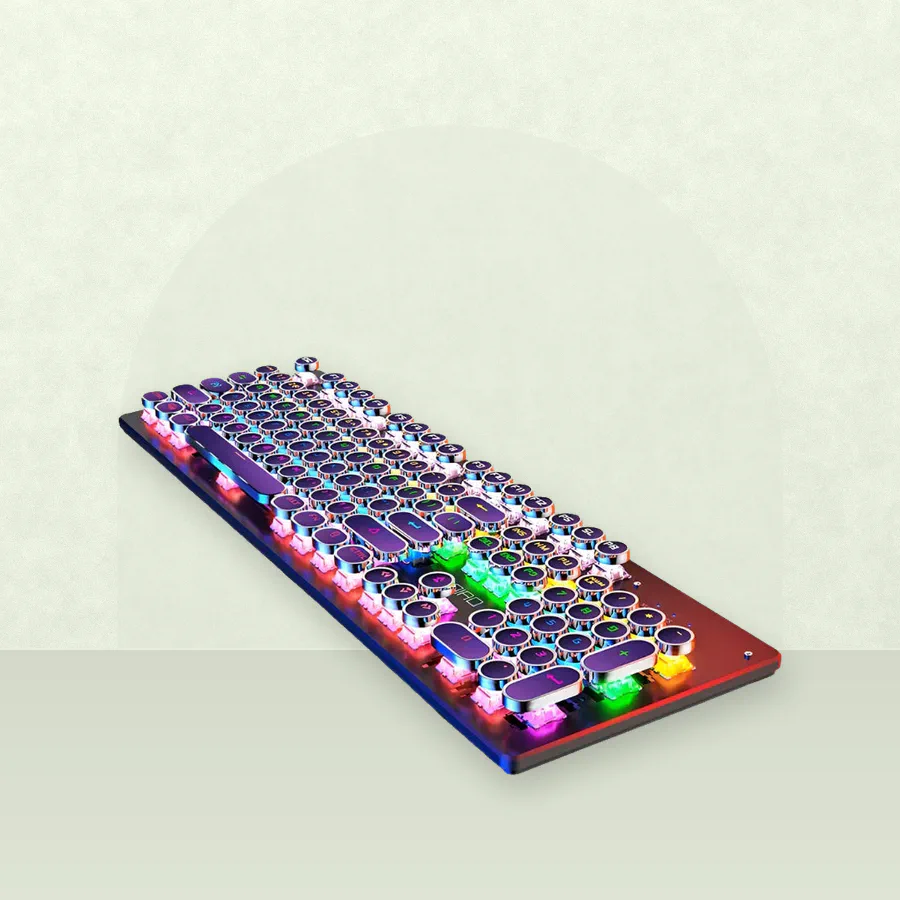
How to choose
- For a broader choice, step back to the wider family: Gaming Keyboards.
- Choose the material for how it feels, how much it weighs and how much care it needs.
- Pick colour and shape last, once size, material and build are right.
- When replacing an old one, use its measurements as your starting point.
- Decide between a single item and a matching set before comparing options.
Frequently asked questions
How do I clean a mechanical keyboard and custom keycaps safely?
Unplug the keyboard, dust between switches with compressed air, and wash removed keycaps gently in lukewarm soapy water before drying fully overnight.
What is the benefit of PBT keycaps when modding a keyboard?
PBT plastic has a subtly textured dry finish that resists surface shine over heavy typing and gaming sessions.
How can I judge the build of custom keycaps?
To judge custom keycaps, look at joins, seams, edges or fastenings: neat, even work and a consistent finish are good signs of careful making.
Should I buy one or a set of custom keycaps?
A matching set of custom keycaps keeps everything consistent, while single items let you mix and replace one at a time.