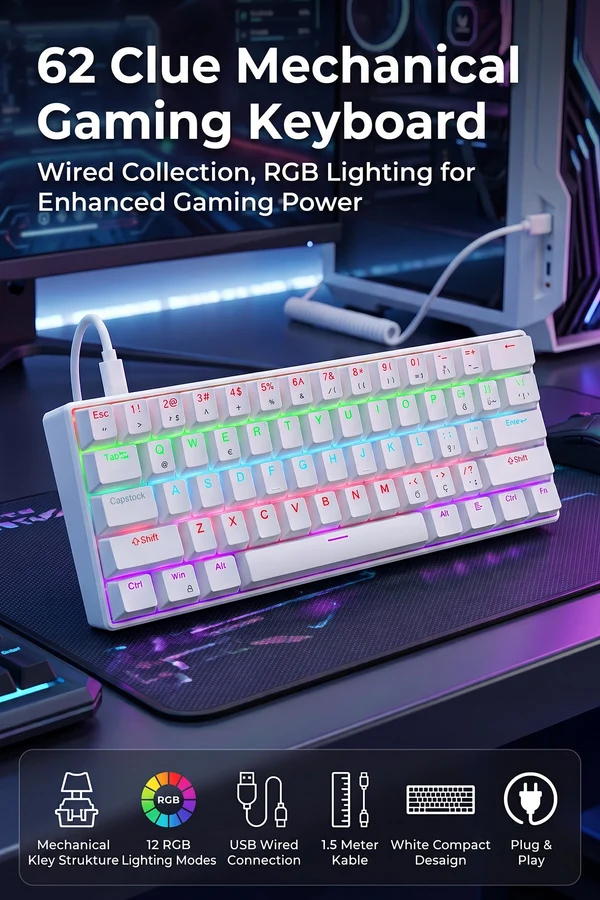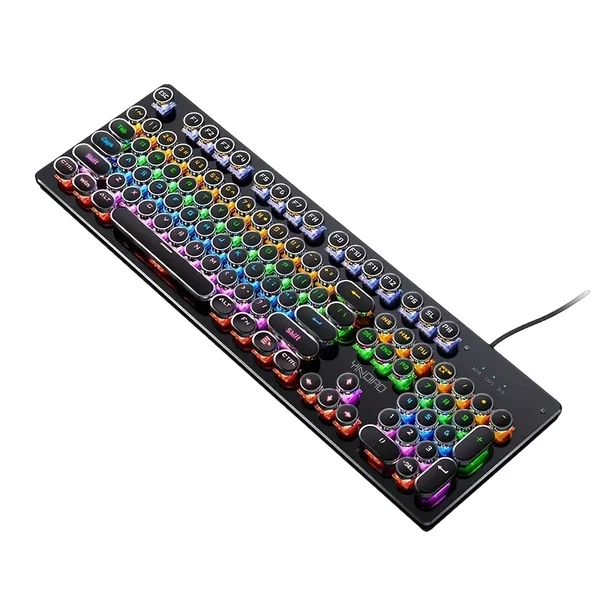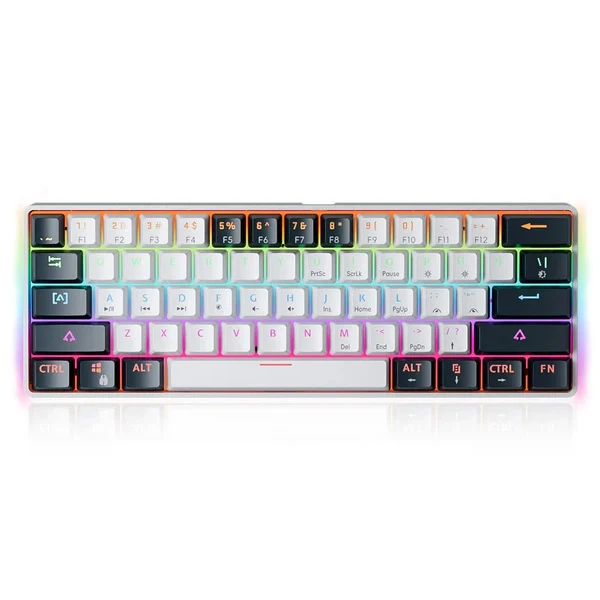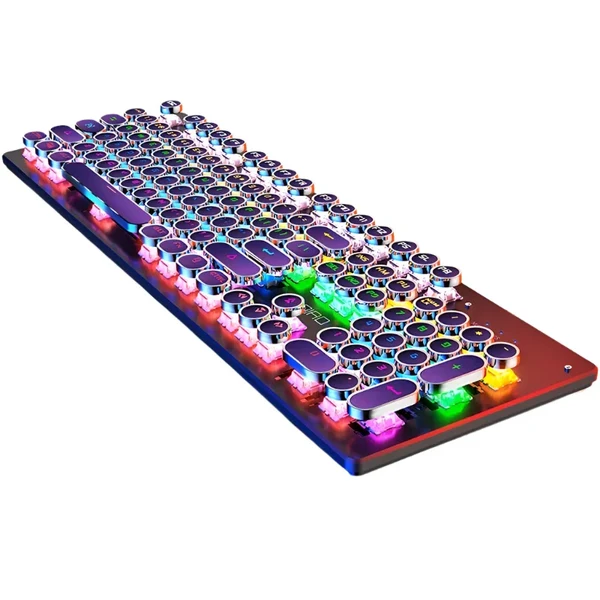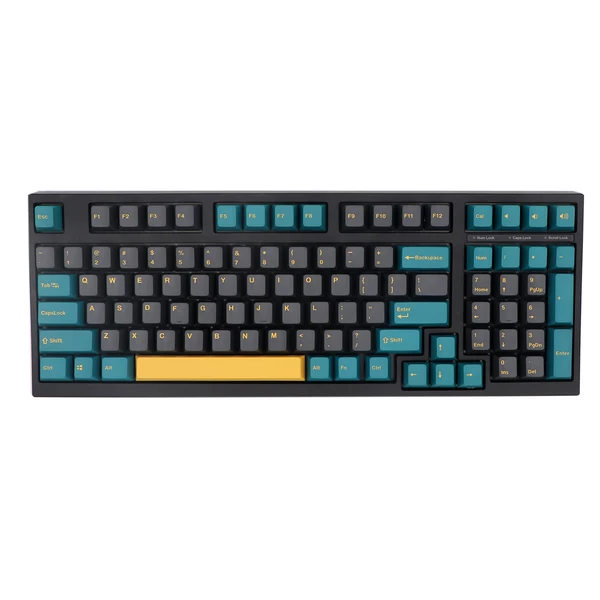
Mechanical Gaming Keyboards

Mechanical Gaming Keyboards can overlap with neighbouring kinds, so it helps to know exactly where the differences lie. Names vary between makers, so rely on measurements and descriptions rather than the label. Comparing against neighbouring kinds helps confirm the choice: Custom Keycaps, Keyboard Wrist Rests, Compact Gaming Keyboards and Gaming Keyboard Combos.

Familiar names, side by side

How to choose

  • When replacing an old one, use its measurements as your starting point.
  • Think about storage between uses and choose a shape that is easy to put away.
  • For a gift, keep to versatile sizes and materials that are easy to care for.
  • Check joins, seams, edges or fastenings for neat, even work.
  • Measure first and compare the stated dimensions, not the size name.

Frequently asked questions

How do I clean a mechanical keyboard and custom keycaps safely?

Unplug the keyboard, dust between switches with compressed air, and wash removed keycaps gently in lukewarm soapy water before drying fully overnight.

Why choose a compact mechanical keyboard over a full-size board?

Removing the number pad brings your mouse hand closer to shoulder width, creating a more natural posture and extra sweep area on an extended desk mat.

Why do sizes of mechanical gaming keyboards vary between makers?

There is no shared size standard for mechanical gaming keyboards across makers, so the same size name can mean different measurements; check the stated dimensions instead.

Which material should I choose for mechanical gaming keyboards?

Choose the material of mechanical gaming keyboards for feel, weight and care: some materials need regular attention, others very little, so match it to the upkeep you are happy with.