
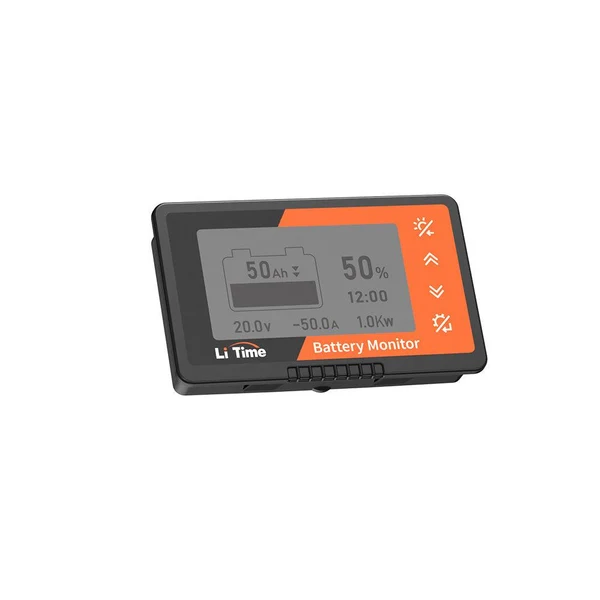
LiTime 500 A Battery Monitor with Shunt
£162.99 incl. VAT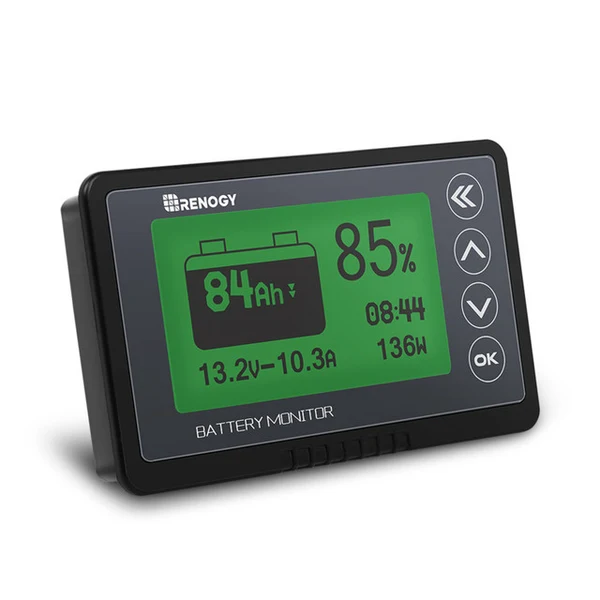
500 A Battery Monitor with Shunt
£140.99 incl. VAT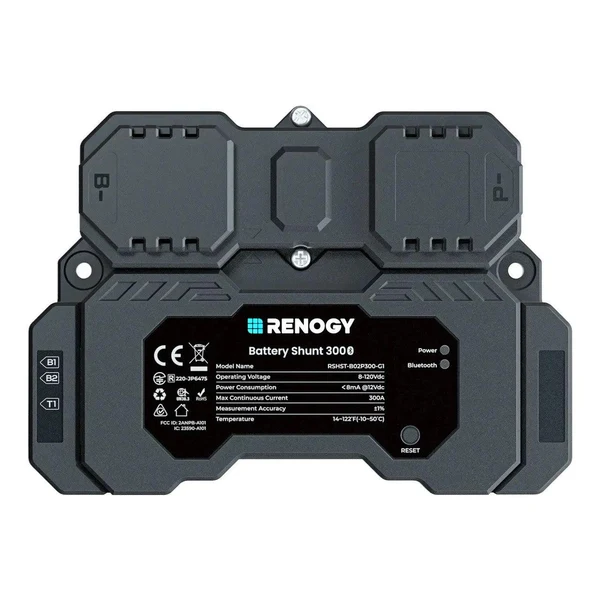
Battery Shunt 300 Smart Battery Monitor RSHST-B02P300-G1
£169.99 incl. VAT
Portable Monitor 11.6 in (29.5 cm), 1366×768
£173.99 incl. VAT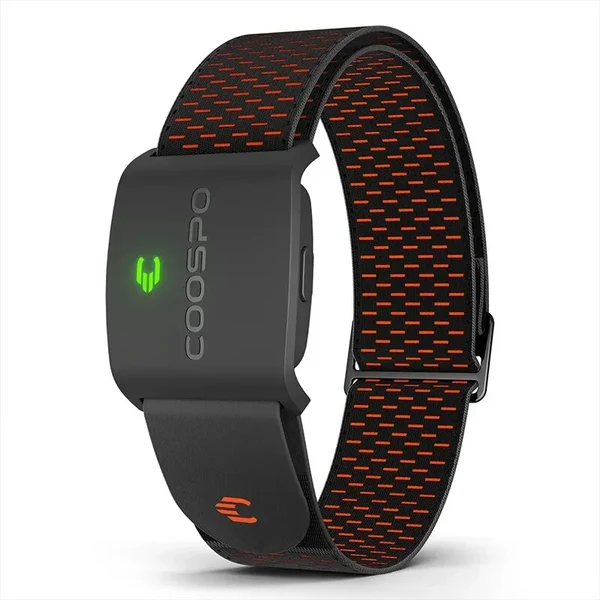
HW9 Armband Heart Rate Monitor
£123.99 incl. VAT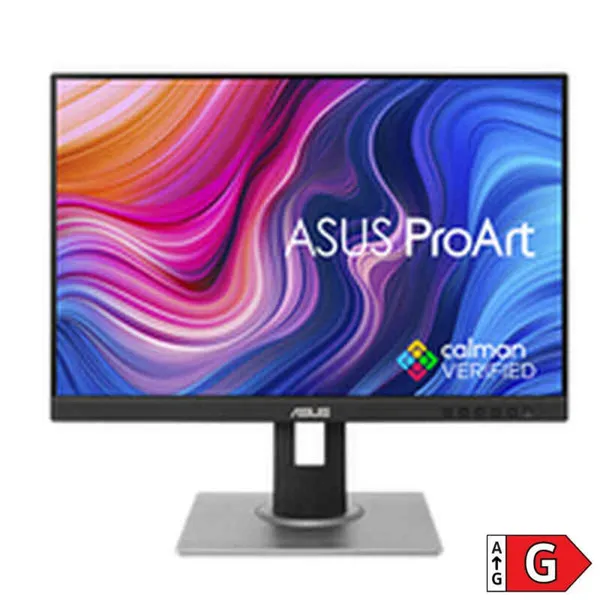
ProArt 24.1″ WUXGA IPS Monitor
£327.99 incl. VAT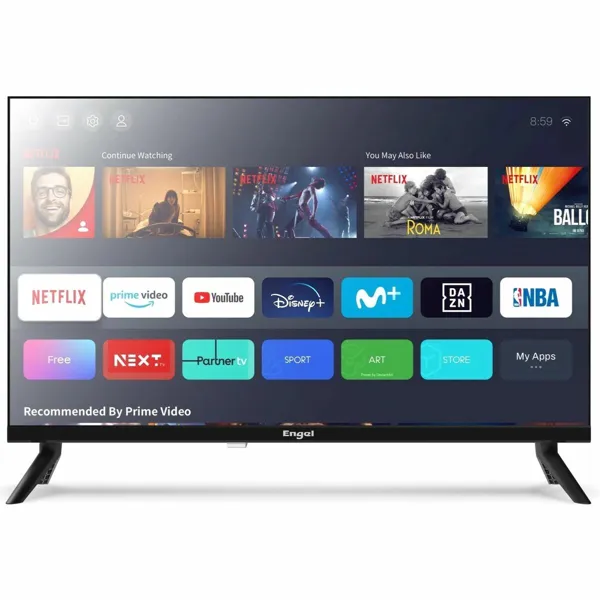
24″ LED Smart TV
£217.99 incl. VAT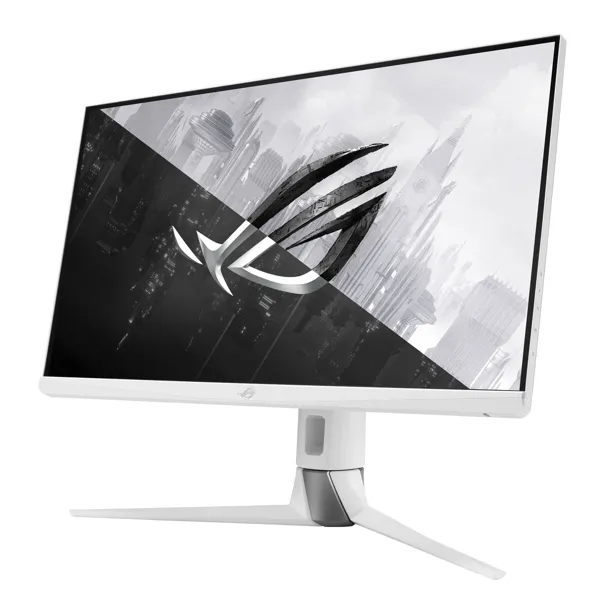
ROG Strix XG27AQ-W Gaming Monitor 27″ Wide Quad HD
£966.99 incl. VAT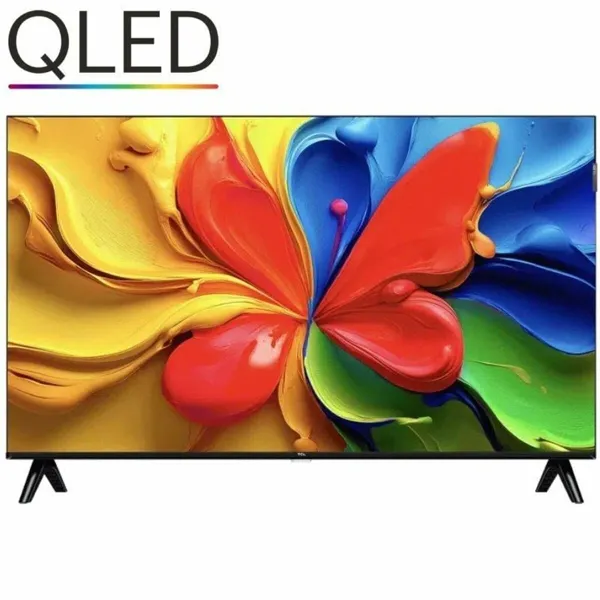
32S4K Smart TV 32 in (81.3 cm) Full HD
£266.99 incl. VAT
4K Ultra HD 28″ Gaming Monitor
£1,169.99 incl. VAT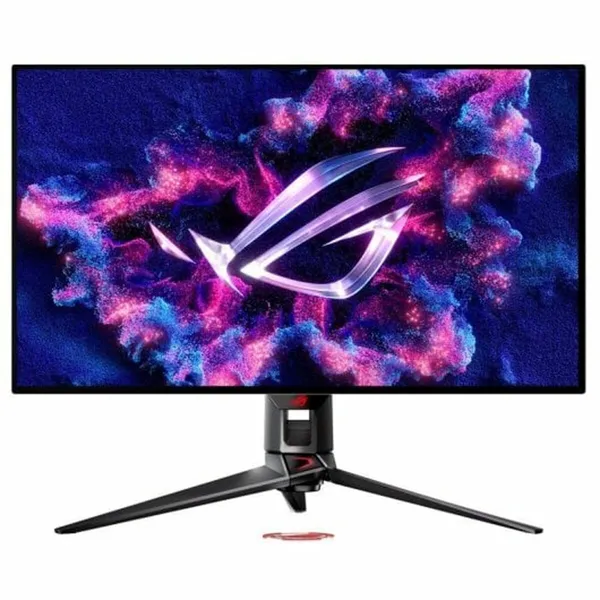
90LM0A50- Gaming Monitor 4K Ultra HD 31.5″
£1,934.99 incl. VAT
LG -GD Videofal Monitor
£1,954.99 incl. VAT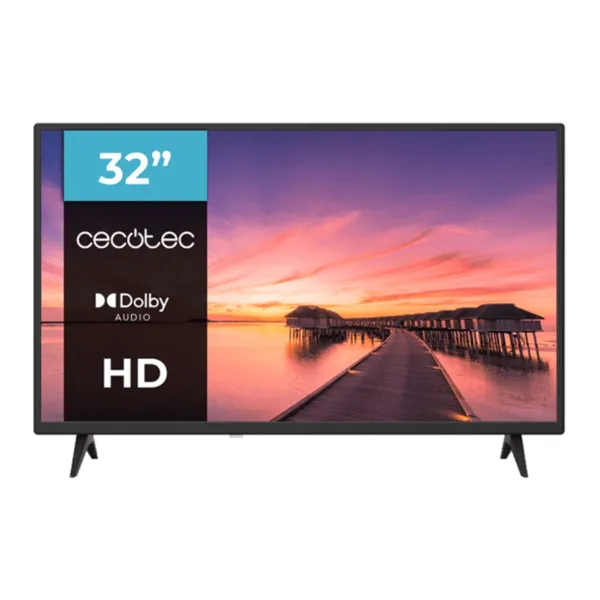
32 in HD LED Smart TV 0 Series 0032S
£215.99 incl. VAT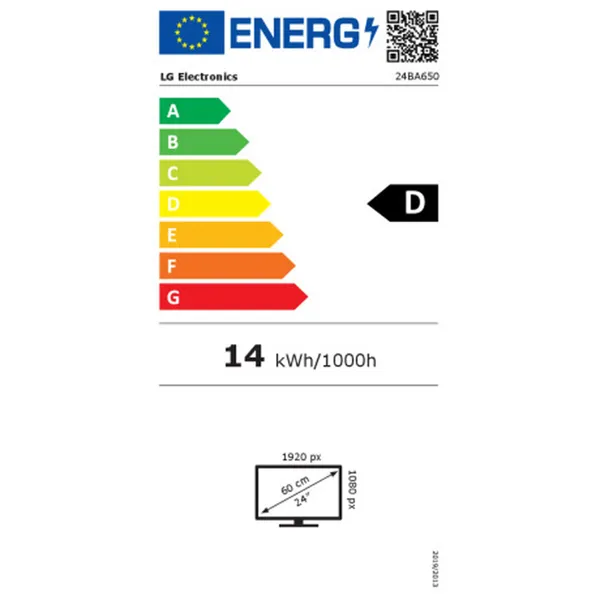
Full HD Monitor LG -B 23.8 in
£344.99 incl. VAT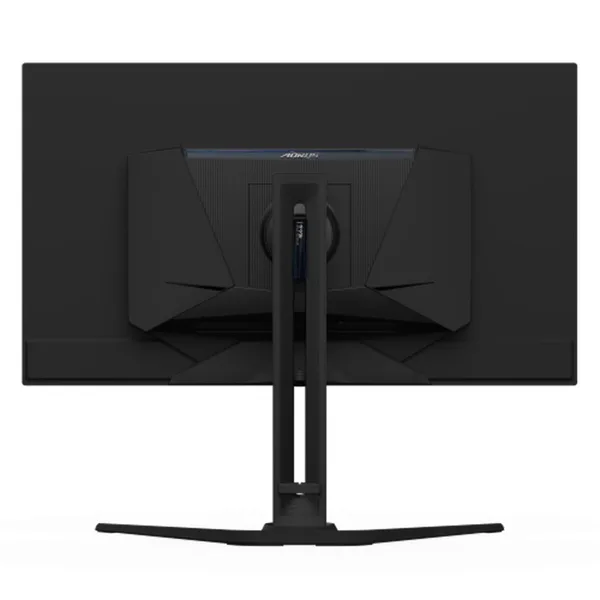
AORUS FO32U Gaming Monitor 4K Ultra HD 31.5″
£1,688.99 incl. VAT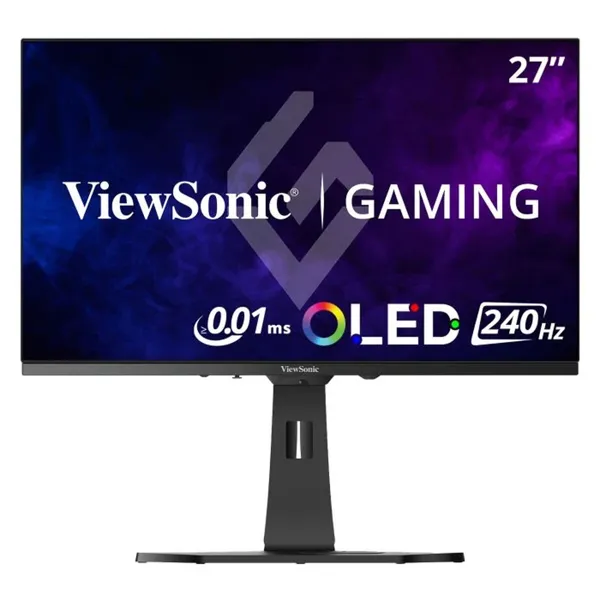
2K-OLED 27″ 2K Quad HD Gaming Monitor
£2,067.99 incl. VAT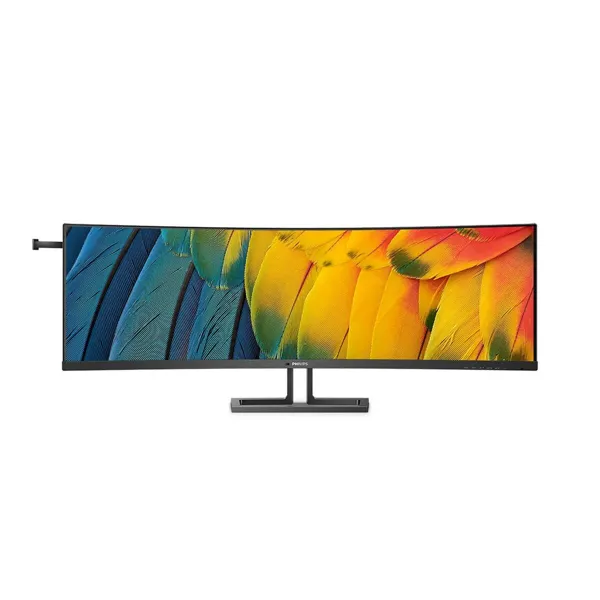
45B1U6900CH/00 44.5 in UltraWide Monitor
£1,751.99 incl. VAT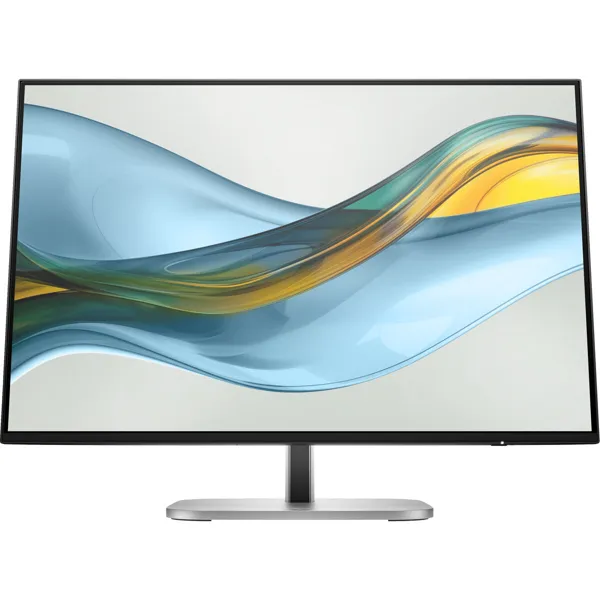
HP 9D9A7AA#ABB 24″ WUXGA Gaming Monitor
£361.99 incl. VAT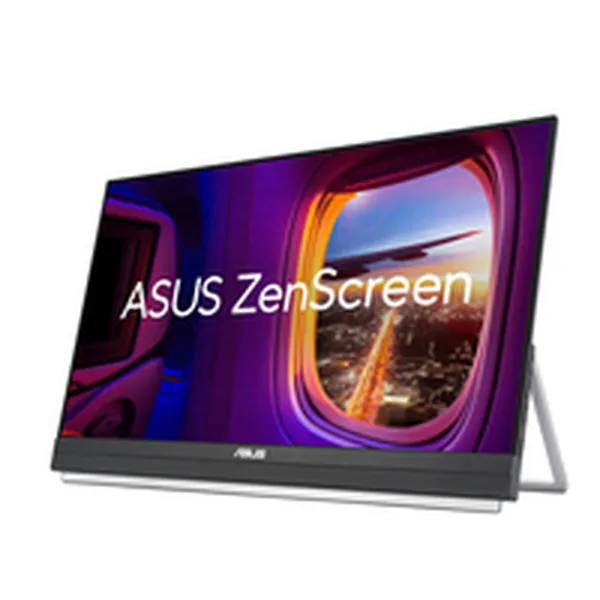
B01A70 21.5″ Full HD Monitor
£582.99 incl. VAT
Gaming Monitor 28 in 4K Ultra HD
£1,079.99 incl. VAT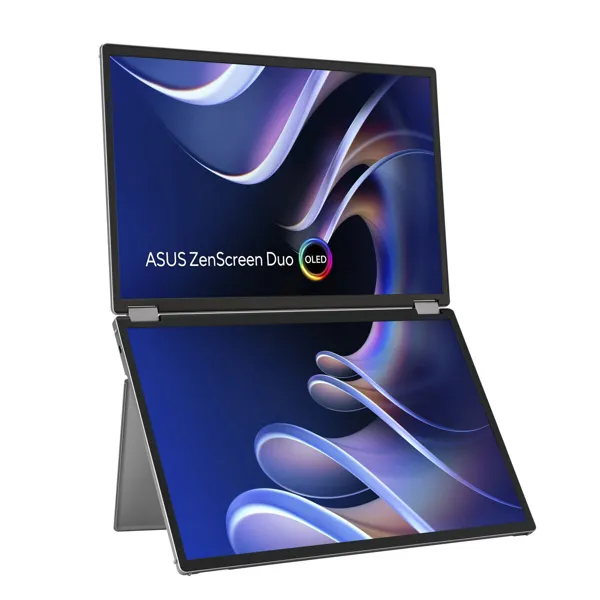
90LM0AKV-B01N70 WUXGA 14″ Monitor
£1,072.99 incl. VAT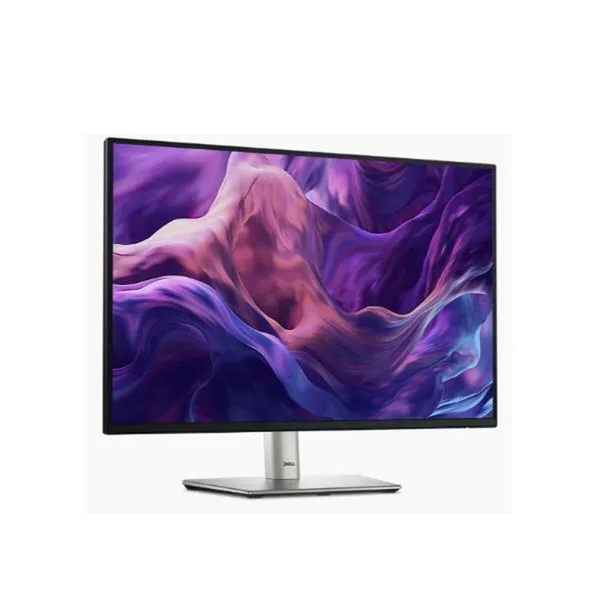
24″ Full HD 100 Hz Monitor
£410.99 incl. VAT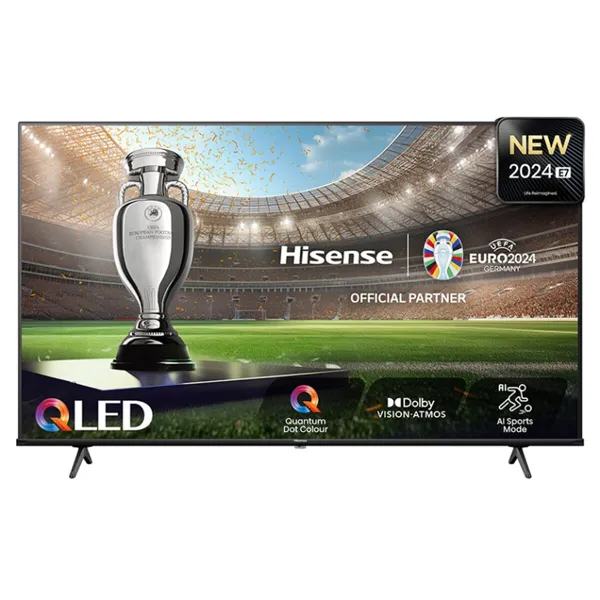
50″ 4K Ultra HD QLED Smart TV
£644.99 incl. VAT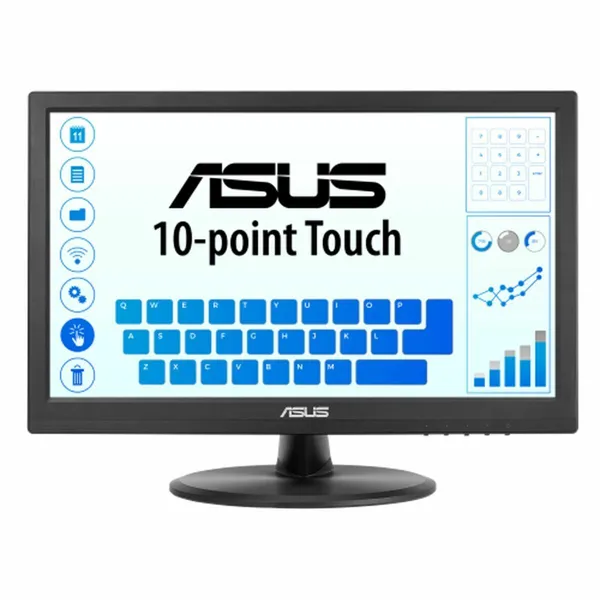
Full HD 15.6″ Touchscreen Monitor
£345.99 incl. VAT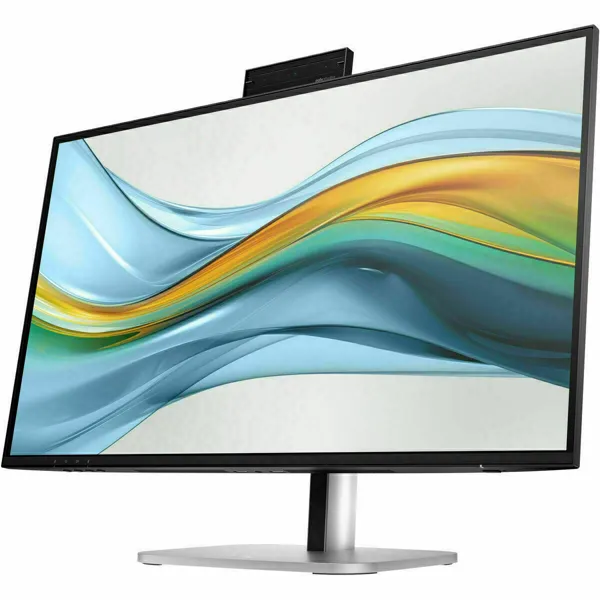
Gaming Monitor HP 9E0Y9UT#ABB Quad HD 27 in (68.6 cm)
£747.99 incl. VAT
+ Full HD 24.1″ Monitor
£1,279.99 incl. VAT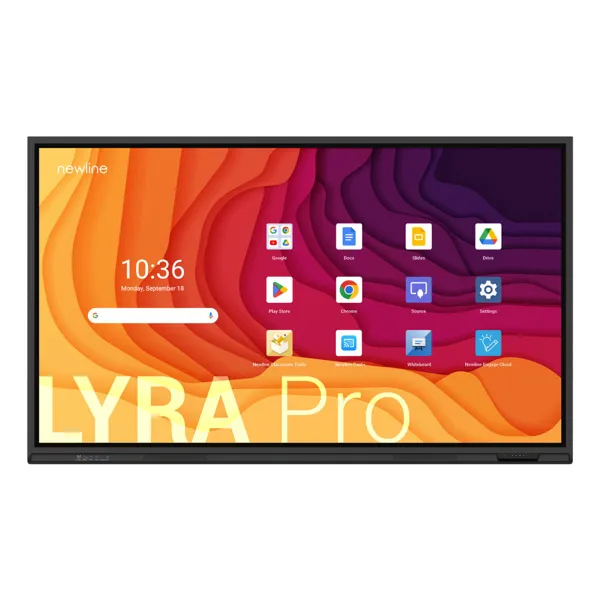
LYRA PRO 98″ 4K Ultra HD Monitor
£9,435.99 incl. VAT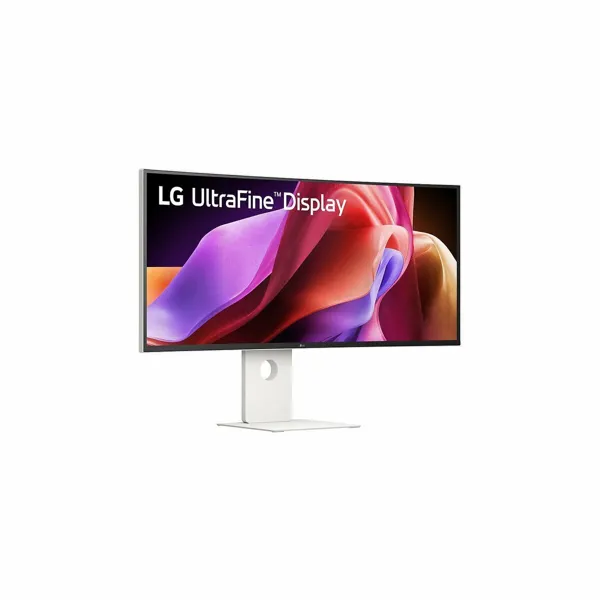
LG -W 4K Ultra HD Monitor 40 in
£2,413.99 incl. VAT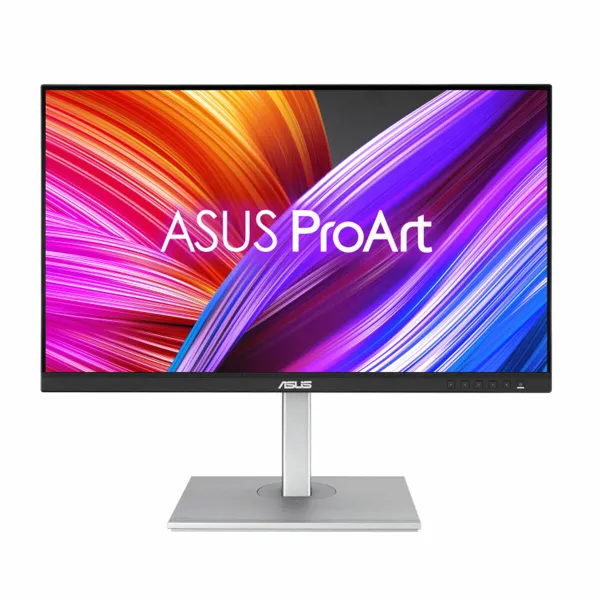
ProArt Quad HD 27″ Gaming Monitor
£671.99 incl. VAT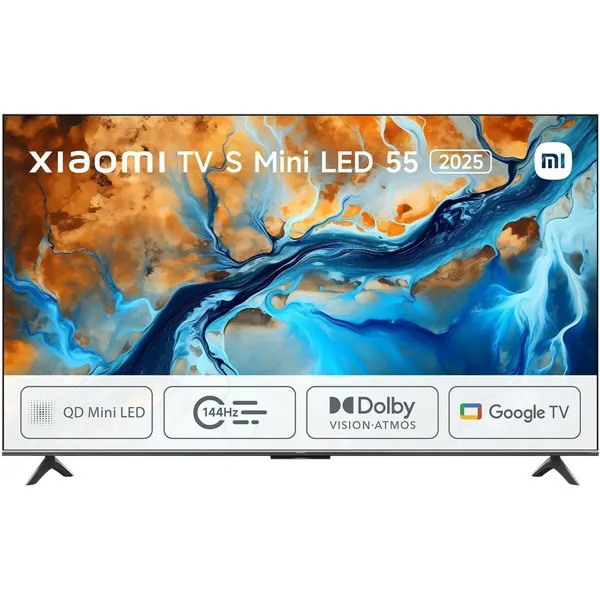
S 2025 4K Ultra HD 55 in (139.7 cm) QLED Smart TV
£790.99 incl. VAT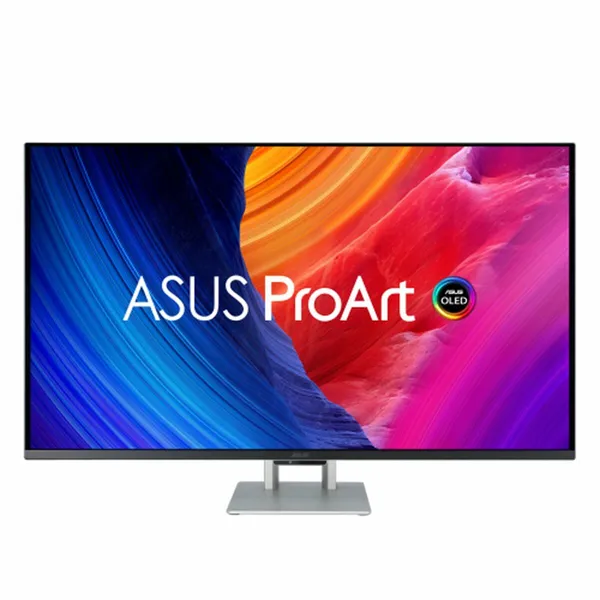
B01K70 4K Ultra HD Gaming Monitor 32″ (81.3 cm)
£3,166.99 incl. VAT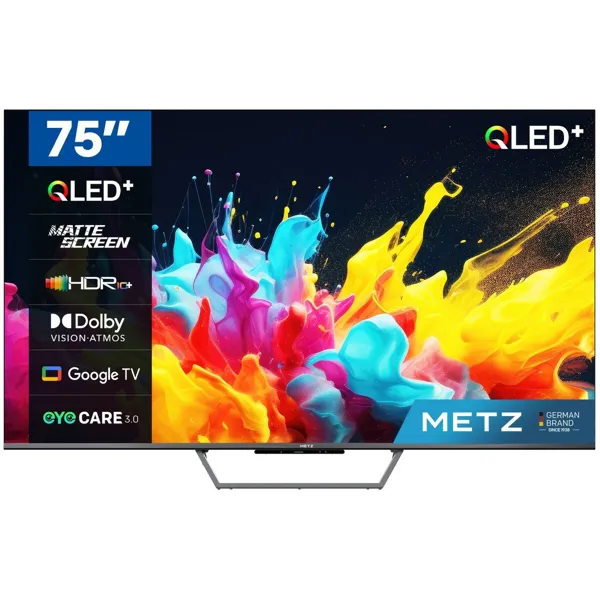
75 in 4K Ultra HD Smart QLED TV
£1,469.99 incl. VAT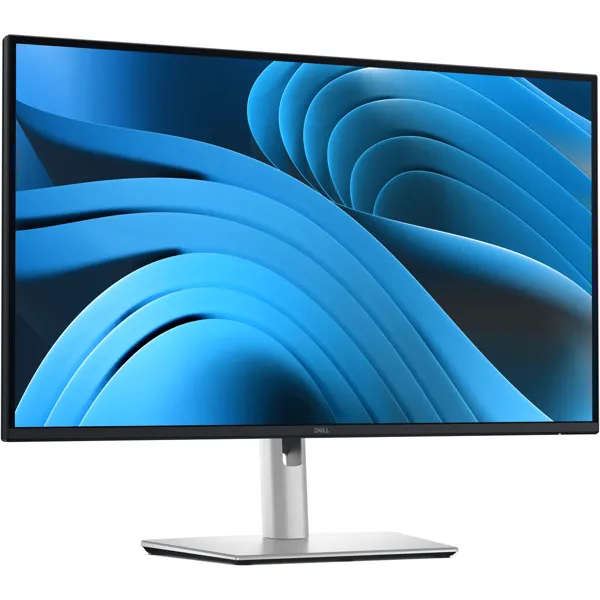
DELL- 27″ 4K Ultra HD Gaming Monitor
£758.99 incl. VAT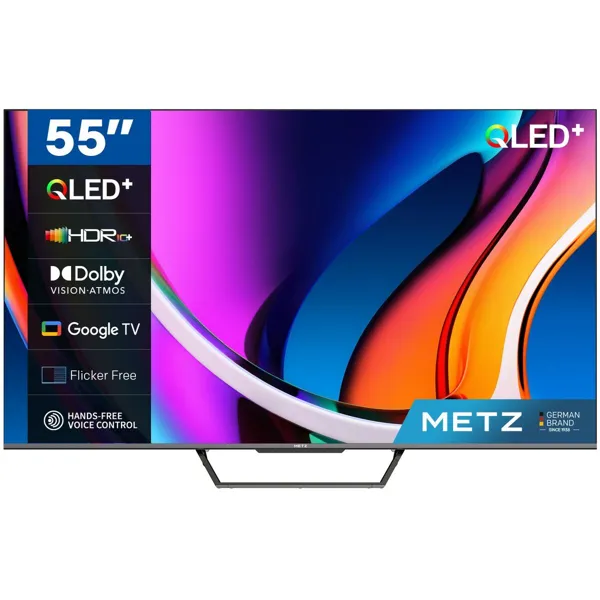
4K Ultra HD 55 in (139.7 cm) QLED Smart TV
£730.99 incl. VAT
32″ 4K Ultra HD Gaming Monitor
£617.99 incl. VAT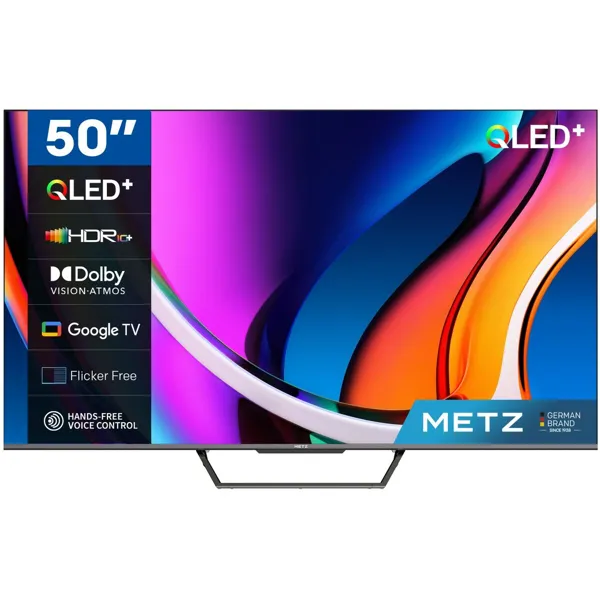
4K Ultra HD 50 in (127 cm) QLED Smart TV
£640.99 incl. VAT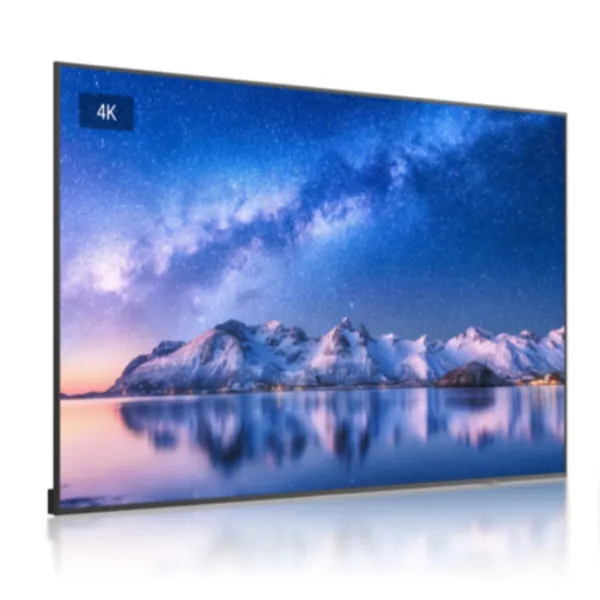
ND86CMA 4K Ultra HD 86″ Video Wall Monitor
£3,887.99 incl. VAT
27 in (68.6 cm) 4K Ultra HD Gaming Monitor
£690.99 incl. VAT
ND65CMA 4K Ultra HD 65″ LED Monitor
£2,250.99 incl. VAT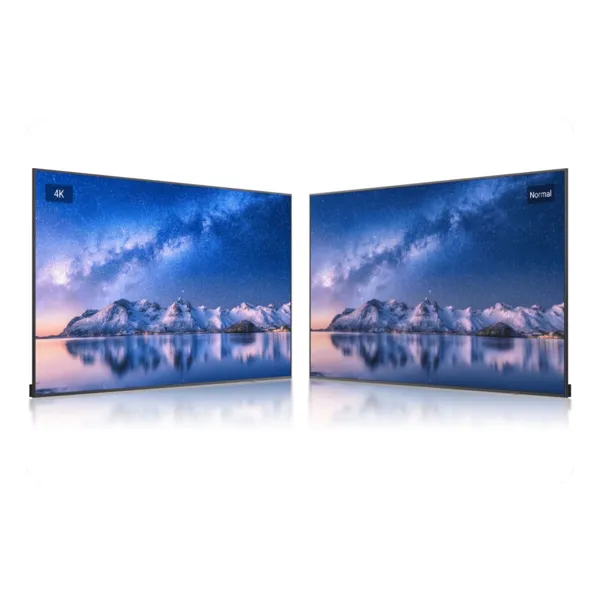
ND75CMA-T Videofal Monitor 4K Ultra HD 75″ LED
£3,199.99 incl. VAT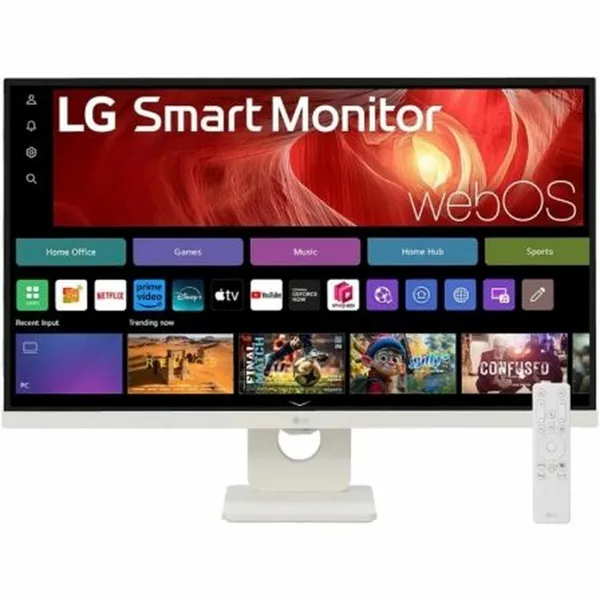
LG -W 27 in (68.6 cm) 4K Ultra HD Gaming Monitor
£534.99 incl. VAT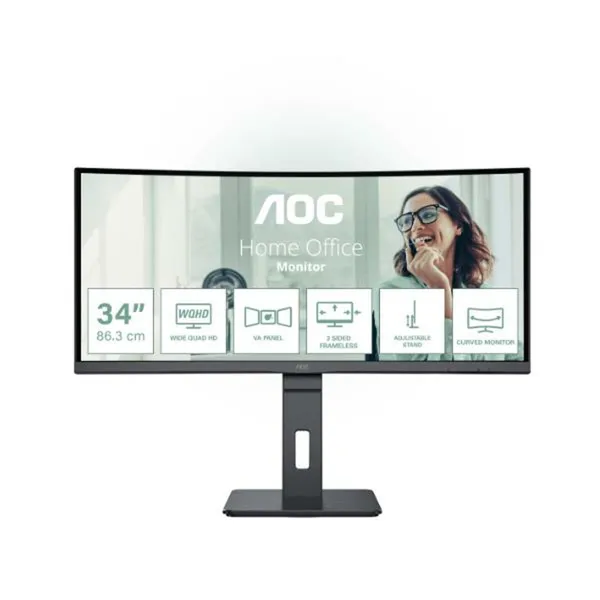
CU34P3CV 34″ UltraWide Quad HD Monitor
£654.99 incl. VAT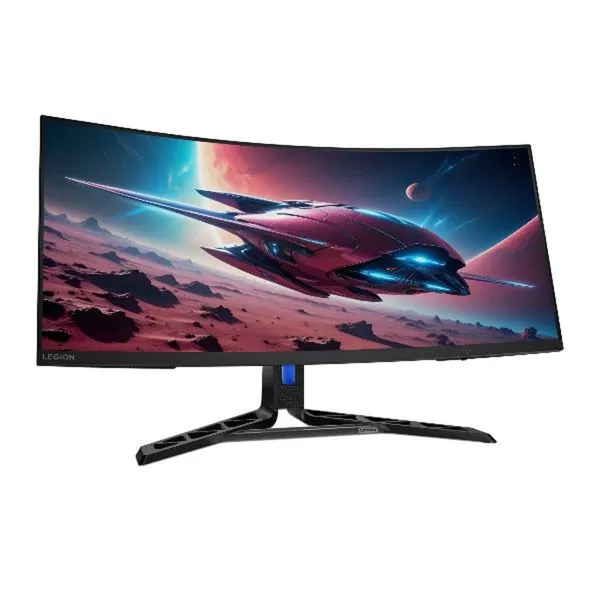
Legion R34w-30 34″ Wide Quad HD Monitor
£782.99 incl. VAT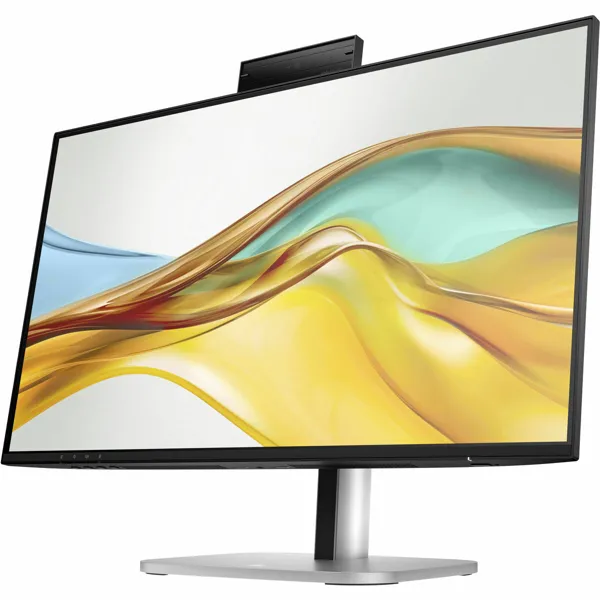
HP 9E0G9UT#ABB Full HD 23,8 in 60,5 cm Monitor
£618.99 incl. VAT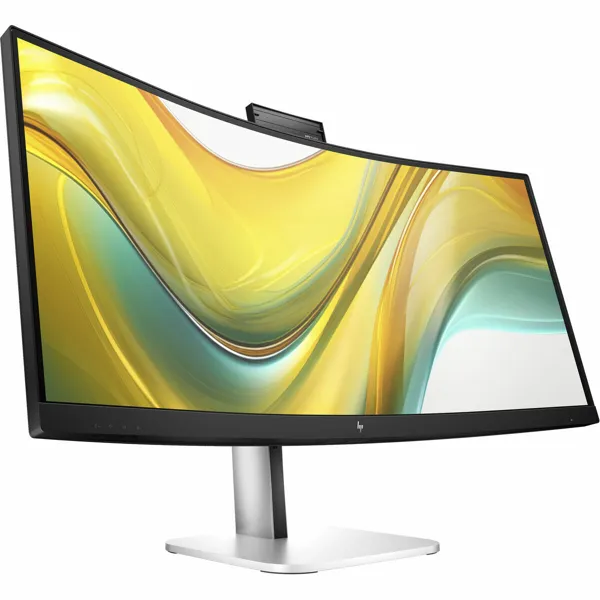
HP 9E0Z2UT#ABB 34 in (86.4 cm) Wide Quad HD Monitor
£1,025.99 incl. VAT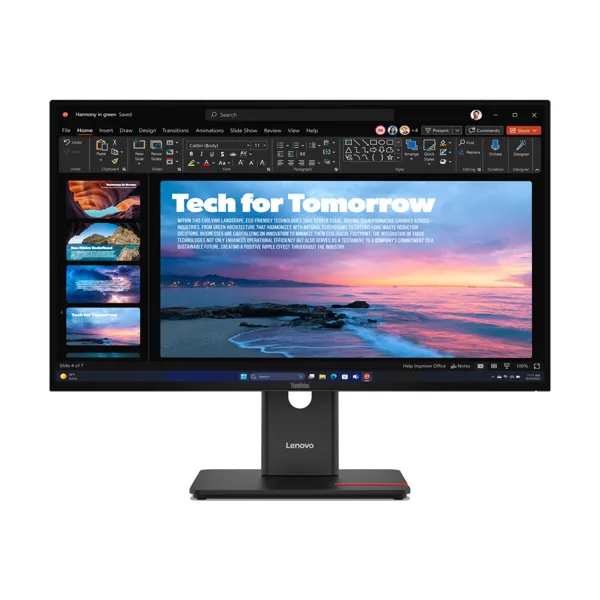
ThinkVision T27qd-40 27″ Quad HD Monitor
£585.99 incl. VAT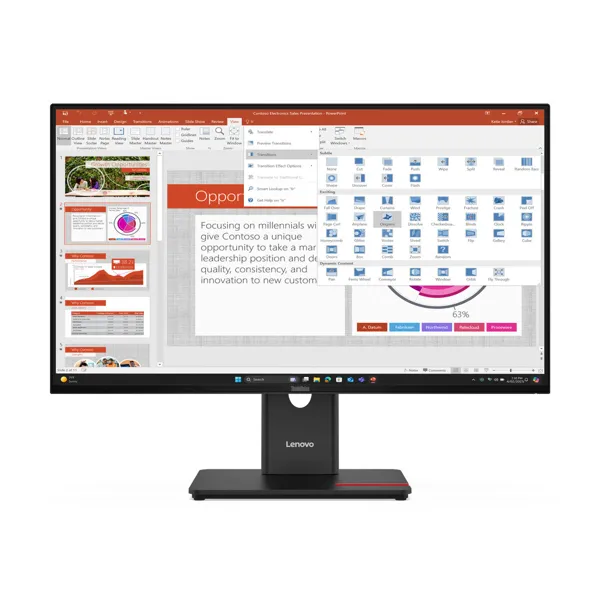
ThinkVision T27-40 27″ Full HD LCD Gaming Monitor
£308.99 incl. VAT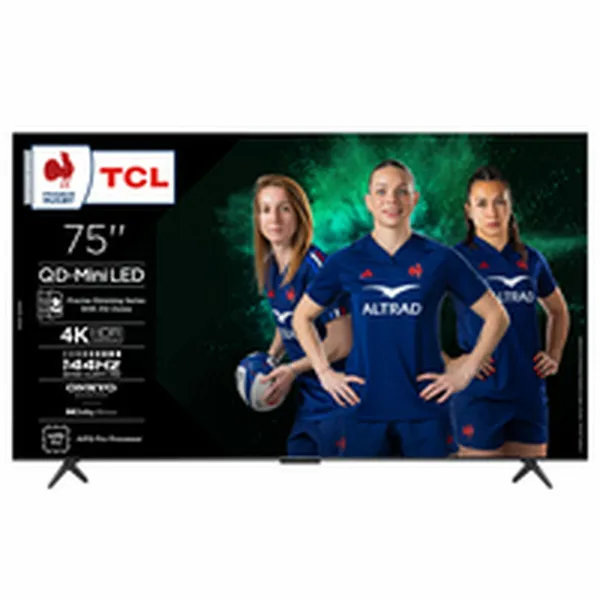
75C6K 75 in 4K QD Mini LED QLED Smart TV
£1,434.99 incl. VATShop by collection
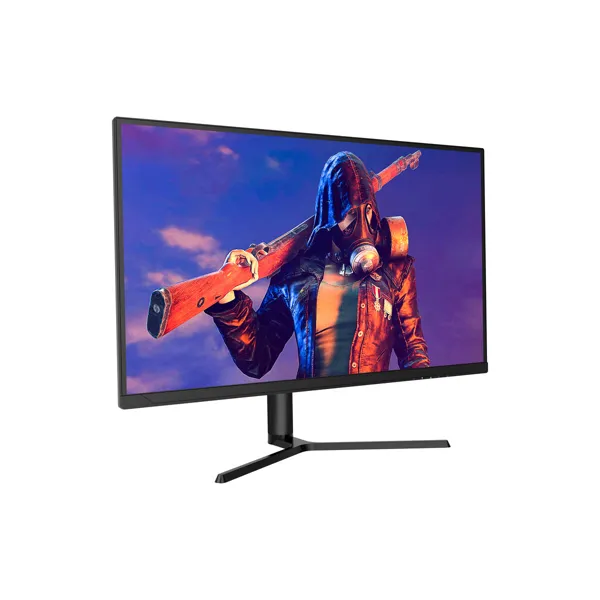
SLN- 32″ UHD 4K Gaming Monitor
£551.99 incl. VAT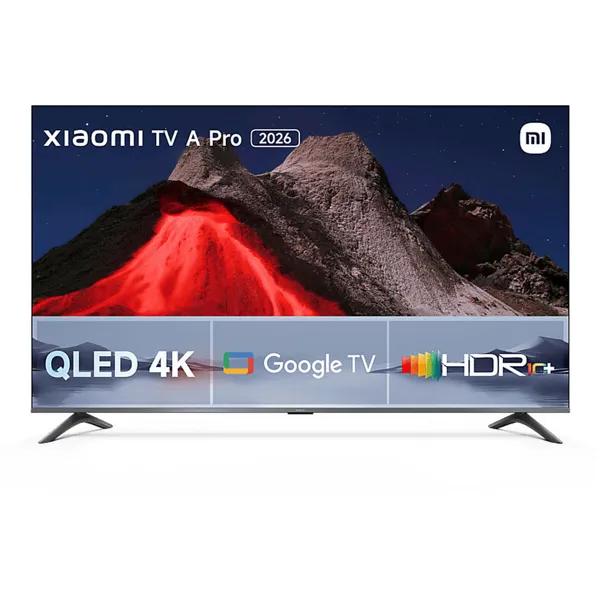
65 A PRO 2026 4K Ultra HD QLED Smart TV 65″
£910.99 incl. VAT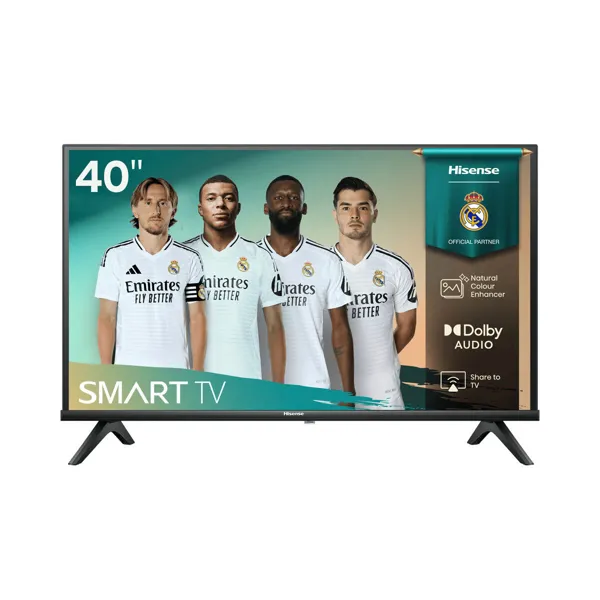
40A4Q Full HD 40 in DLED Smart TV
£346.99 incl. VAT
LG 55NANO81A6A 55 in (139.7 cm) 4K Ultra HD LED Smart TV
£702.99 incl. VAT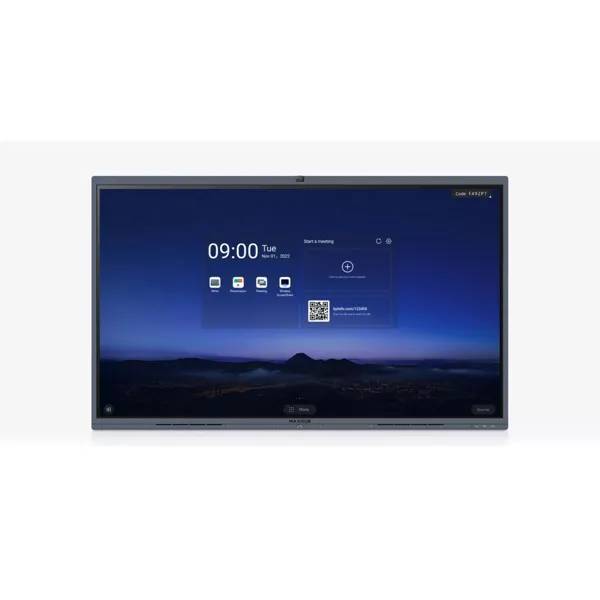
V6 65 in (165.1 cm) Interactive Video Wall Monitor
£4,503.99 incl. VAT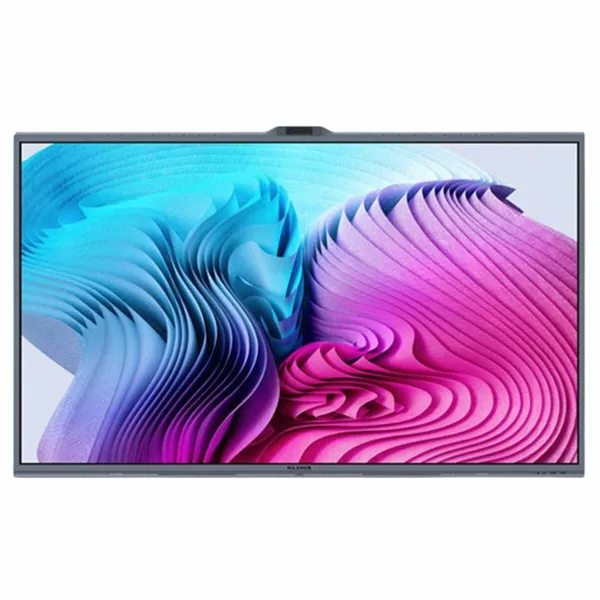
4K Ultra HD 75″ Interactive Touchscreen Monitor
£7,758.99 incl. VAT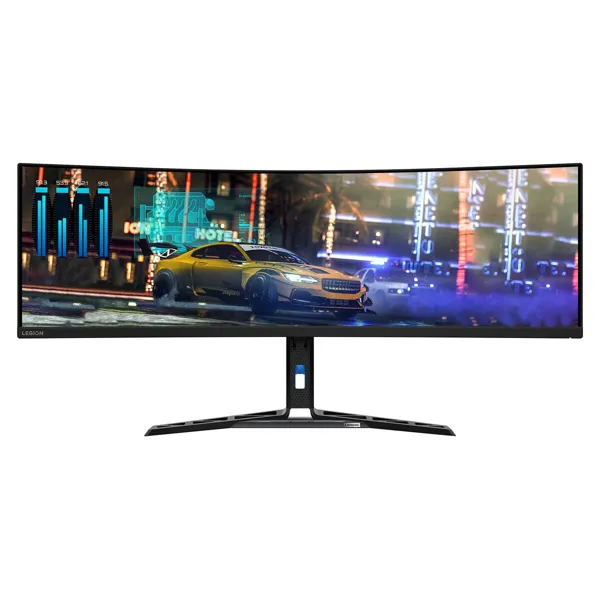
67B1GAC3EU 44,5″ 4K Ultra HD Monitor
£899.99 incl. VAT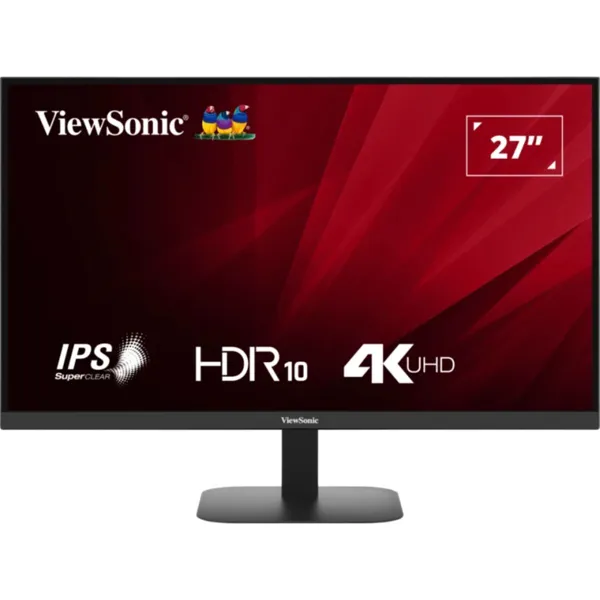
4K-HD 4K Ultra HD 27″ Monitor
£413.99 incl. VATHow to choose
- Cable routing capacity: Add an under-desk cable tray and braided cord ties to lift power bricks off the floor and clear foot space.
- Audio isolation and mic clarity: Closed-back headsets and in-ear monitors block PC fan noise, while a dedicated USB condenser mic upgrades voice chat and streams.
- Desk depth and monitor clearance: Pair shallow desks with a clamp monitor arm or riser so your extended keyboard mat sits flat without crowding the screen stand.
- Weigh look and function together; something you like the look of is more likely to be used.
- Look closely at small details such as edges, seams, joins or fastenings; they show how carefully something is made.
Frequently asked questions
Will a VESA monitor arm fit my existing gaming monitor and desk?
Check your monitor backplate spacing and total screen weight against the arm specification, and ensure the desk rear lip clears the steel clamp.
How do I choose between a gaming headset and in-ear monitors?
Over-ear headsets cushion your ears with an integrated boom mic, whereas lightweight in-ear monitors stay cool during warm summer sessions and pair neatly with a dedicated desktop microphone.
Which brands are listed for gaming monitors?
Compare brands of gaming monitors on size, material, finish and care rather than on name. Brands listed: ASUS, ViewSonic, Philips, LENOVO and Sony.