
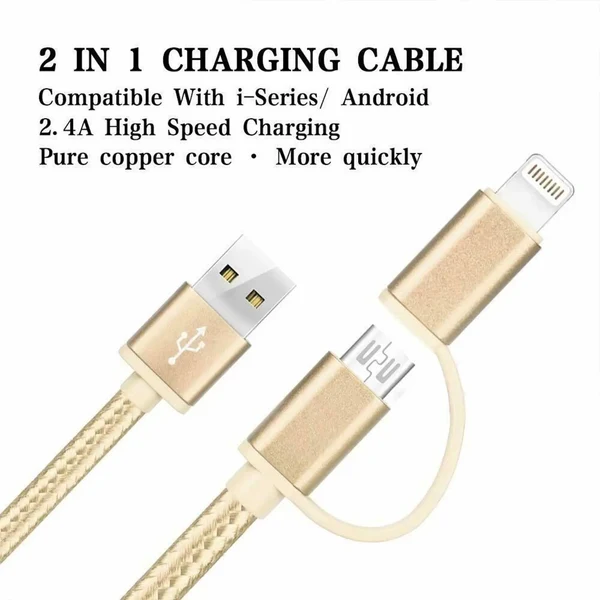
FX Powabud Nylon Braided 2-in-1 USB Cable, 1 m, Gold
£18.99 incl. VAT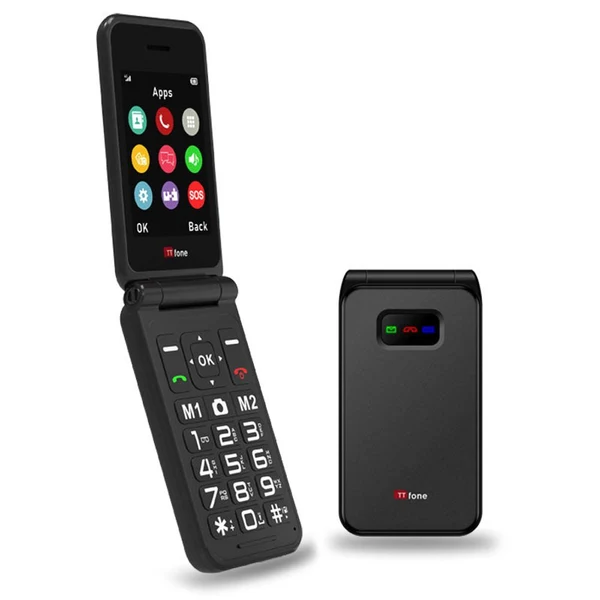
Black Flip 4G Big Button Phone, USB C Cable
£92.99 incl. VAT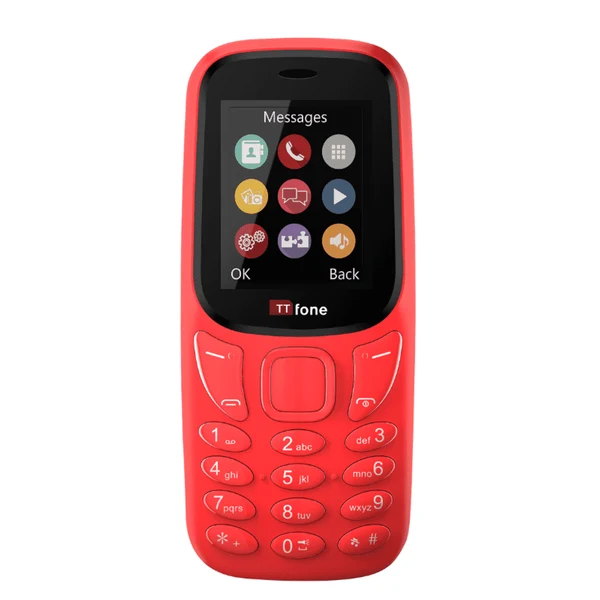
Red Dual SIM Mobile Phone with USB Cable
£34.99 incl. VAT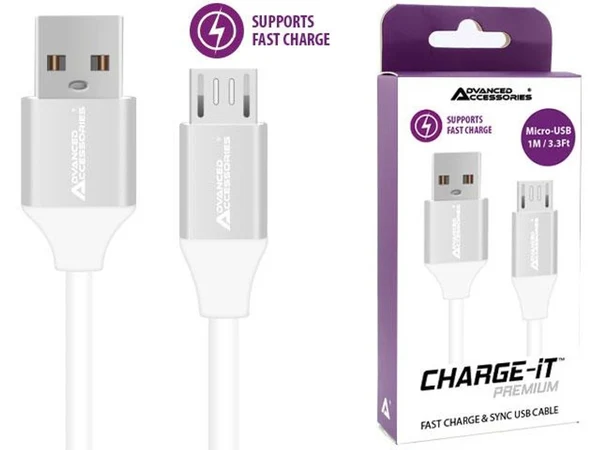
Micro USB Charge and Sync Cable, 1 m, White
£18.99 incl. VAT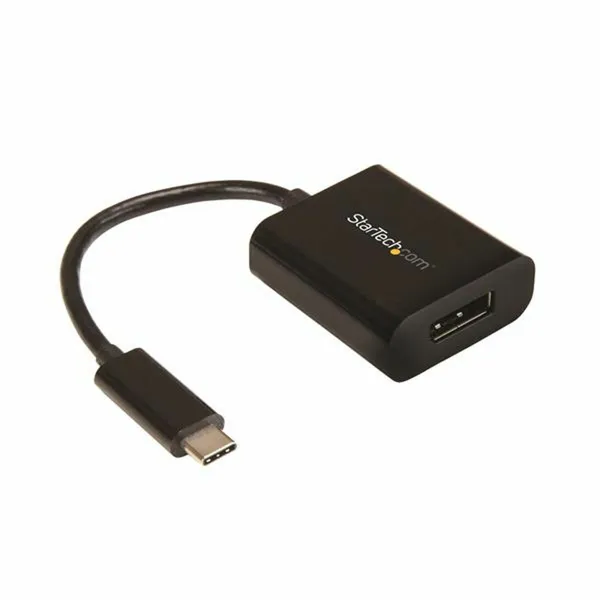
USB-C to DisplayPort Adapter CDP2DP
£15.99 incl. VAT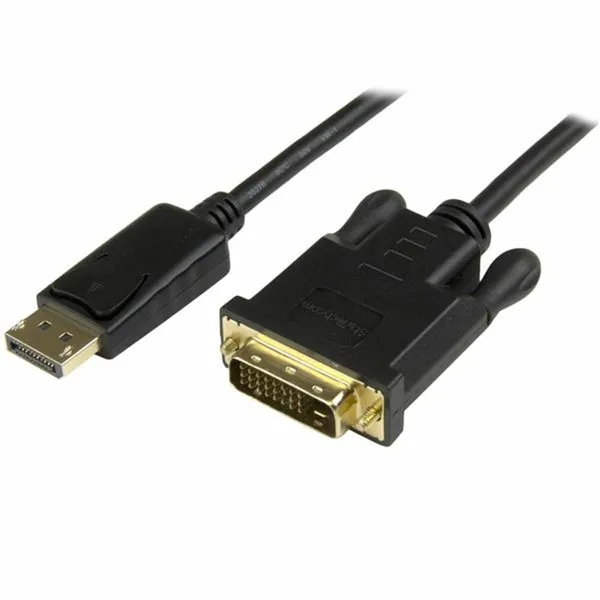
DP2DVI2MM3 DisplayPort to DVI Cable 95 cm Black
£9.99 incl. VAT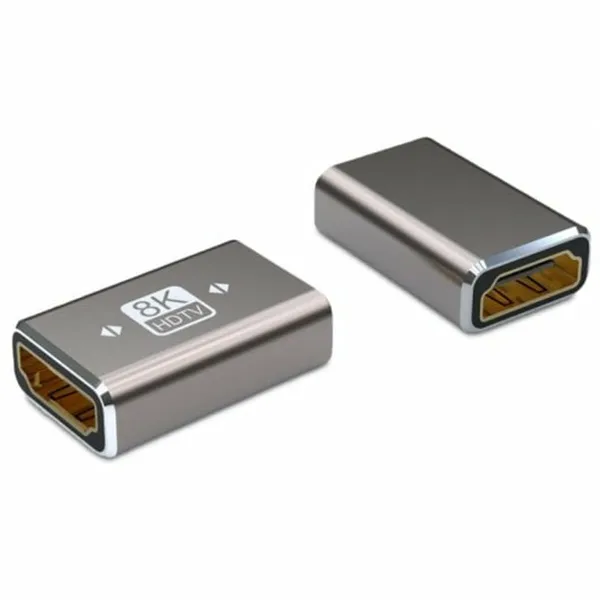
Wired HDMI Adapter
£5.99 incl. VAT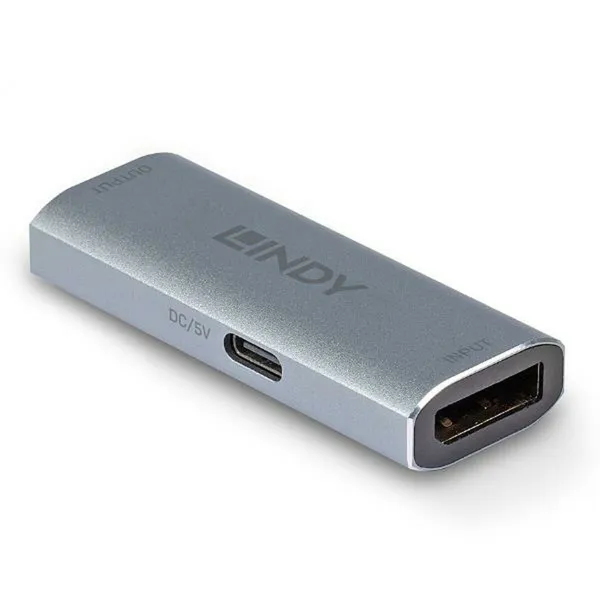
DisplayPort Switch
£79.99 incl. VAT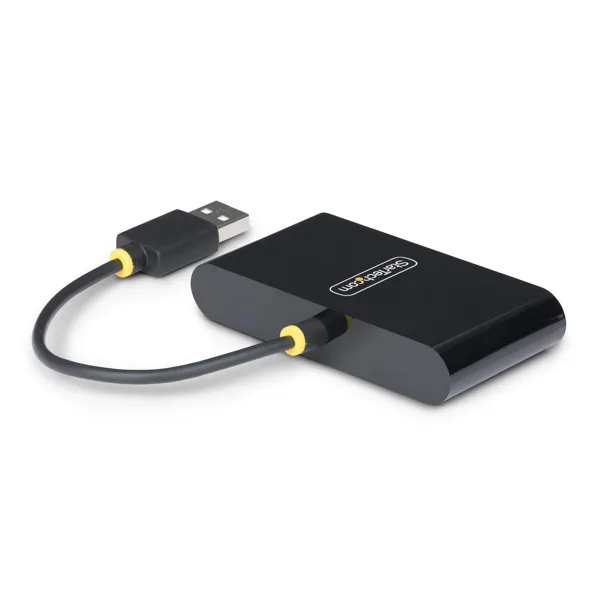
USB Hub
£15.99 incl. VAT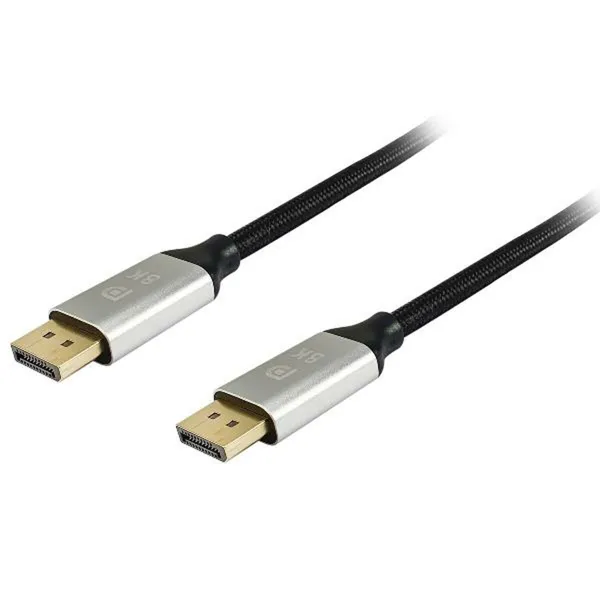
DisplayPort Cable 2 m Gold Plated
£21.99 incl. VAT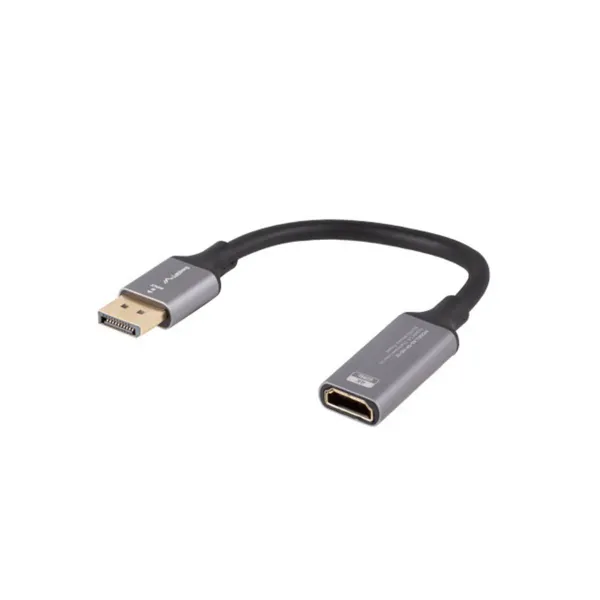
AD-DP-HD-02 DisplayPort to HDMI Adapter
£24.99 incl. VAT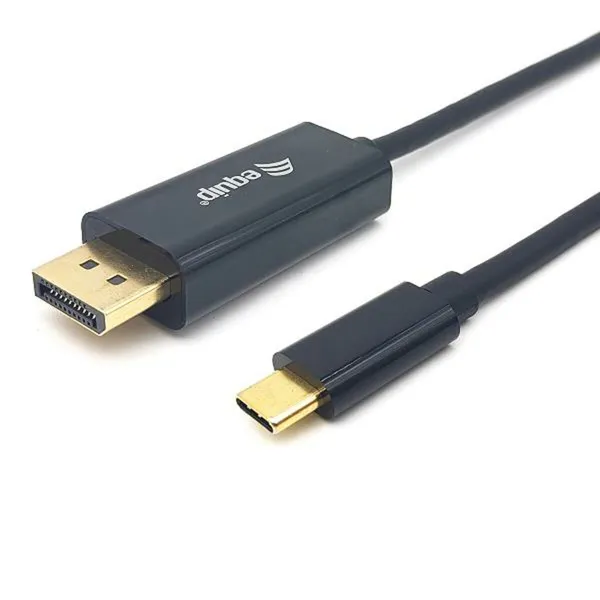
DisplayPort USB-C Cable 133427 Black 2 m
£29.99 incl. VAT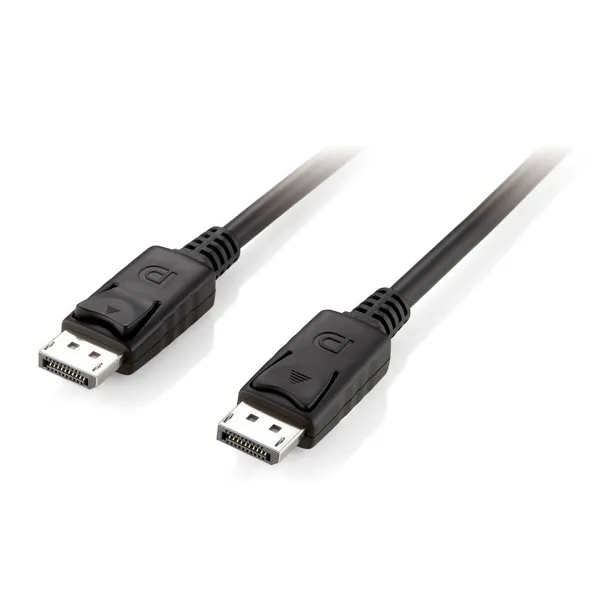
119337 DisplayPort Cable in Black, 5 m
£25.99 incl. VAT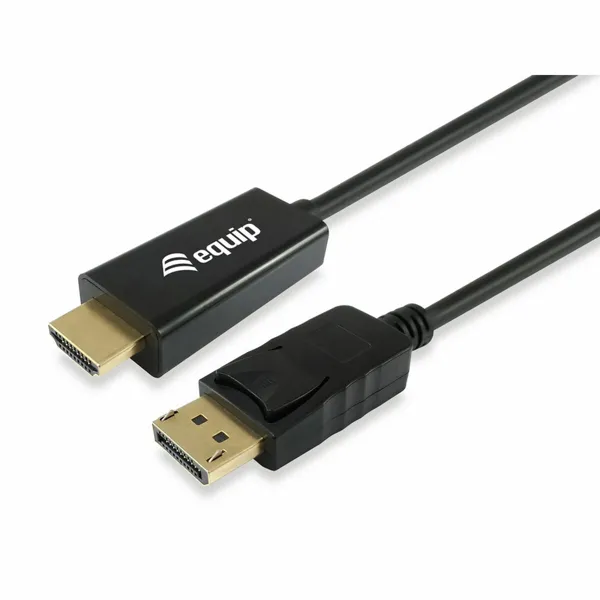
119391 DisplayPort to HDMI Adapter, 3 m
£24.99 incl. VAT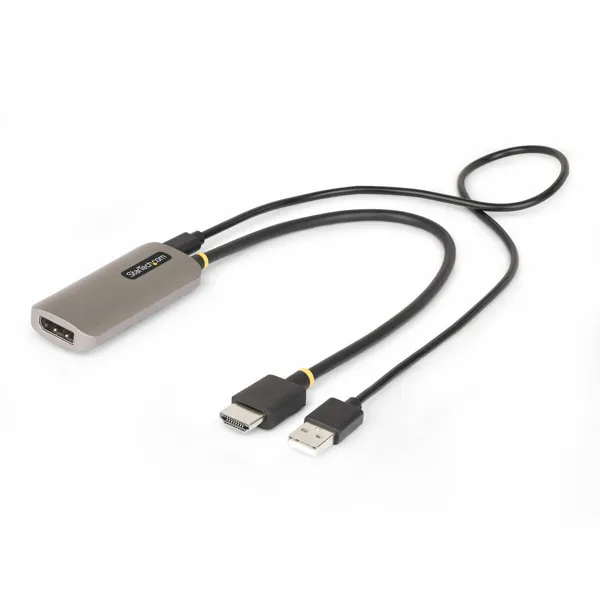
DisplayPort to HDMI Adapter 148B-HDMI-DP-8K 30 cm
£109.99 incl. VAT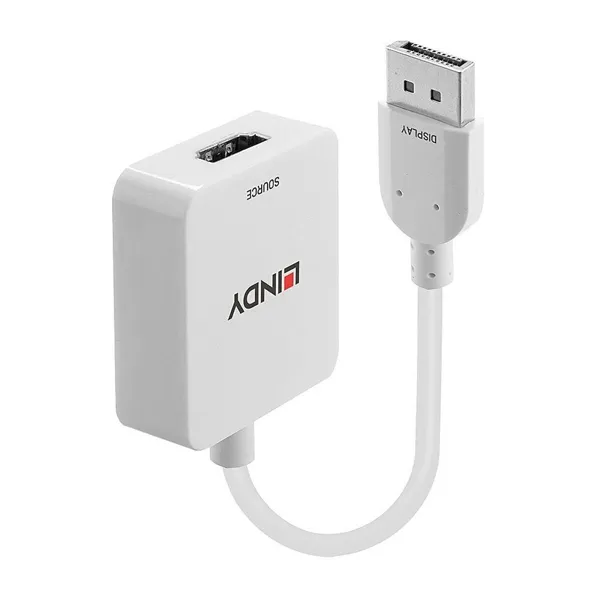
HDMI to DisplayPort Adapter, White
£104.99 incl. VAT
Mini DisplayPort to HDMI Adapter, 18 cm
£5.99 incl. VAT
A-DPM-VGAF-02 DisplayPort to VGA Adapter
£9.99 incl. VAT
Mini DisplayPort to HDMI Adapter A-MDPM-HDMIF-02
£11.99 incl. VAT
CCP-DPM-VGAM-6 DisplayPort to VGA Adapter
£14.99 incl. VAT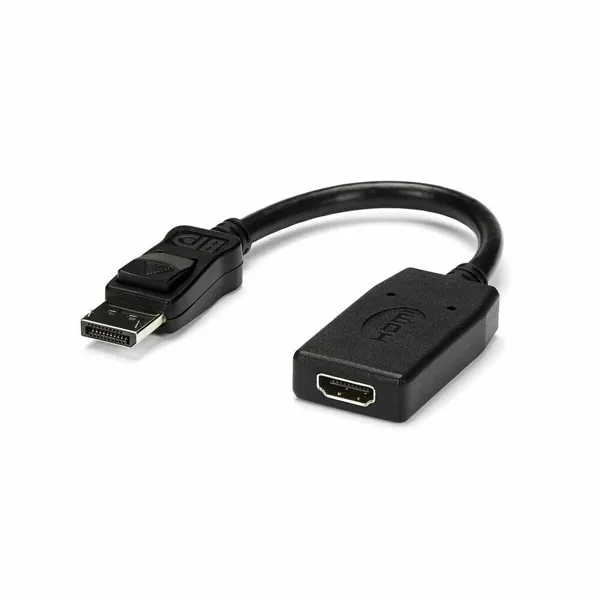
DP2HDMI DisplayPort to HDMI Adapter, Black
£27.99 incl. VAT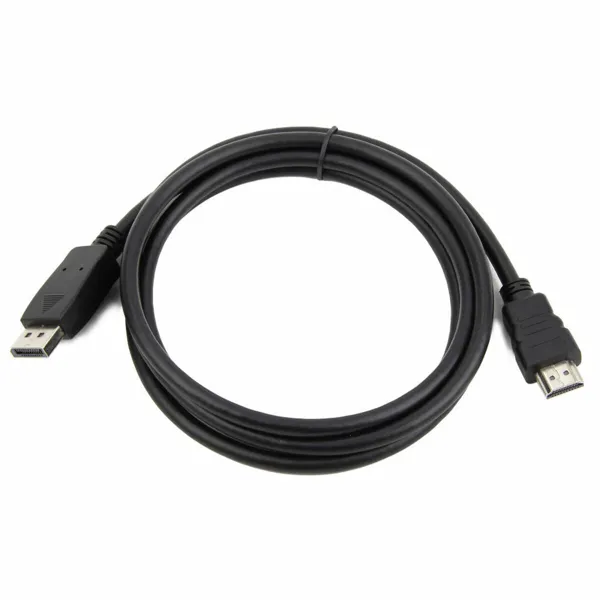
DisplayPort to HDMI Adapter, 3 m Black
£10.99 incl. VAT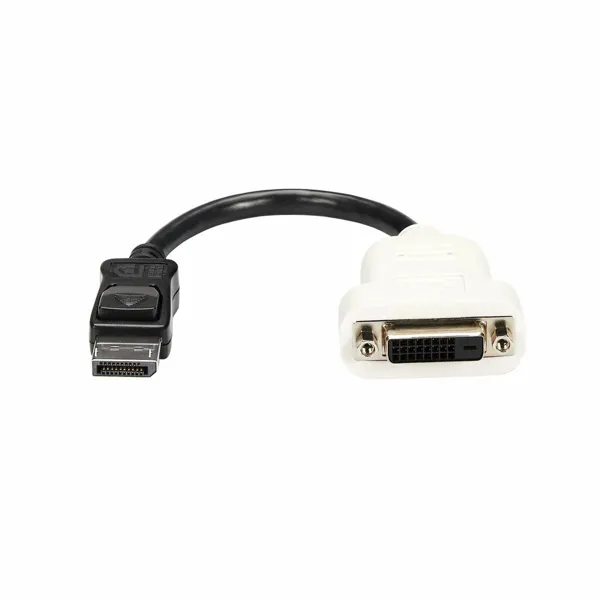
DP2DVI DisplayPort to DVI Adapter Black
£17.99 incl. VAT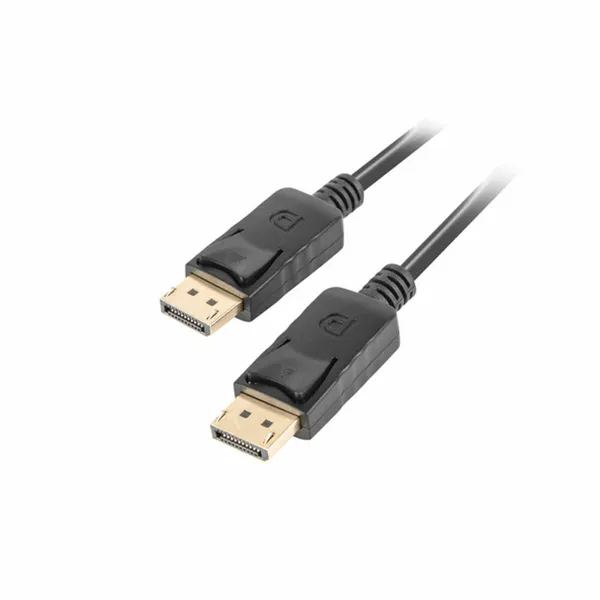
CA-DPDP-10CC-0030-BK DisplayPort Cable, 3 m
£10.99 incl. VAT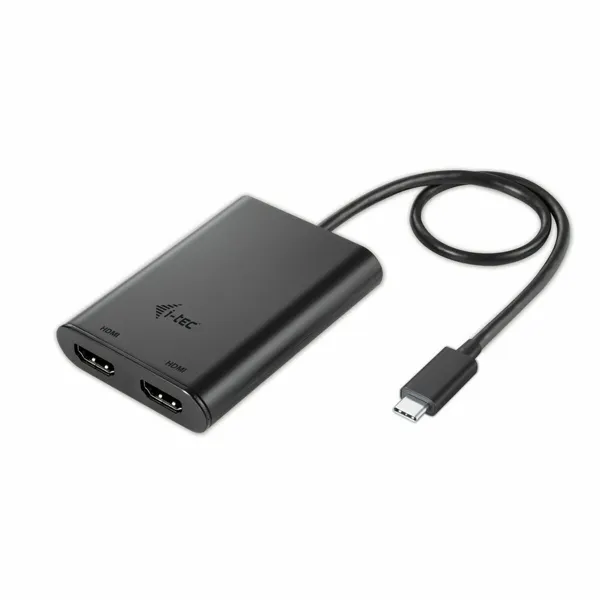
USB-C to HDMI Adapter C31DUAL4KHDMI 4K Ultra HD
£64.99 incl. VAT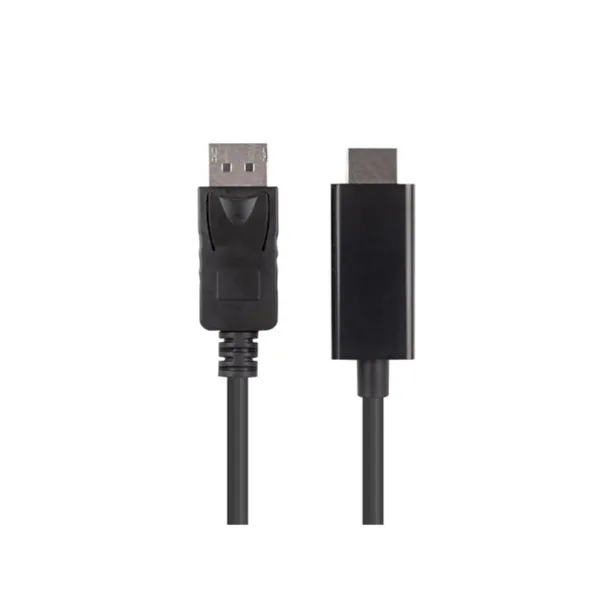
DisplayPort to HDMI Cable CA-DPHD-11CC-0030-BK, 3 m
£12.99 incl. VAT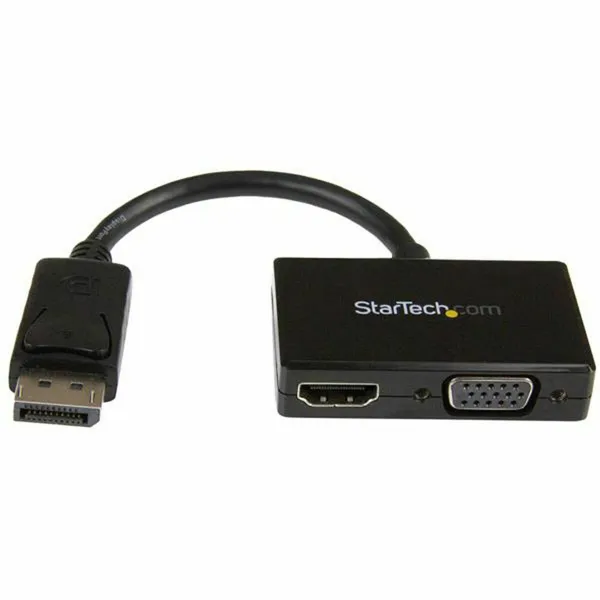
DP2HDVGA DisplayPort to HDMI or VGA Adapter
£42.99 incl. VAT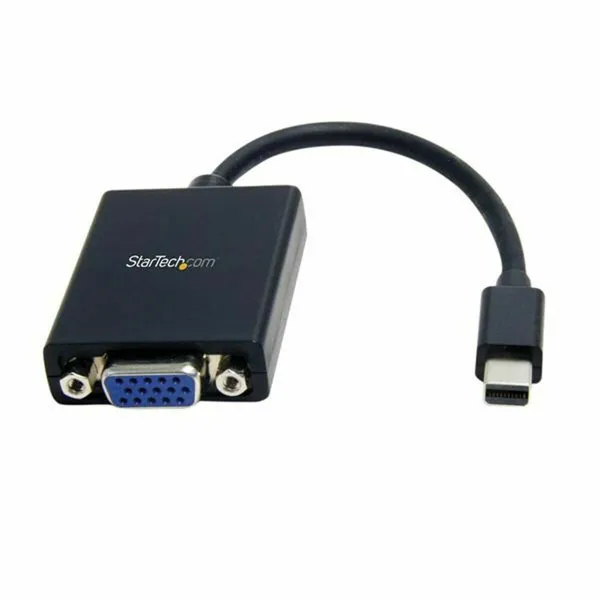
Mini DisplayPort to VGA Adapter MDP2VGA Black
£37.99 incl. VAT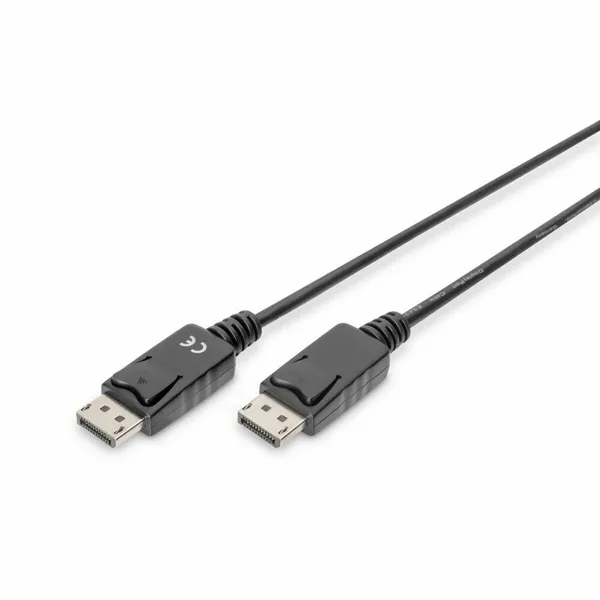
010-S DisplayPort Cable
£8.99 incl. VAT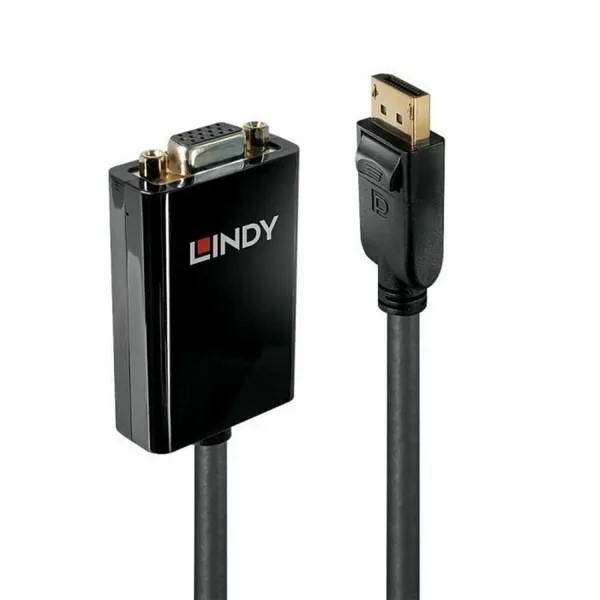
DisplayPort to VGA Adapter
£38.99 incl. VAT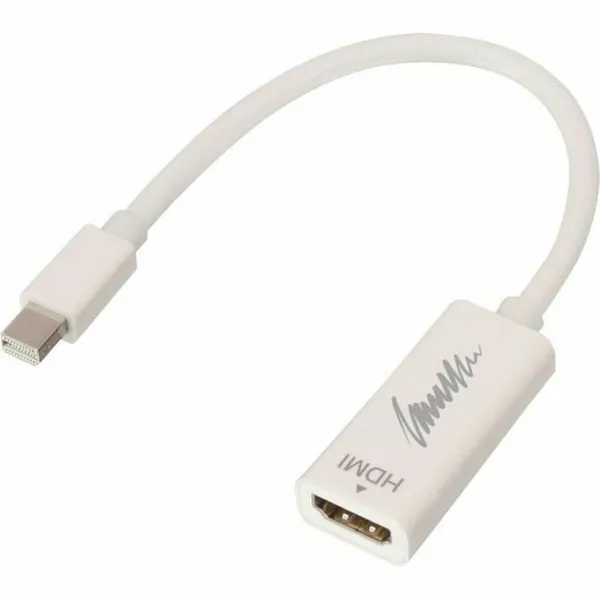
Mini DisplayPort to HDMI Adapter
£29.99 incl. VAT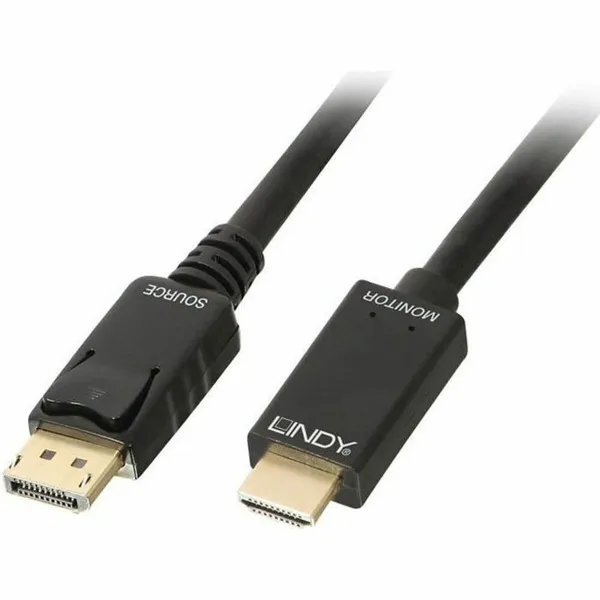
DisplayPort to HDMI Adapter Cable, 2 m Black
£27.99 incl. VAT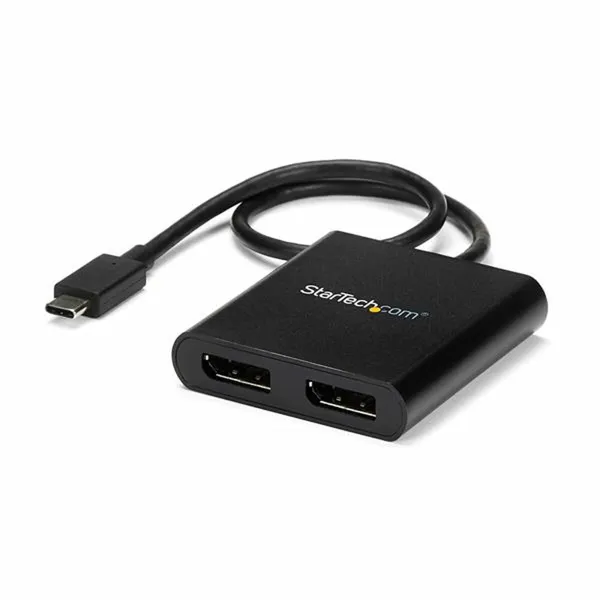
USB C to DisplayPort Adapter
£97.99 incl. VAT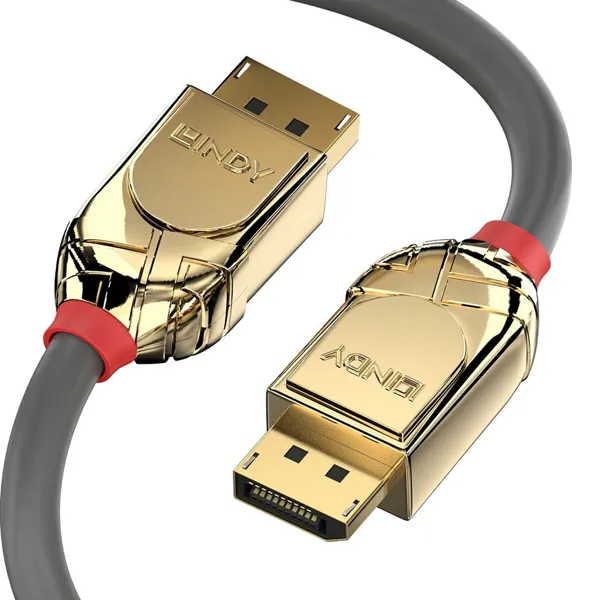
DisplayPort Cable, 5 m Gold Plated
£144.99 incl. VAT
36300 DisplayPort Cable
£31.99 incl. VAT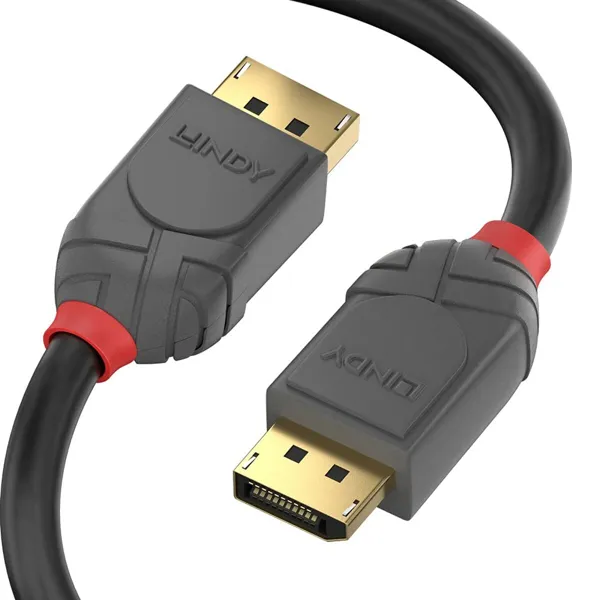
DisplayPort Cable, Black
£17.99 incl. VAT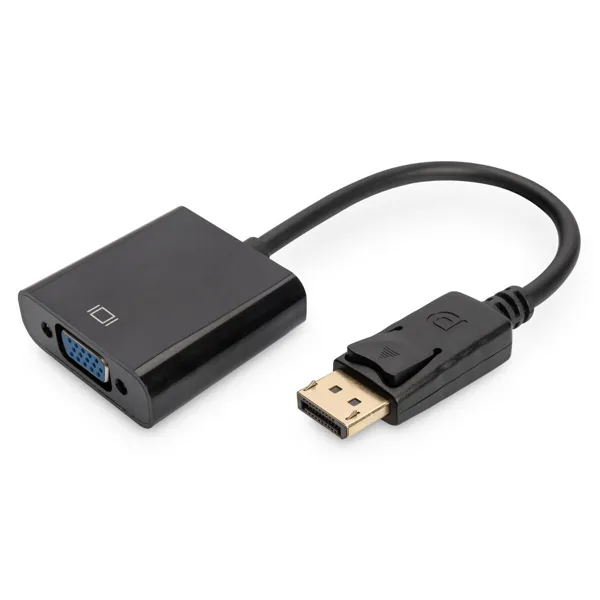
001-S DisplayPort to VGA Adapter
£15.99 incl. VAT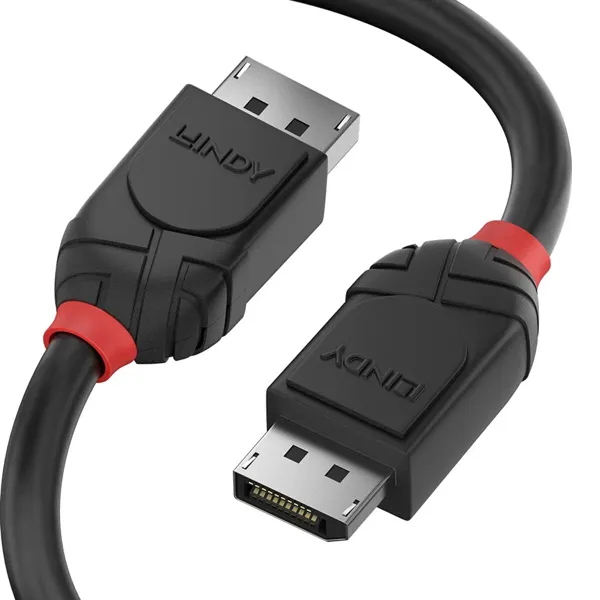
DisplayPort Cable, 2 m, Black
£17.99 incl. VAT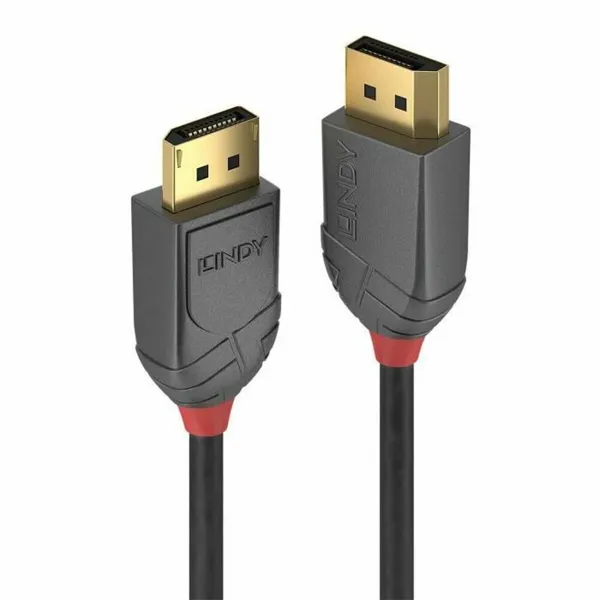
DisplayPort Cable, 5 m
£38.99 incl. VAT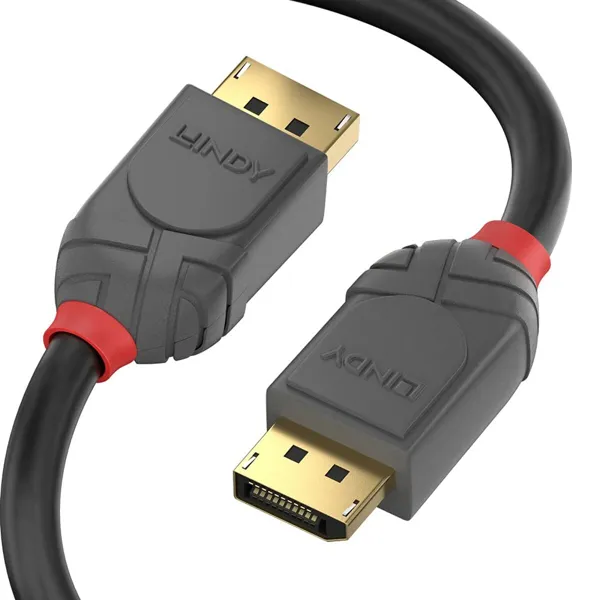
DisplayPort Cable in Black, 1 m
£19.99 incl. VAT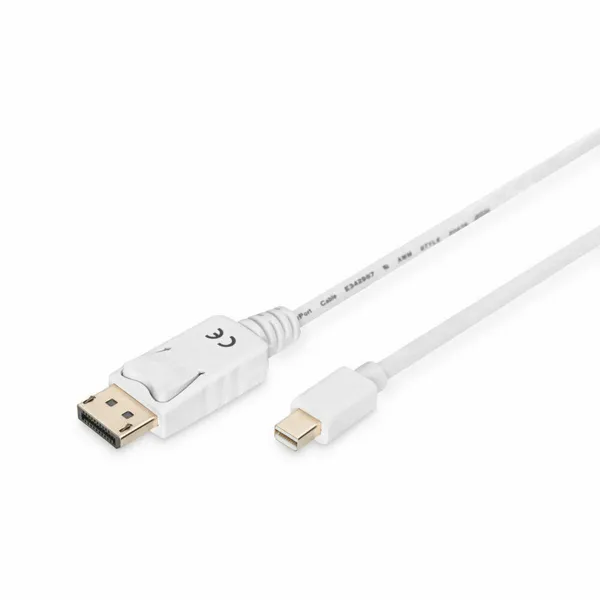
020-W Mini DisplayPort to DisplayPort Cable
£10.99 incl. VAT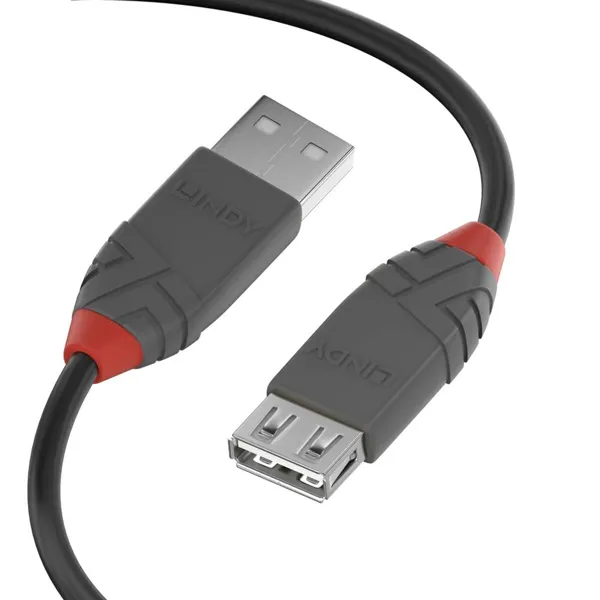
DisplayPort Cable, Black, 2 m
£6.99 incl. VAT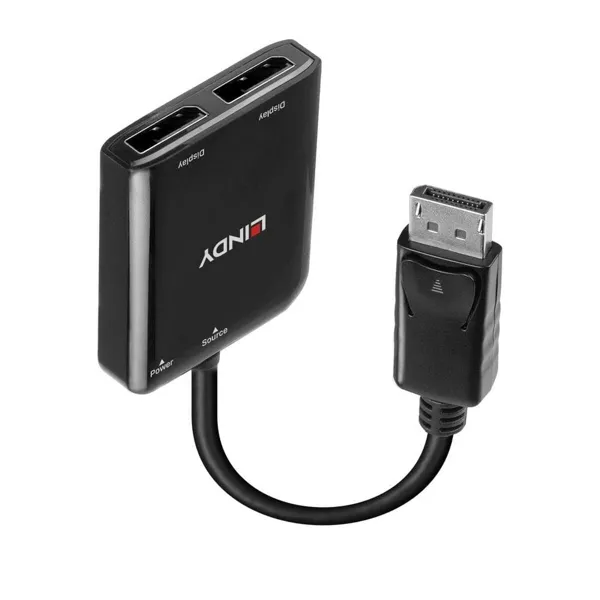
Mini DisplayPort to HDMI Adapter in Black
£90.99 incl. VAT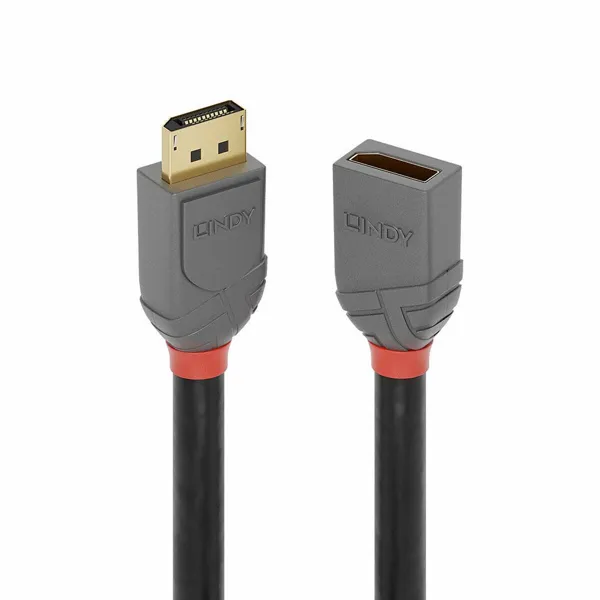
DisplayPort Cable 1 m
£31.99 incl. VAT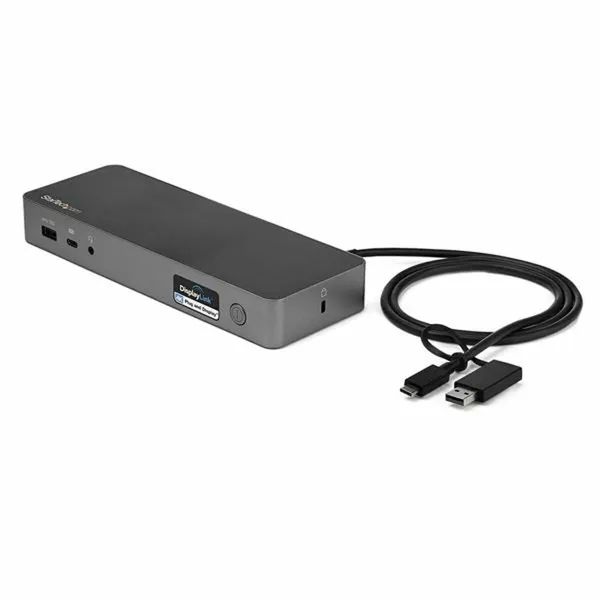
DK30C2DPPDUE 3-Port USB Hub
£476.99 incl. VAT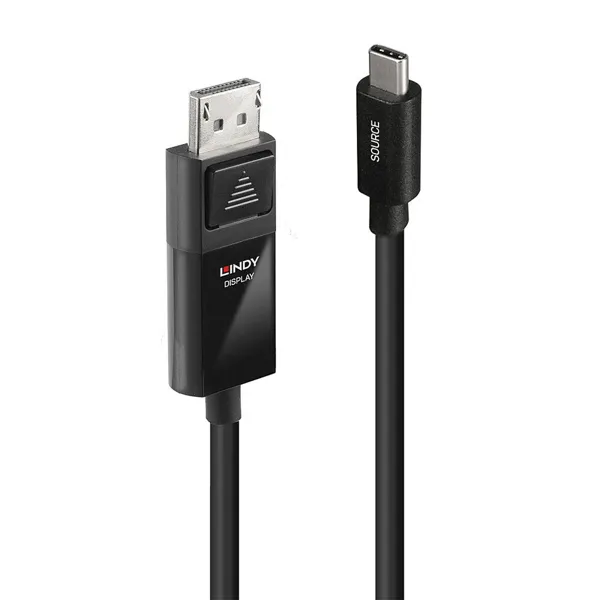
USB-C to DisplayPort Adapter Cable, 2 m
£39.99 incl. VAT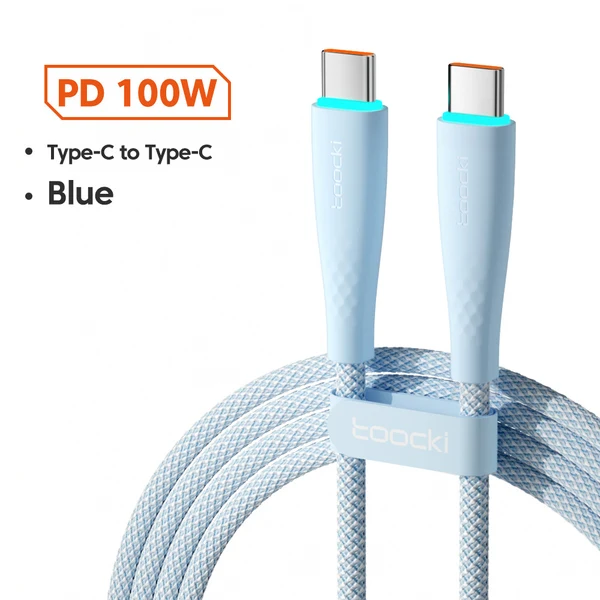
USB-C to USB-C Charging Cable, 100 W Fast Charging, 0.5 m to 3 m
From £14.99 incl. VAT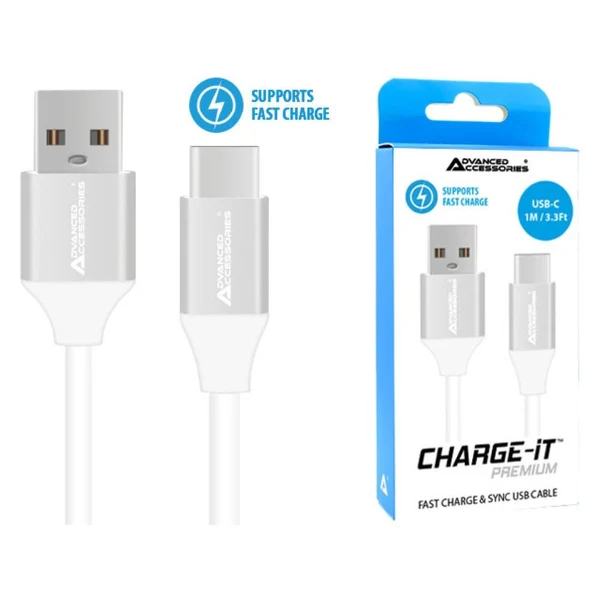
USB-C Fast Charge Cable, 1 m, White
£10.99 incl. VATShop by collection
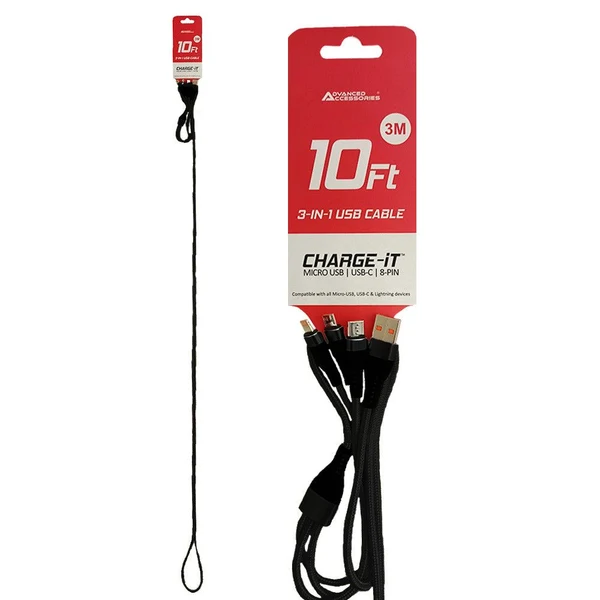
3-in-1 USB Cable, 3 m, Lightning, USB-C and MicroUSB
£15.99 incl. VAT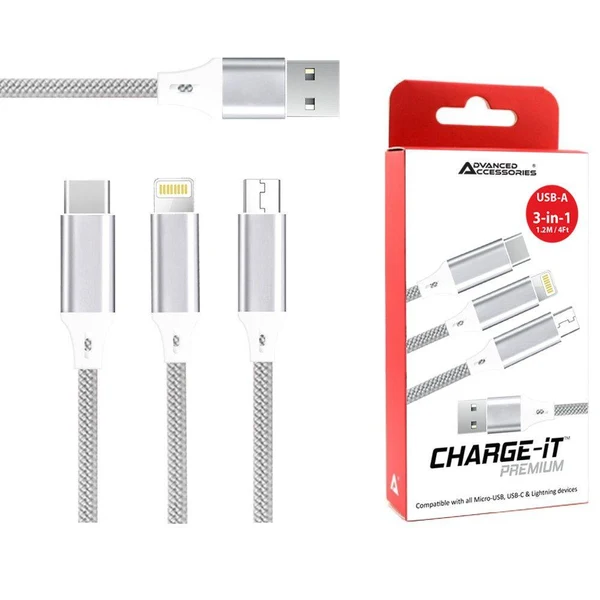
AA CHARGE-iT 3-in-1 USB Cable, 8 Pin, USB-C and MicroUSB
From £10.99 incl. VAT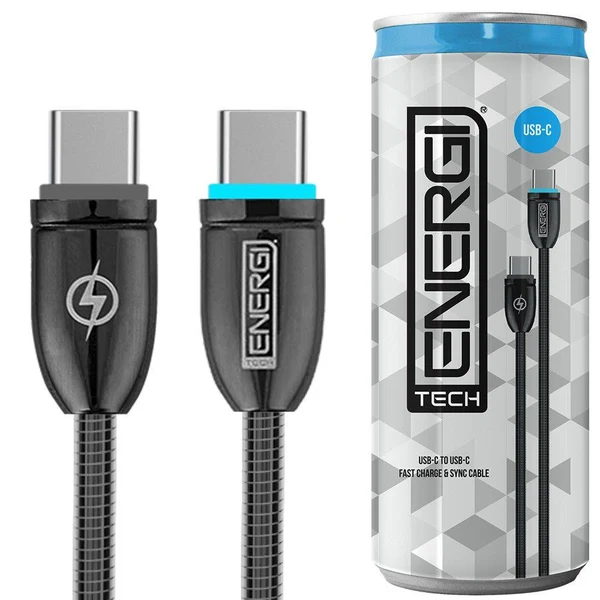
PD USB-C to USB-C Cable, 1.2 m, Black
£23.99 incl. VAT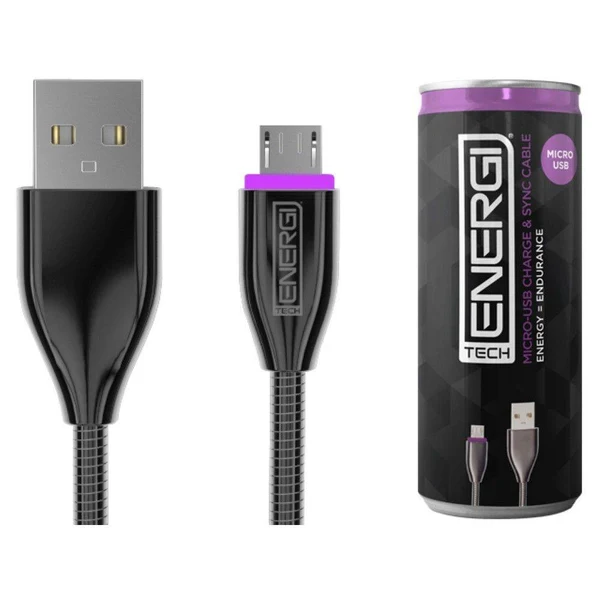
Micro-USB Charge and Sync Cable, 1.2 m
£20.99 incl. VAT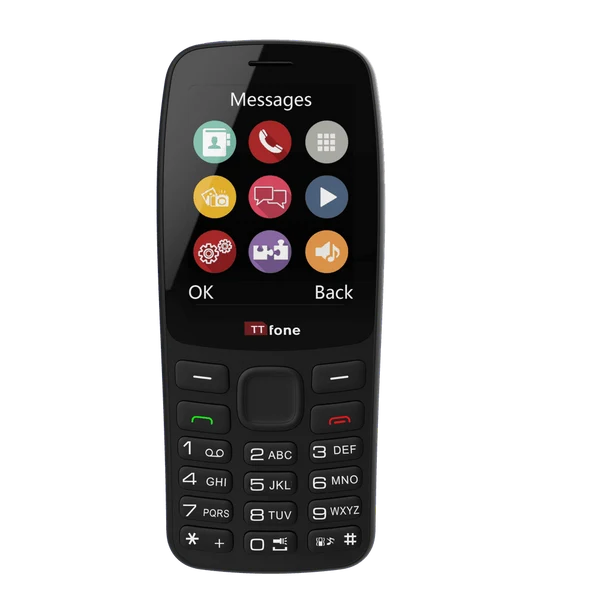
Dual SIM Mobile Phone with USB Cable
£50.99 incl. VAT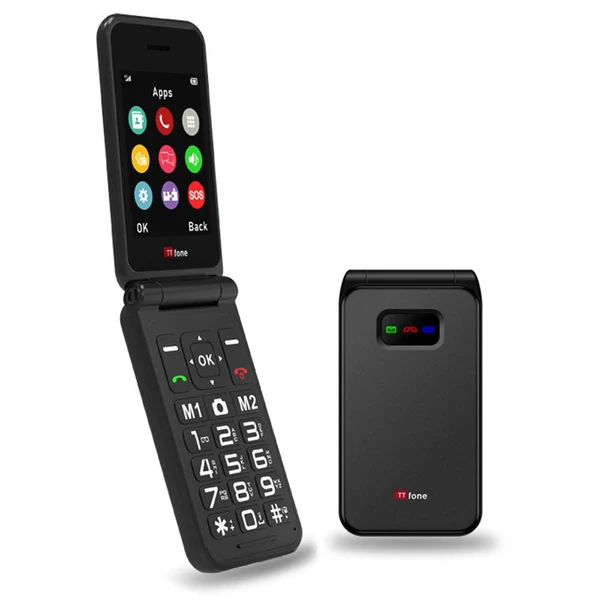
Black Flip 4G Mobile with USB-C Cable
£92.99 incl. VAT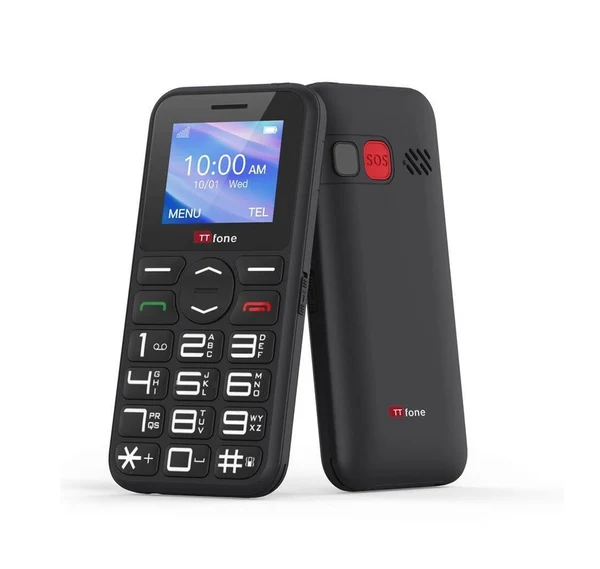
Big Button Mobile with USB Cable
£50.99 incl. VAT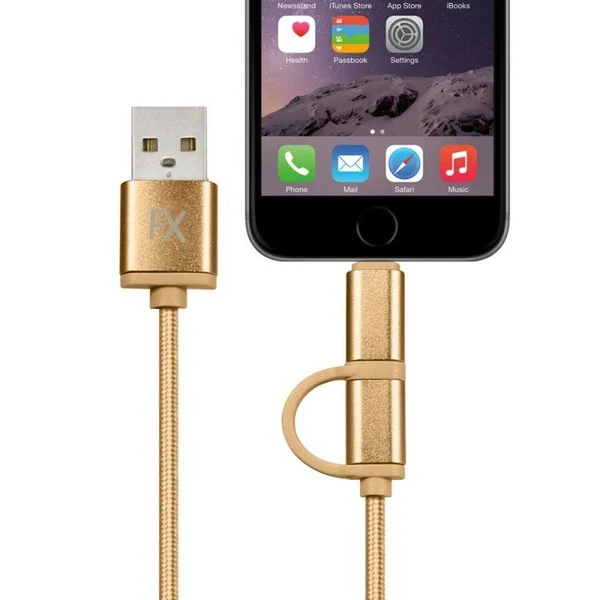
FX Powabud Nylon Braided USB Cable, 2-in-1, 1 m, Gold
£18.99 incl. VATHow to choose
- Keyboard layout and switch feel: Compact layouts free up wide mouse sweep room for shooters, while full-size boards keep a dedicated numpad for strategy games and work.
- Chair adjustability: Look for reclining tilt locks, lumbar cushions and adjustable armrests aligned with your desktop edge.
- Desk depth and monitor clearance: Pair shallow desks with a clamp monitor arm or riser so your extended keyboard mat sits flat without crowding the screen stand.
- Choose a set if you want everything to match, or single items if you prefer to mix and build up.
- Think about how often it will be used: daily use calls for sturdier construction than occasional use.
Frequently asked questions
What should I look at first when choosing pc display cables?
When choosing pc display cables, start with the job in hand, then size, then material and finish; that order rules out the wrong types quickly.
How do the main types of pc display cables differ?
Types of pc display cables differ in shape, size, material and the job they are designed for, so compare them on those points rather than on the name alone.
Where do I start if I am new to pc display cables?
If you are new to pc display cables, start with a versatile, all-round type in a material that is easy to care for, then add more specialised types once you know what you use.
Who might choose pc display cables?
Anyone with a clear use in mind can choose pc display cables well; what matters is matching the type, size and material to that use rather than to a label.
Measurement guide
- Size (0.1–2 m): Measure in a straight line from one outer end to the other.