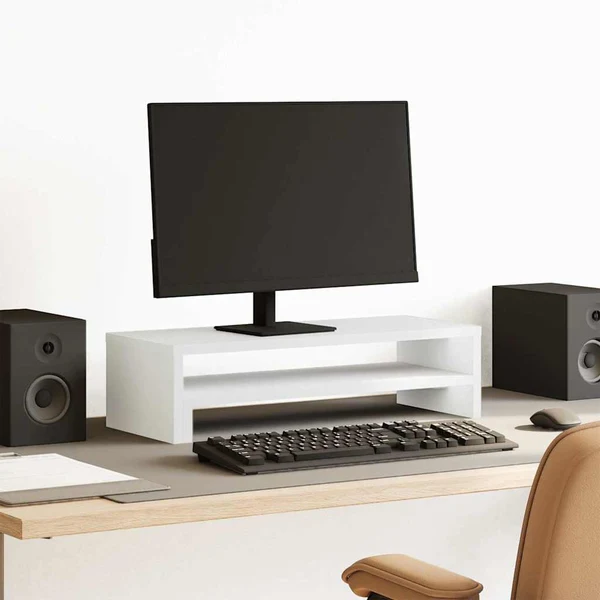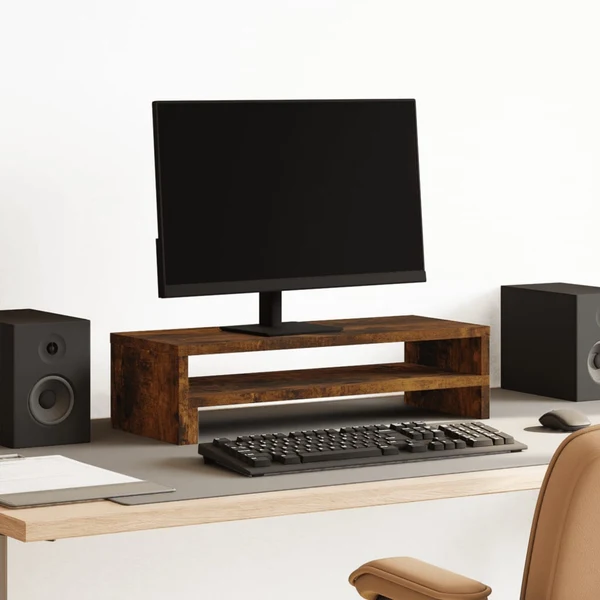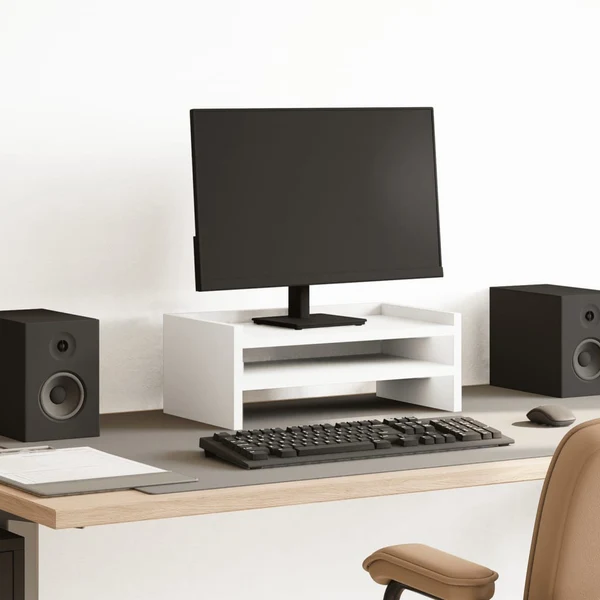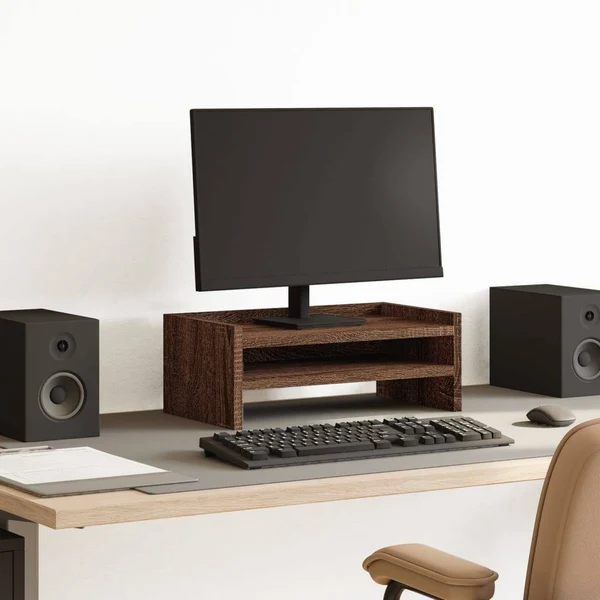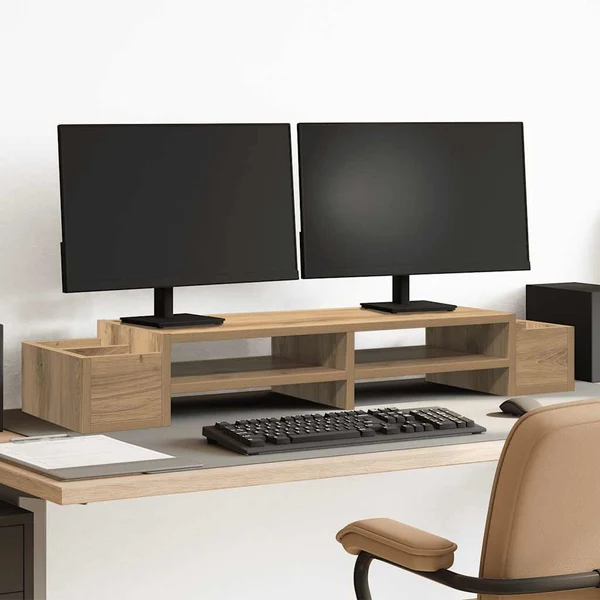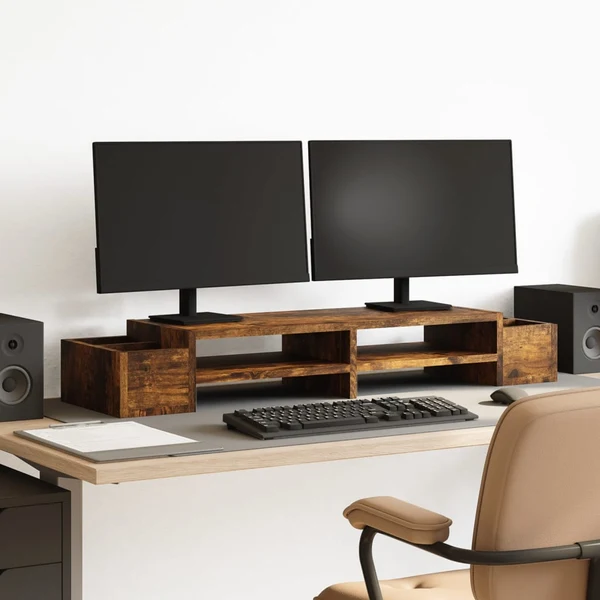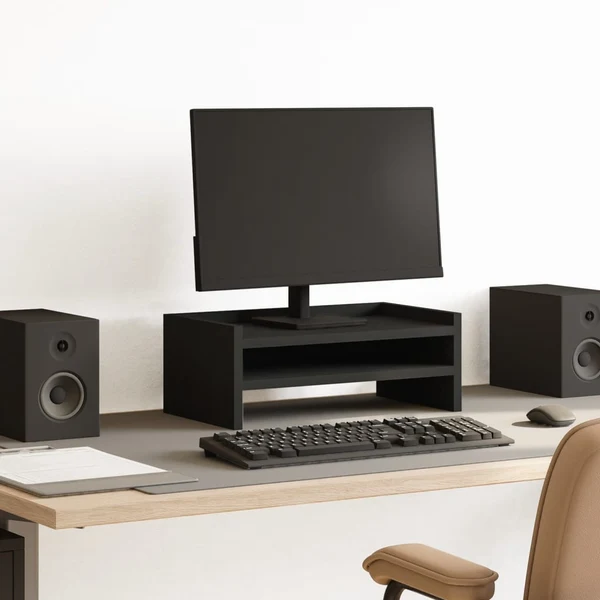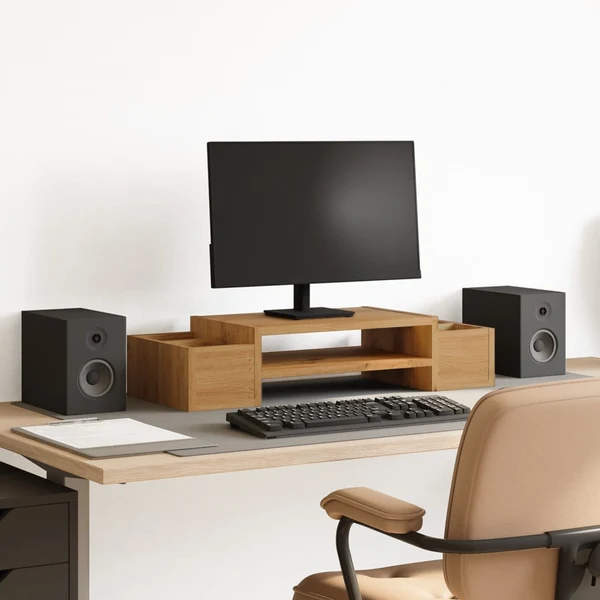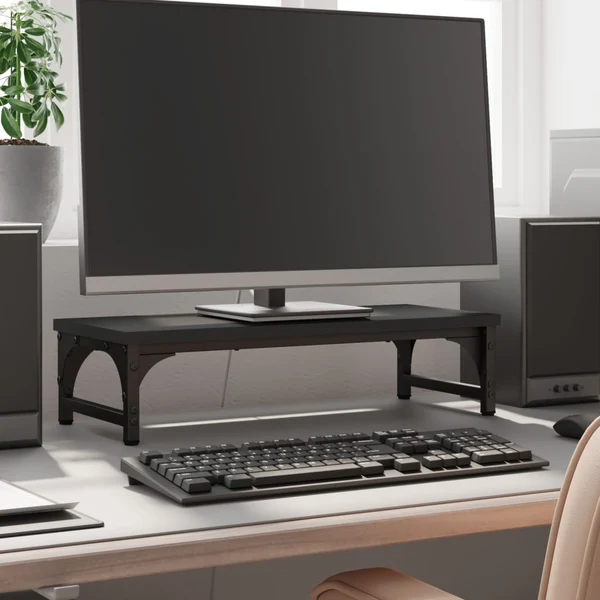
Black Engineered Wood Monitor Stand, 55 x 23 x 14 cm
£50.99 incl. VAT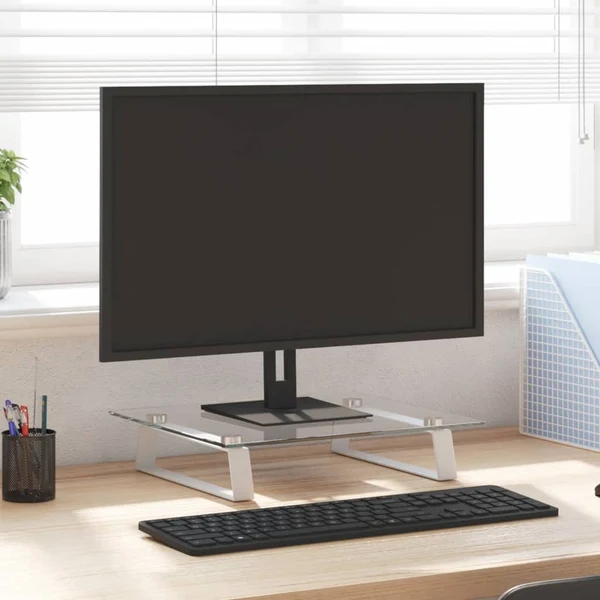
White Monitor Stand, 40 x 35 x 8 cm, Tempered Glass and Metal
£39.99 incl. VAT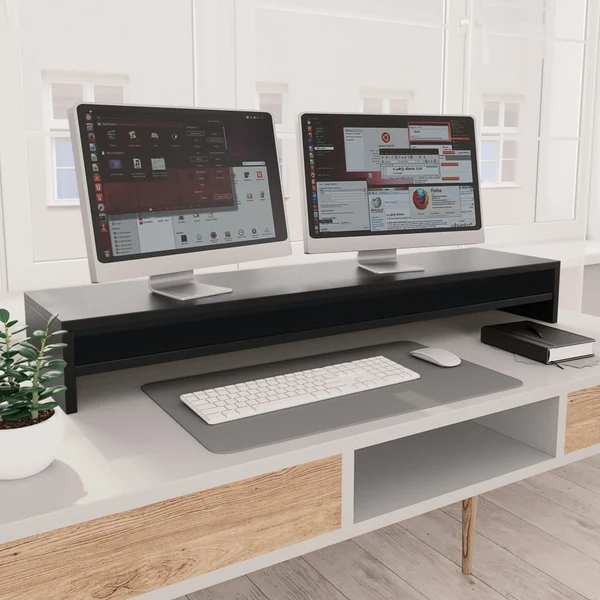
Black Engineered Wood Monitor Stand with Shelf, 100 x 24 x 13 cm
£68.99 incl. VAT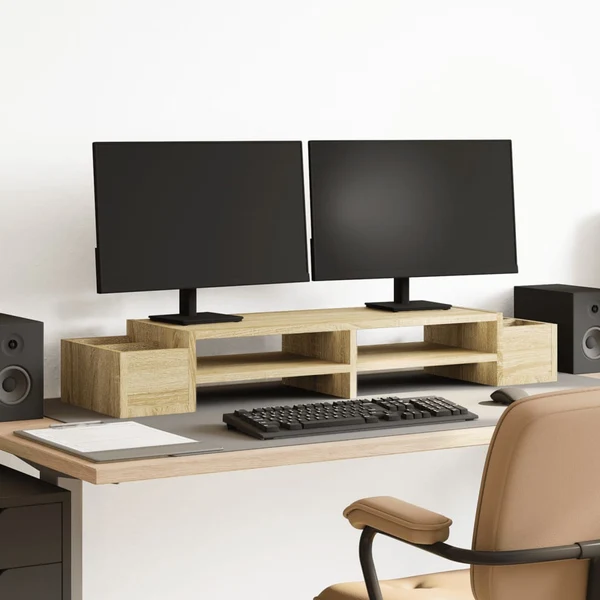
Sonoma Oak Monitor Stand with Storage, 100 x 27 x 15 cm
£60.99 incl. VAT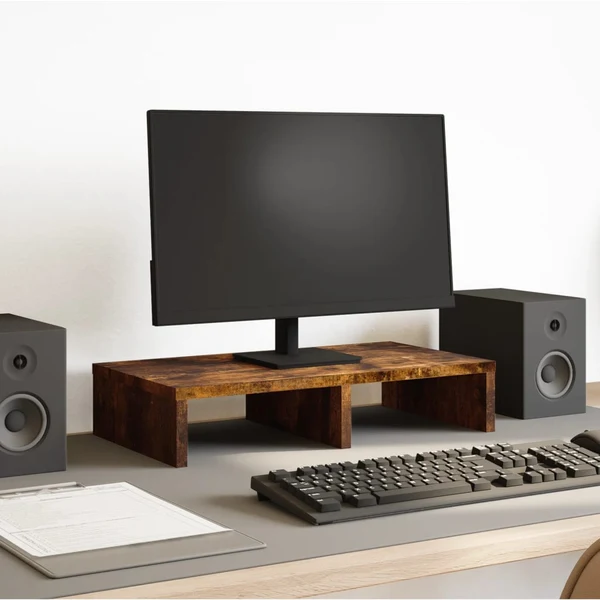
Smoked Oak Engineered Wood Monitor Stand, 50 x 27 x 10 cm
£50.99 incl. VAT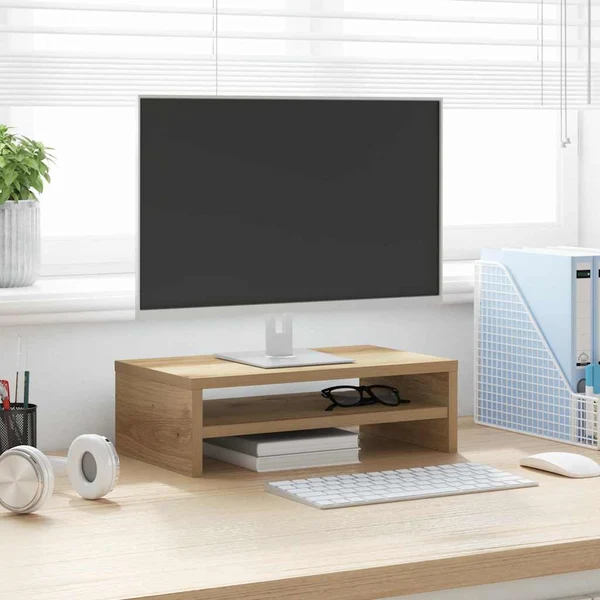
Artisan Oak Engineered Wood Monitor Stand, 42 x 24 x 13 cm
£47.99 incl. VAT
Grey Sonoma Monitor Stand in Engineered Wood
£63.99 incl. VAT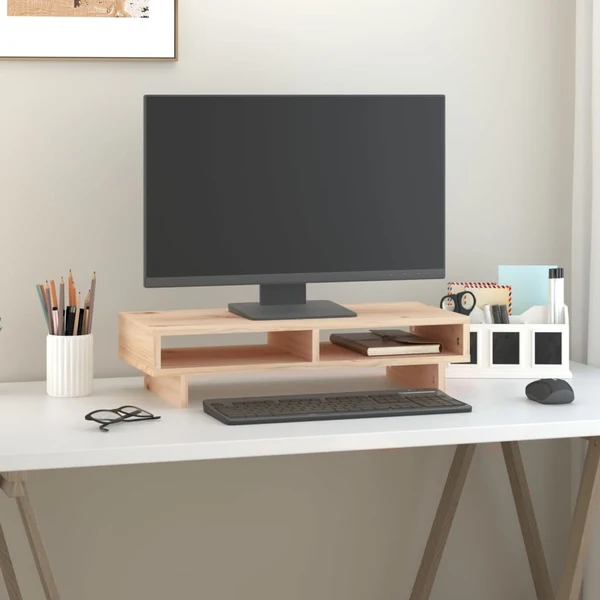
Solid Pine Monitor Stand, 60 x 27 x 14 cm
£55.99 incl. VAT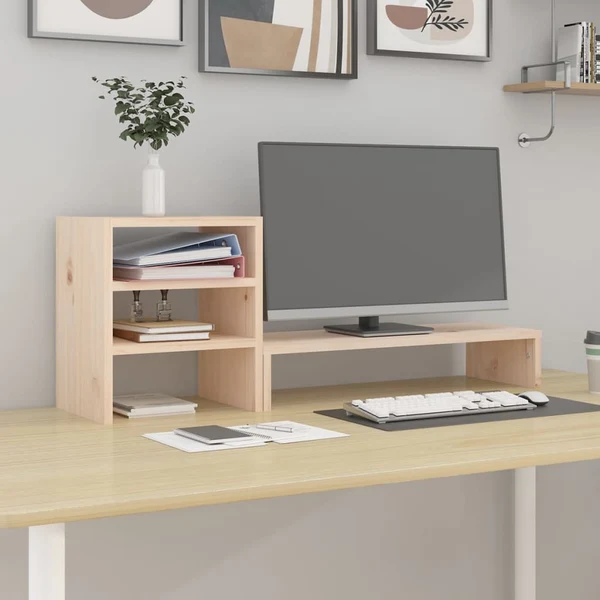
Solid Pine Monitor Stand, 81 x 20 x 30 cm
£60.99 incl. VAT
Monitor Stand in Smoked Oak, 85x23x15.5 cm
£63.99 incl. VAT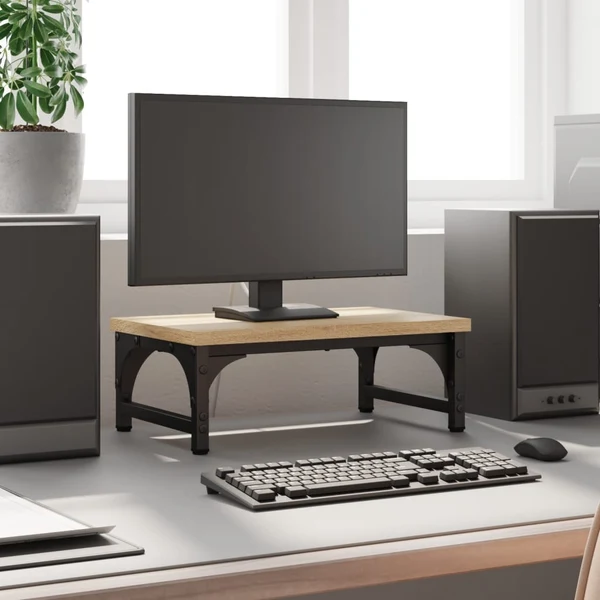
Monitor Stand Sonoma Oak 37 x 23 x 14 cm Engineered Wood
£47.99 incl. VAT
Monitor Stand, Smoked Oak Engineered Wood, 105x23x15.5 cm
£68.99 incl. VAT
Monitor Stand 100 x 27 x 15 cm Solid Wood Pine
£68.99 incl. VAT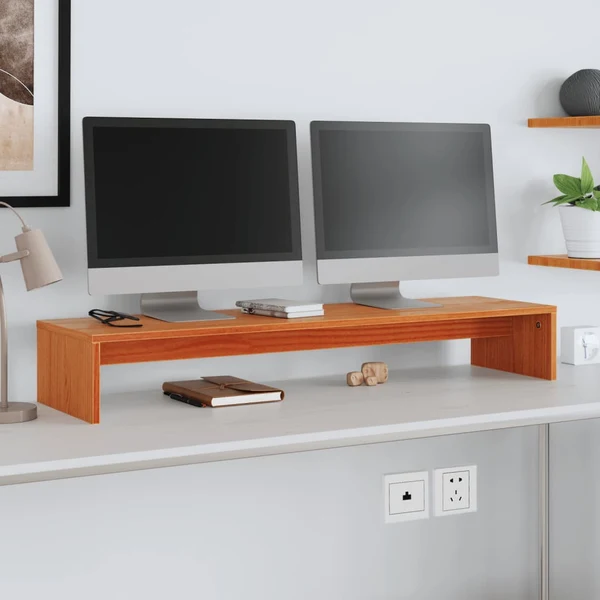
Monitor Stand, Wax Brown, 100 x 27 x 15 cm, Solid Pine Wood
£63.99 incl. VAT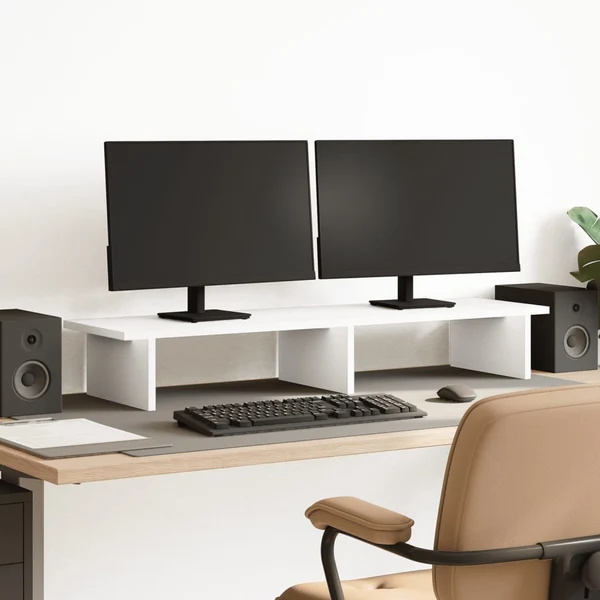
White Monitor Stand, 100 x 27 x 15 cm, Engineered Wood
£52.99 incl. VAT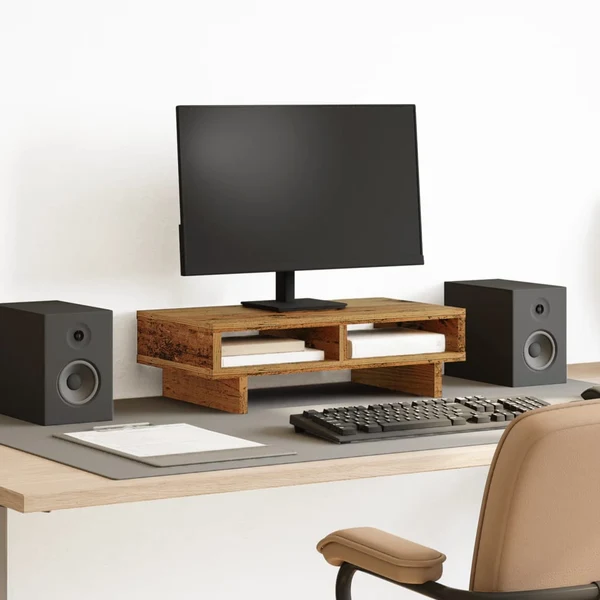
Old Wood Monitor Stand, Engineered Wood, 50 x 27 x 15 cm
£55.99 incl. VAT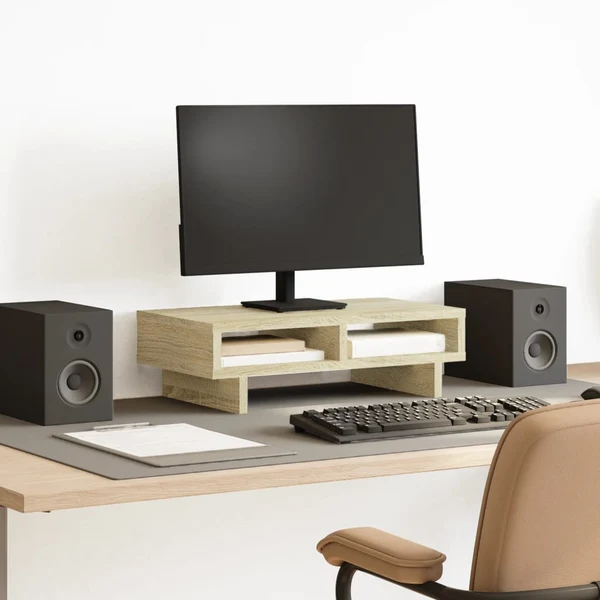
Monitor Stand Sonoma Oak 50 x 27 x 15 cm Engineered Wood
£47.99 incl. VAT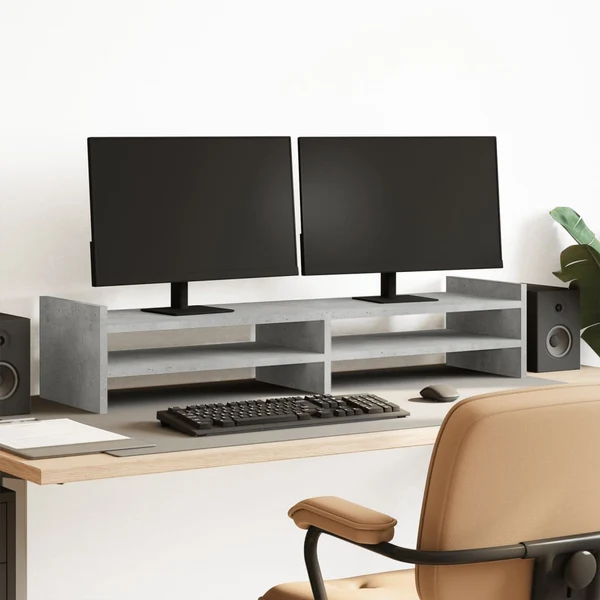
Monitor Stand 100 x 27 x 20 cm Engineered Wood
£55.99 incl. VAT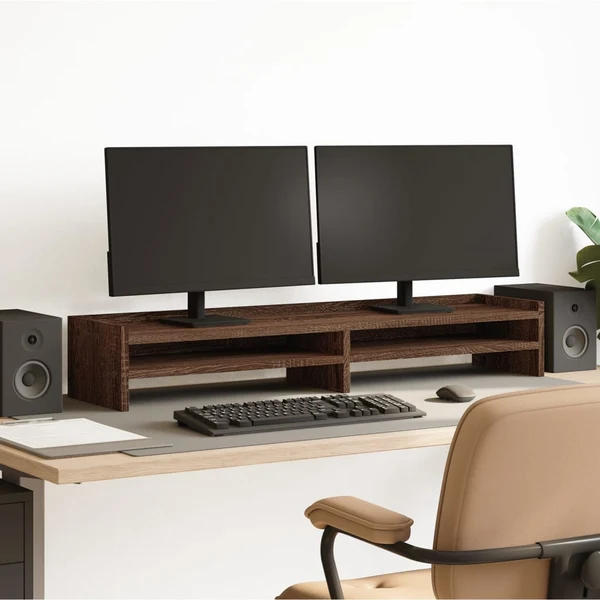
Brown Oak Engineered Wood Monitor Stand, 100 x 24 x 16 cm
£60.99 incl. VAT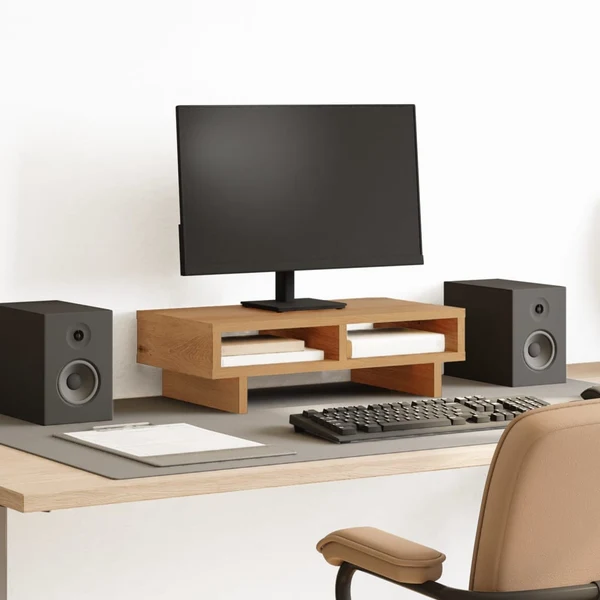
Monitor Stand, Artisian Oak, 50 x 27 x 15 cm
£47.99 incl. VAT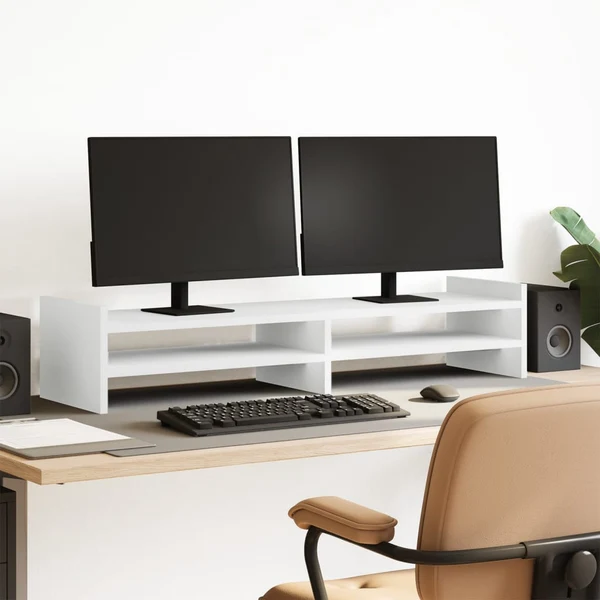
White Engineered Wood Monitor Stand, 2 Shelves, 100 x 27 x 20 cm
£60.99 incl. VAT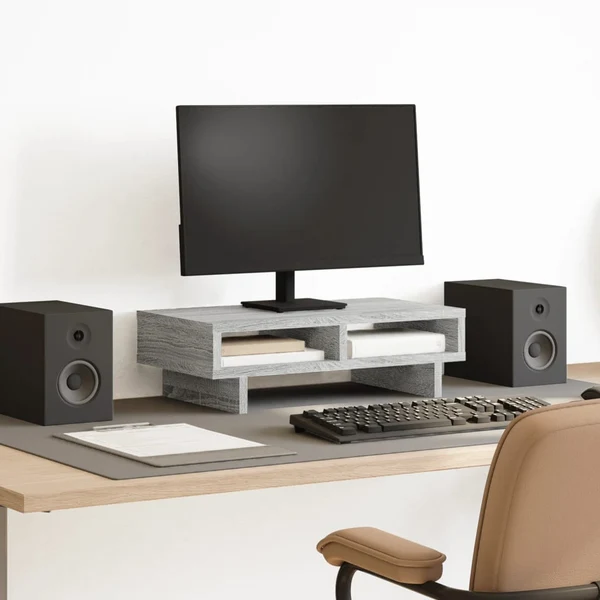
Monitor Stand 50 x 27 x 15 cm Engineered Wood
£47.99 incl. VAT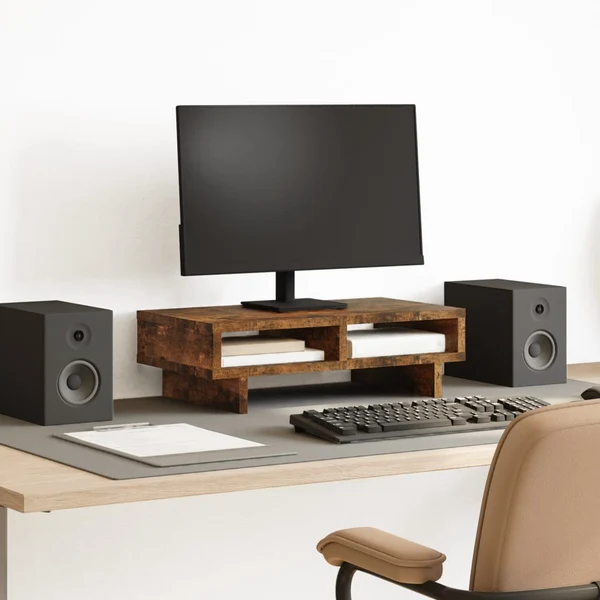
Smoked Oak Engineered Wood Monitor Stand, 50 x 27 x 15 cm
£47.99 incl. VAT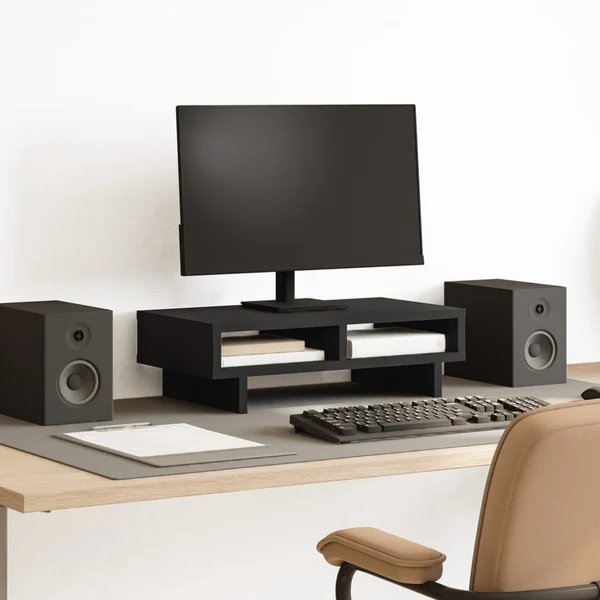
Black Engineered Wood Monitor Stand, 50x27x15 cm
£60.99 incl. VAT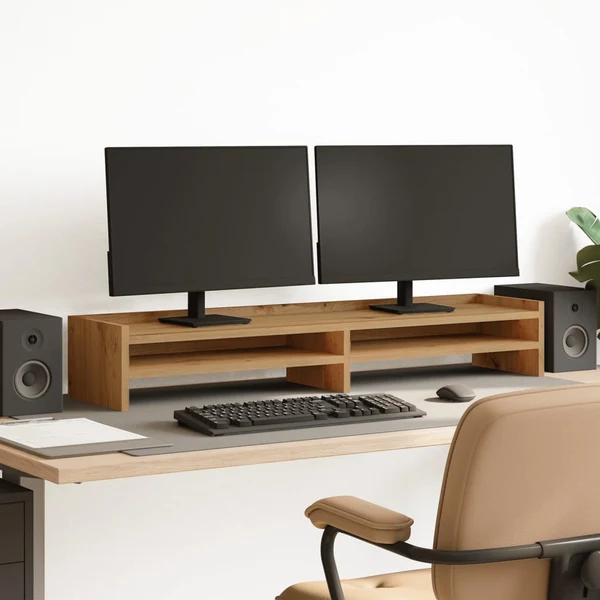
Monitor Stand, Artisian Oak, 100 x 24 x 16 cm, Engineered Wood
£63.99 incl. VAT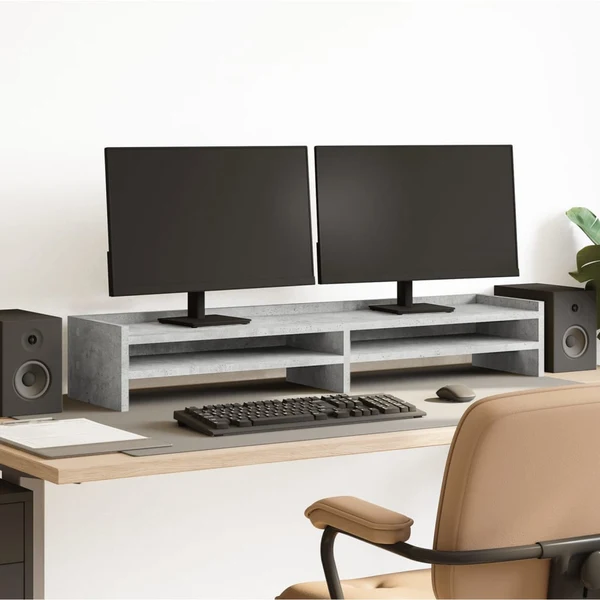
Engineered Wood Monitor Stand, Concrete Grey, 100x24x16 cm
£57.99 incl. VAT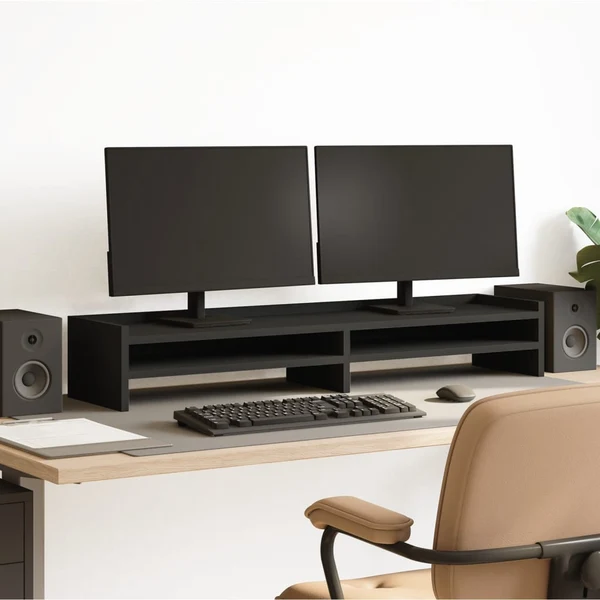
Black Monitor Stand, 100 x 24 x 16 cm, Engineered Wood
£71.99 incl. VAT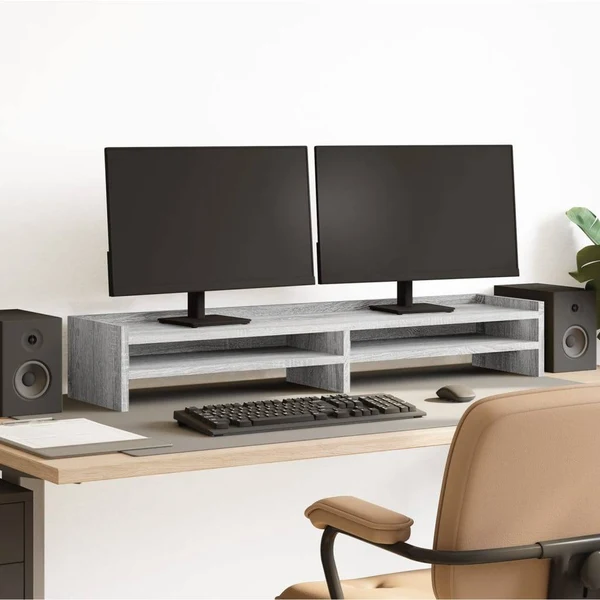
Monitor Stand, Grey Sonoma, 100 x 24 x 16 cm, Engineered Wood
£76.99 incl. VAT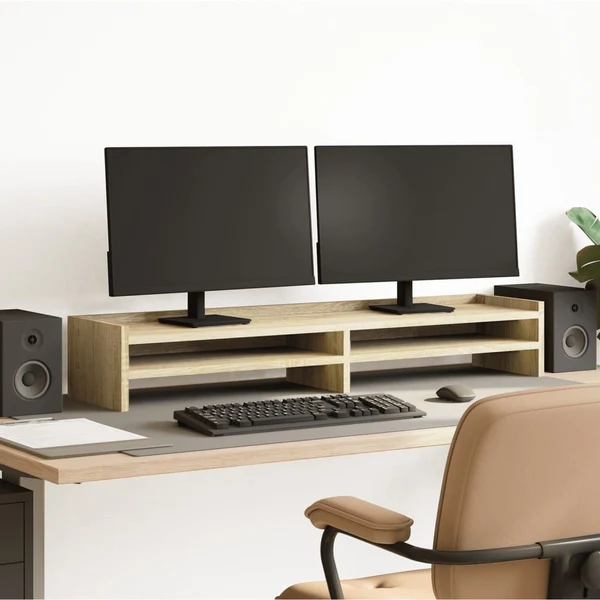
Monitor Stand, Sonoma Oak, 100 x 24 x 16 cm, Engineered Wood
£71.99 incl. VAT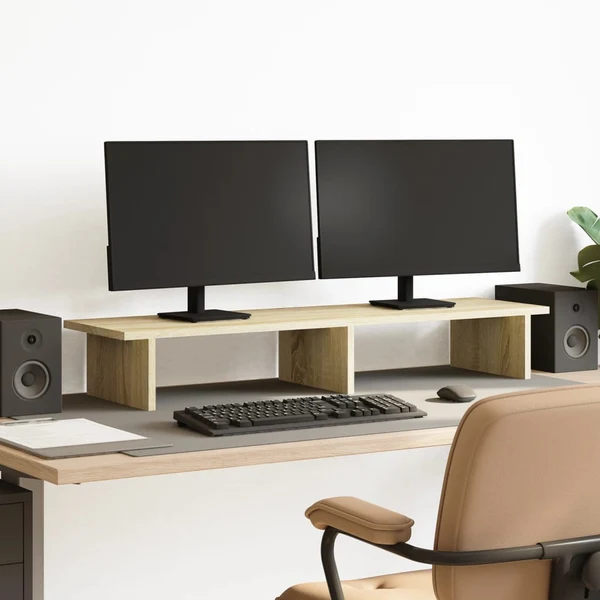
Monitor Stand in Sonoma Oak, 100x27x15 cm
£55.99 incl. VAT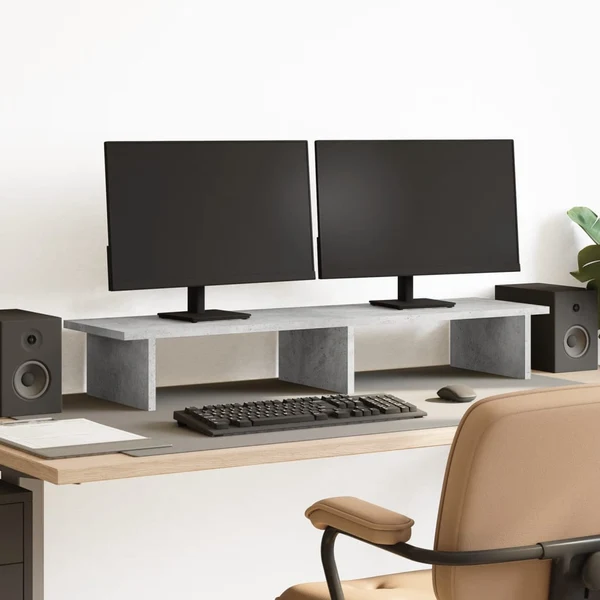
Concrete Grey Engineered Wood Monitor Stand, 100x27x15 cm
£50.99 incl. VAT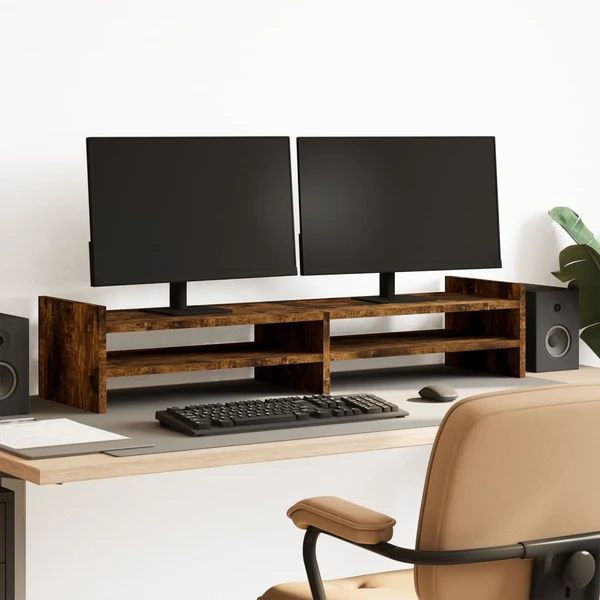
Monitor Stand, Smoked Oak Engineered Wood, 100x27x20 cm
£55.99 incl. VAT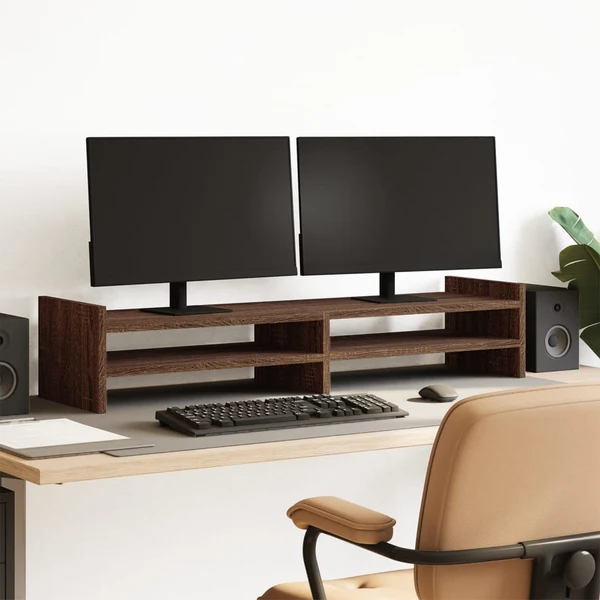
Monitor Stand Brown Oak 100 x 27 x 20 cm
£55.99 incl. VAT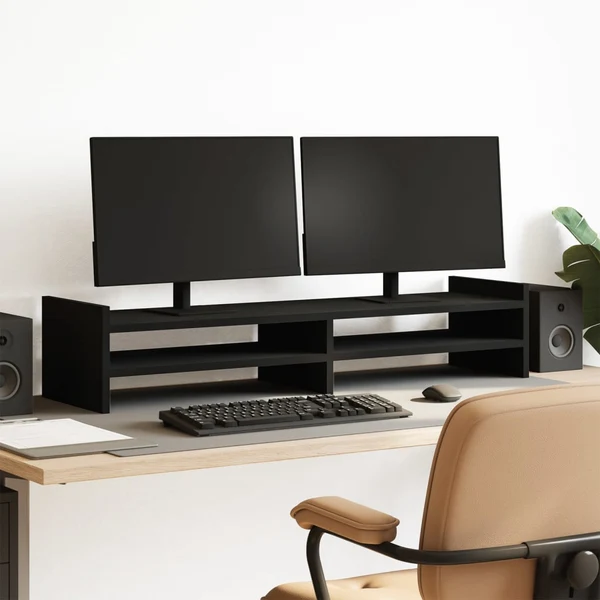
Black Monitor Stand, Engineered Wood, 100 x 27 x 20 cm, 2 Shelves
£76.99 incl. VAT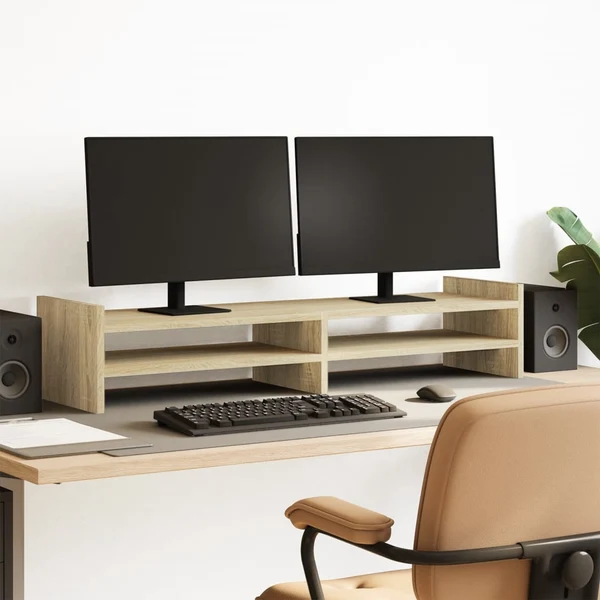
Monitor Stand, Sonoma Oak, 100 x 27 x 20 cm, Engineered Wood
£71.99 incl. VAT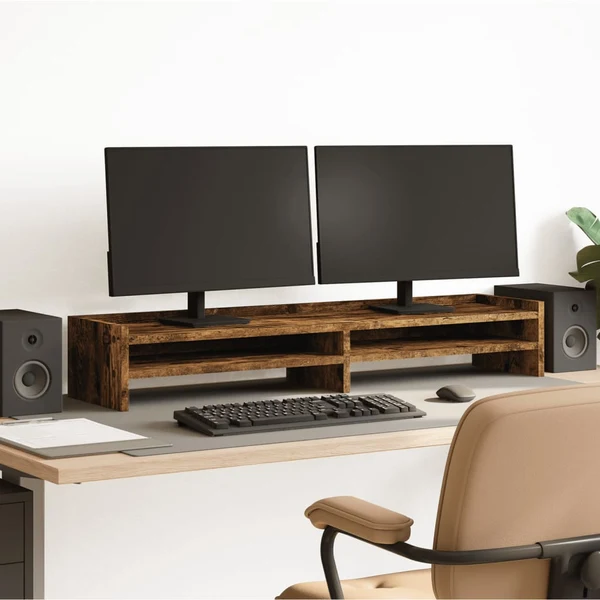
Monitor Stand Smoked Oak 100 x 24 x 16 cm Engineered Wood
£76.99 incl. VAT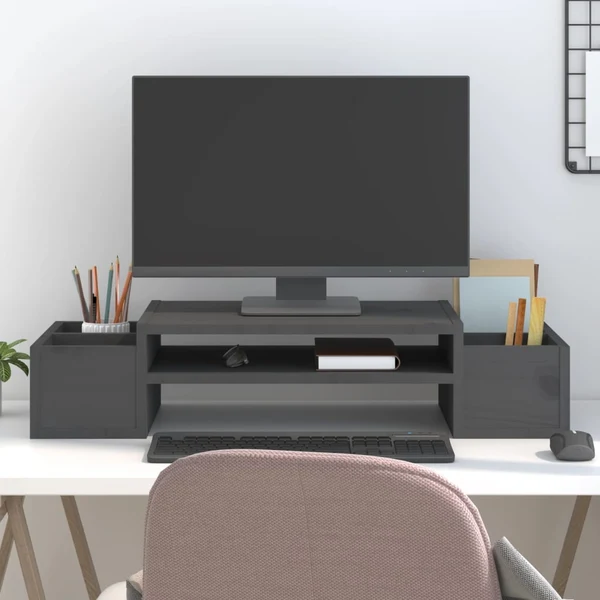
Monitor Stand Grey 70 x 27.5 x 15 cm Solid Pine Wood
£76.99 incl. VAT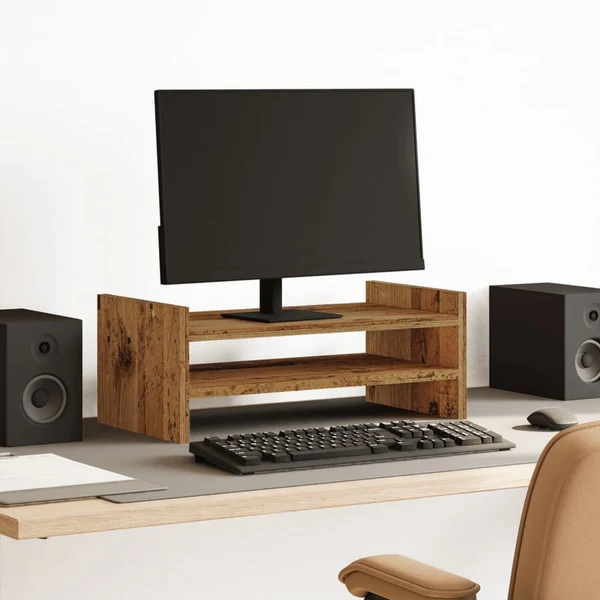
Old Wood Monitor Stand, Engineered Wood, 50 x 27 x 20 cm
£47.99 incl. VAT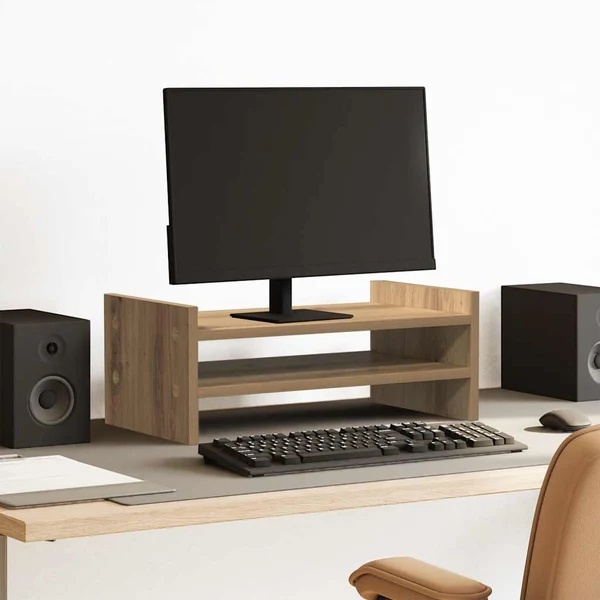
Artisian Oak Monitor Stand, Engineered Wood, 50 x 27 x 20 cm
£47.99 incl. VAT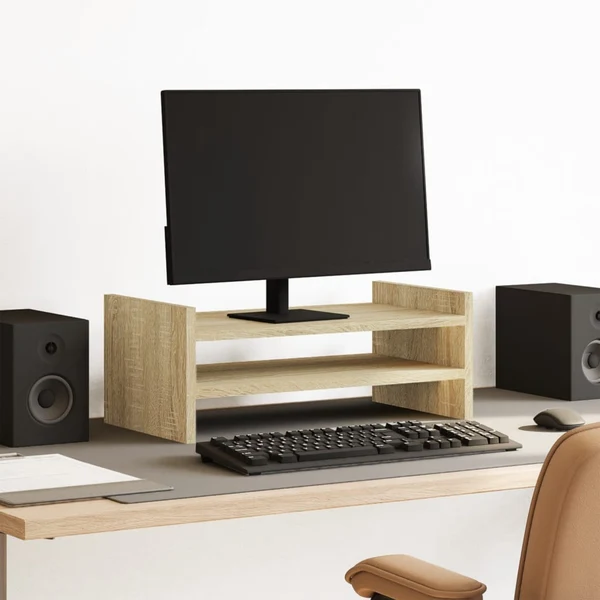
Monitor Stand Sonoma Oak 50 x 27 x 20 cm
£52.99 incl. VAT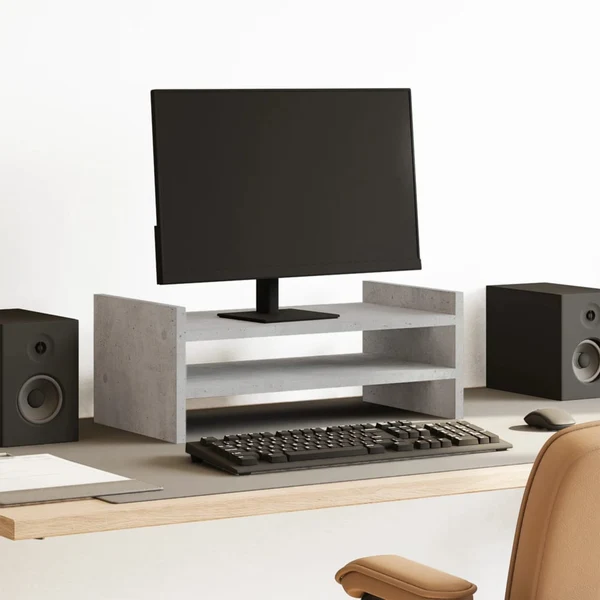
Engineered Wood Monitor Stand, Concrete Grey, 50 x 27 x 20 cm
£50.99 incl. VAT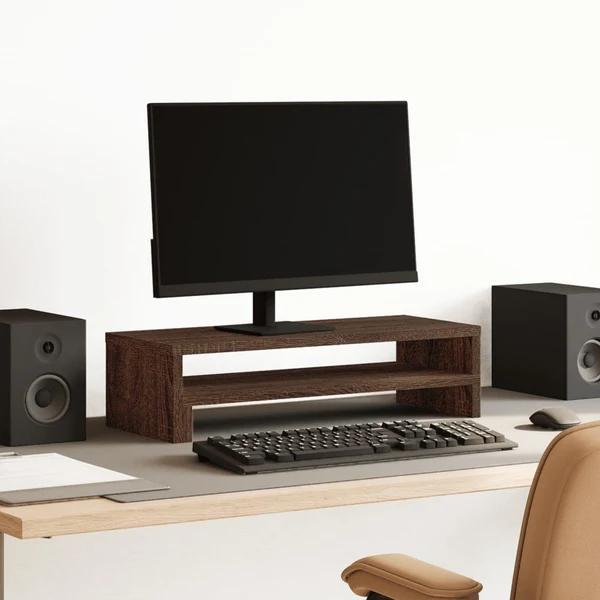
Monitor Stand Brown Oak 54 x 22 x 15 cm Engineered Wood
£50.99 incl. VAT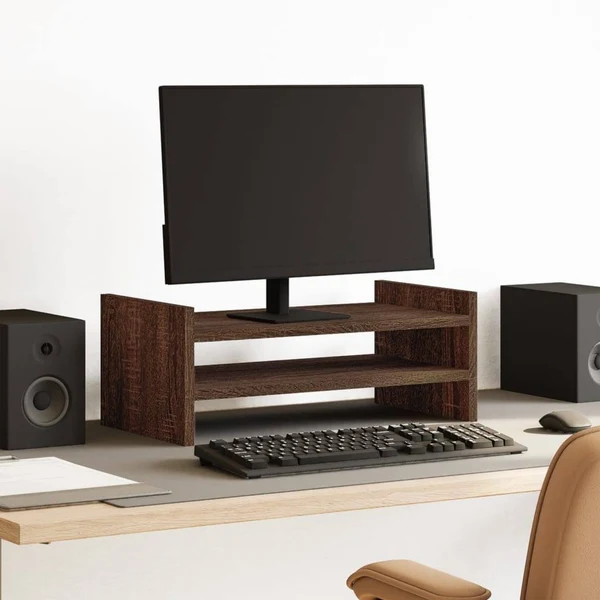
Monitor Stand in Brown Oak, 50x27x20 cm
£47.99 incl. VAT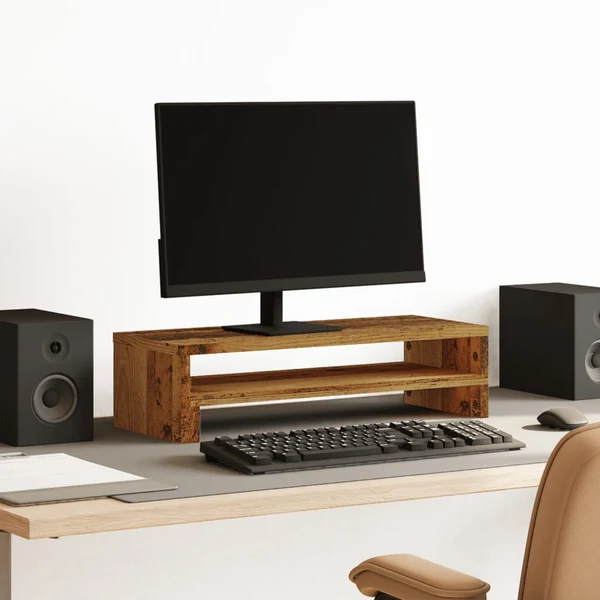
Old Wood Monitor Stand, Engineered Wood, 54 x 22 x 15 cm
£60.99 incl. VAT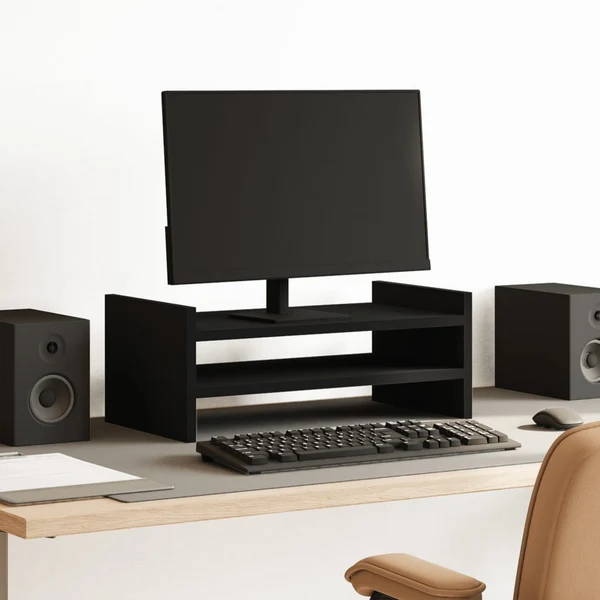
Monitor Stand Black Engineered Wood 50x27x20 cm
£44.99 incl. VAT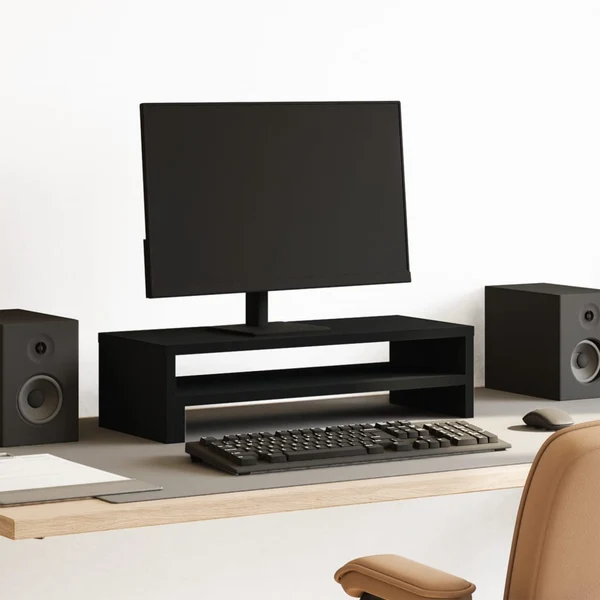
Black Engineered Wood Monitor Stand, 54 x 22 x 15 cm
£65.99 incl. VAT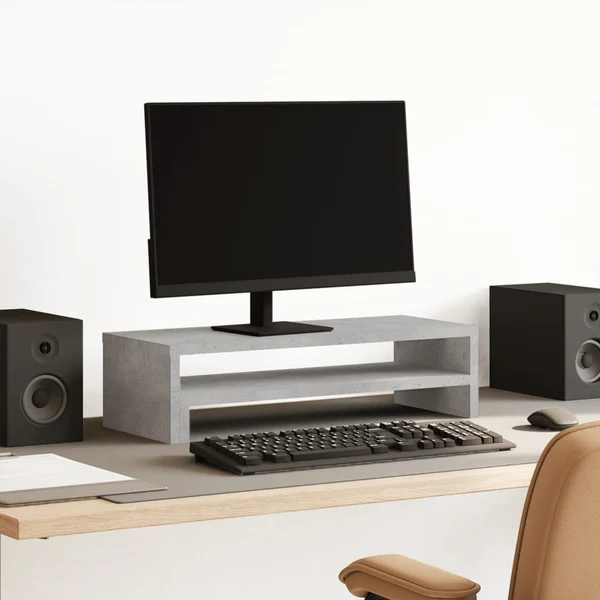
Monitor Stand Concrete Grey 54x22x15 cm Engineered Wood
£44.99 incl. VAT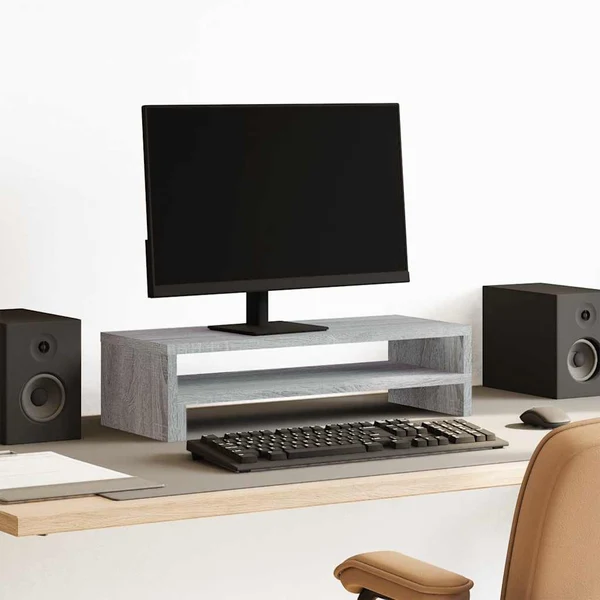
Grey Sonoma Engineered Wood Monitor Stand, 54x22x15 cm
£44.99 incl. VATOther types to compare
Comparing across types often settles a decision faster than comparing within one.