
Desk Monitor Risers £50 to £60
Budget fixed? Then compare desk monitor risers £50 to £60 on size, material and finish. Within any budget, a well-chosen size and material matter more than a long list of features.
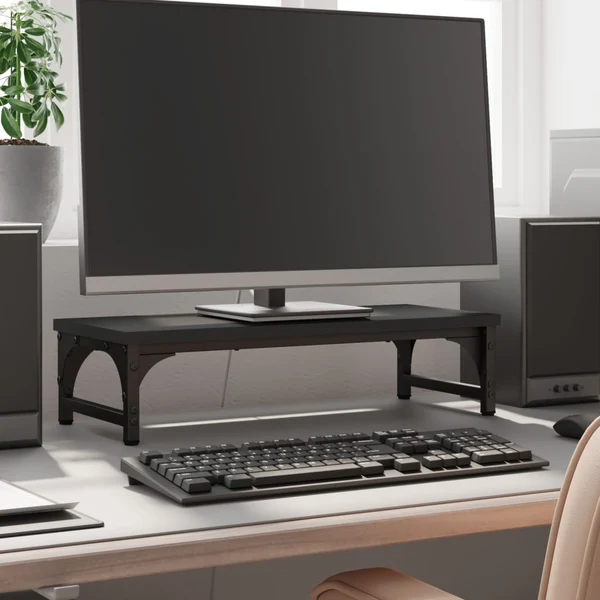
Black Engineered Wood Monitor Stand, 55 x 23 x 14 cm
£50.99 incl. VAT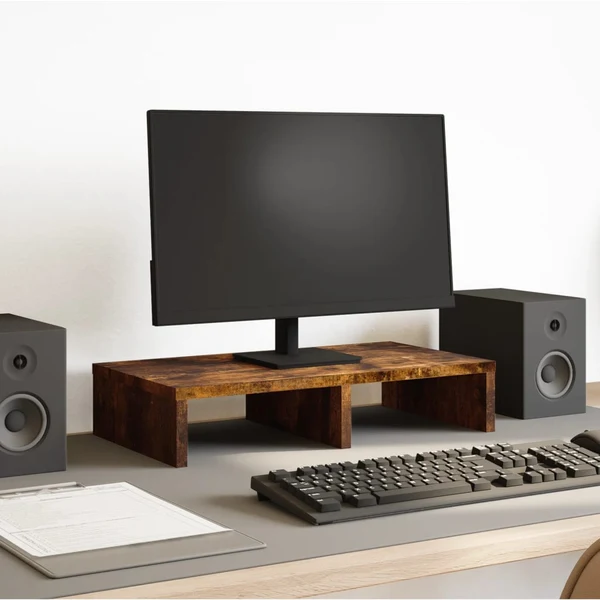
Smoked Oak Engineered Wood Monitor Stand, 50 x 27 x 10 cm
£50.99 incl. VAT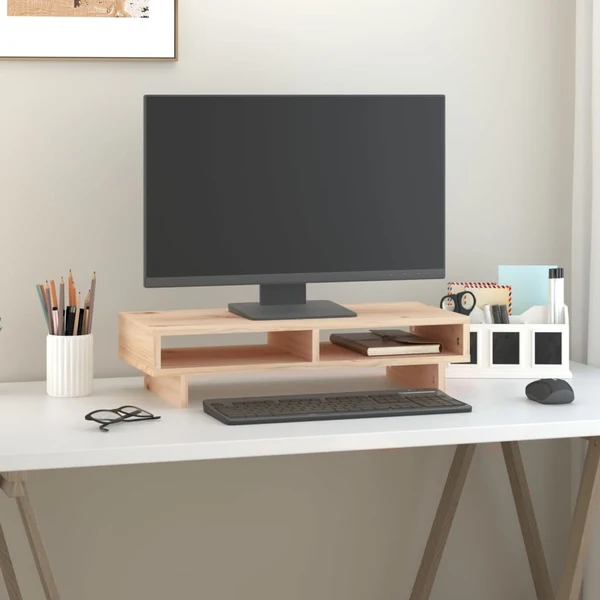
Solid Pine Monitor Stand, 60 x 27 x 14 cm
£55.99 incl. VAT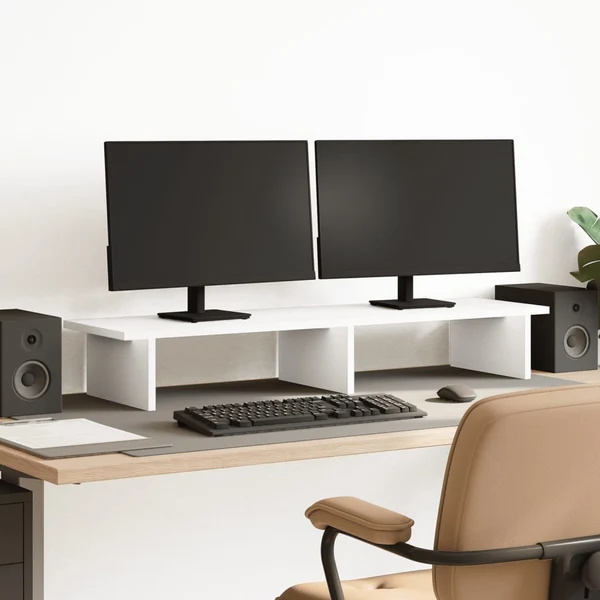
White Monitor Stand, 100 x 27 x 15 cm, Engineered Wood
£52.99 incl. VAT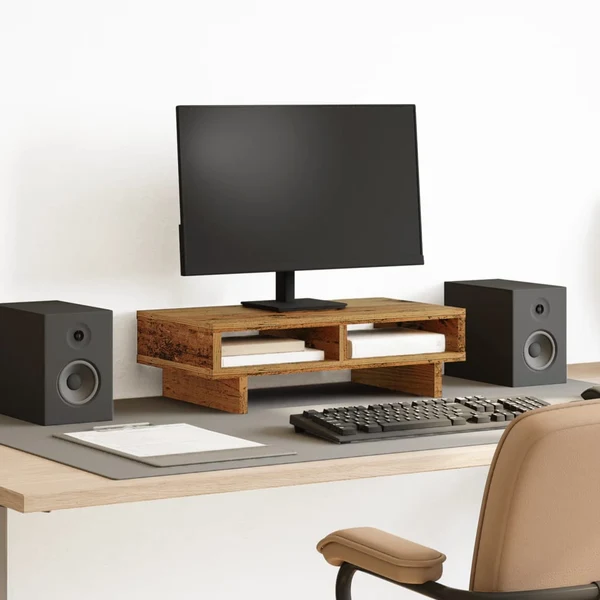
Old Wood Monitor Stand, Engineered Wood, 50 x 27 x 15 cm
£55.99 incl. VAT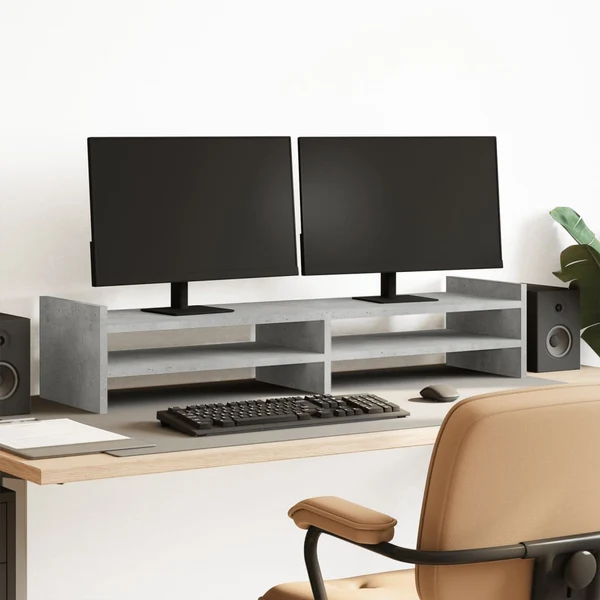
Monitor Stand 100 x 27 x 20 cm Engineered Wood
£55.99 incl. VAT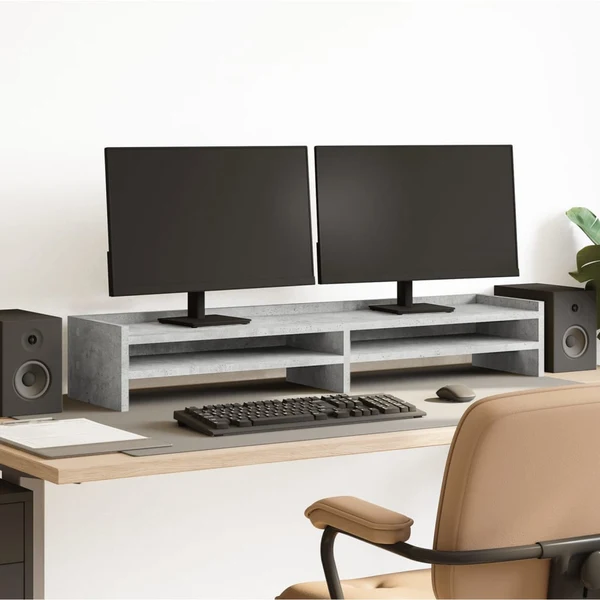
Engineered Wood Monitor Stand, Concrete Grey, 100x24x16 cm
£57.99 incl. VAT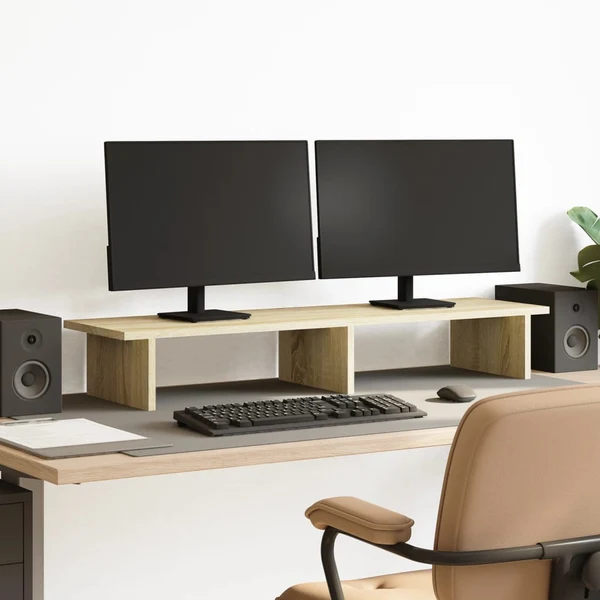
Monitor Stand in Sonoma Oak, 100x27x15 cm
£55.99 incl. VAT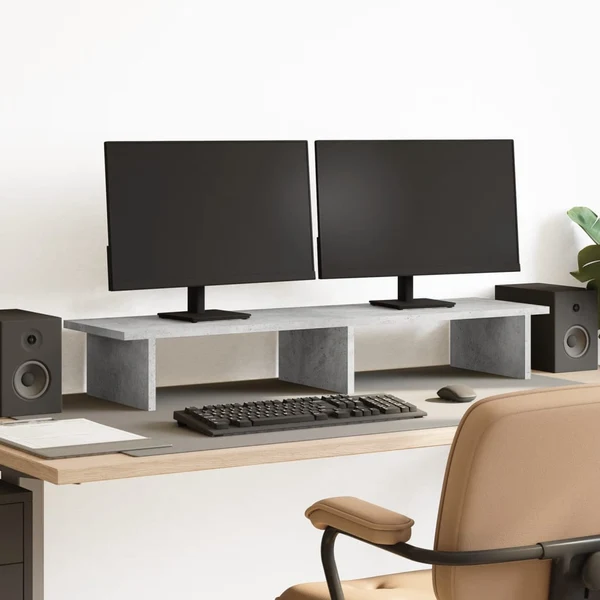
Concrete Grey Engineered Wood Monitor Stand, 100x27x15 cm
£50.99 incl. VAT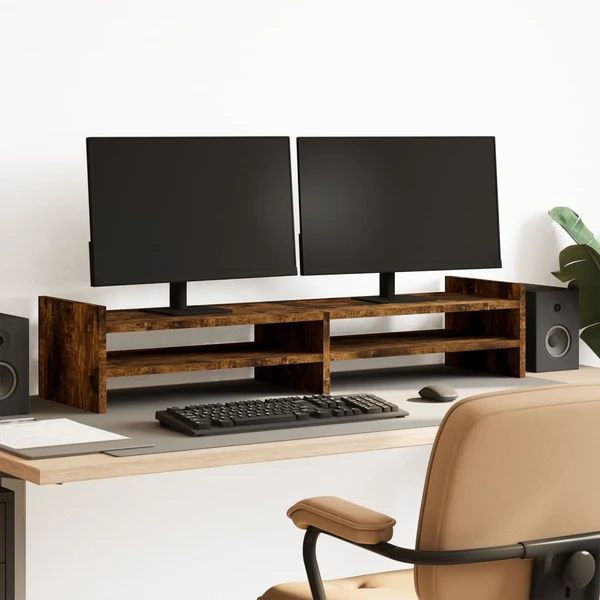
Monitor Stand, Smoked Oak Engineered Wood, 100x27x20 cm
£55.99 incl. VAT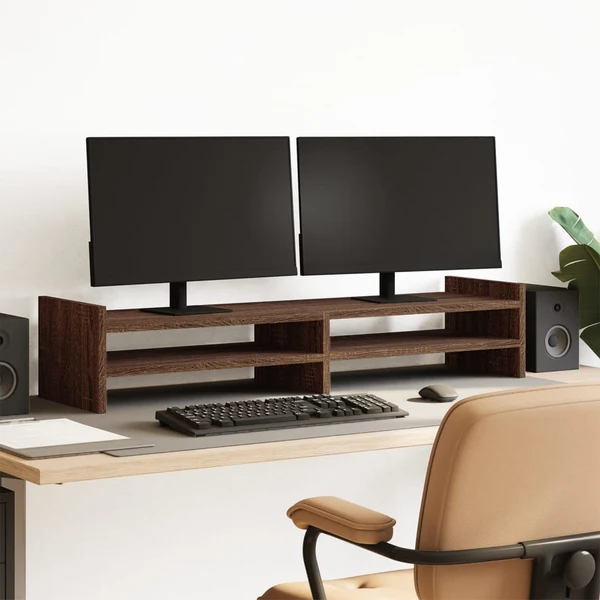
Monitor Stand Brown Oak 100 x 27 x 20 cm
£55.99 incl. VAT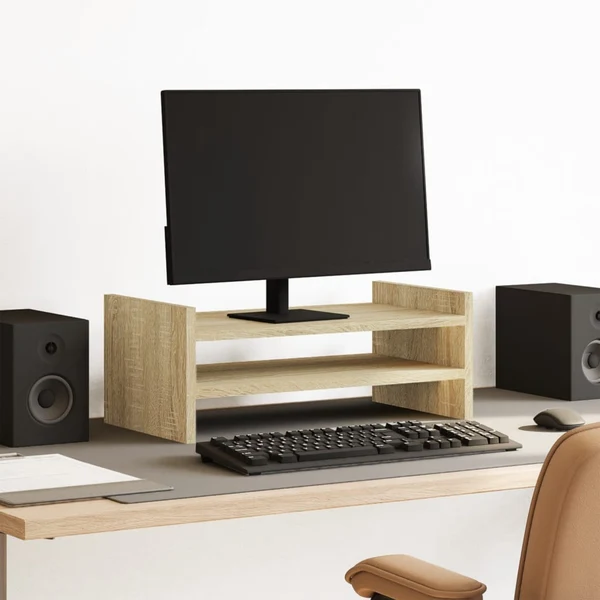
Monitor Stand Sonoma Oak 50 x 27 x 20 cm
£52.99 incl. VAT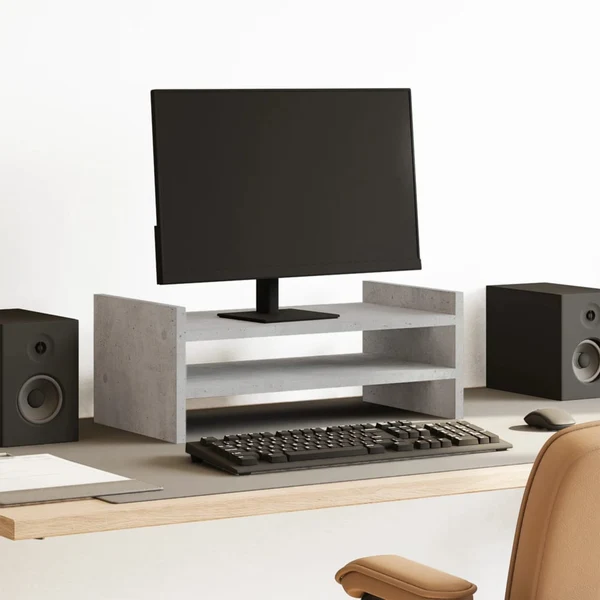
Engineered Wood Monitor Stand, Concrete Grey, 50 x 27 x 20 cm
£50.99 incl. VAT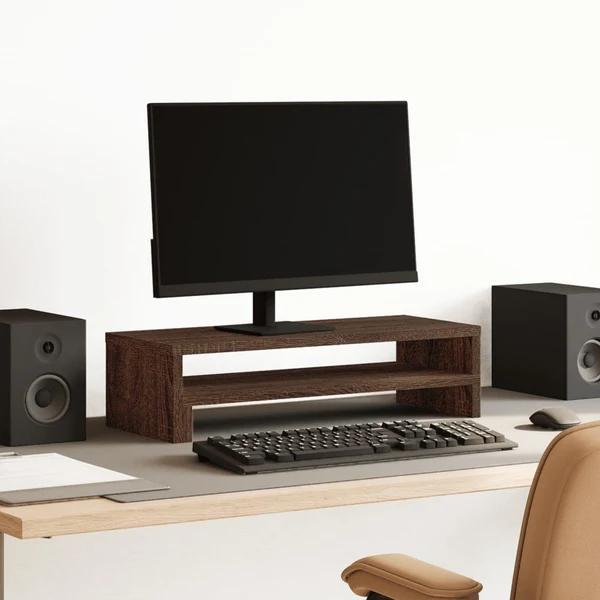
Monitor Stand Brown Oak 54 x 22 x 15 cm Engineered Wood
£50.99 incl. VAT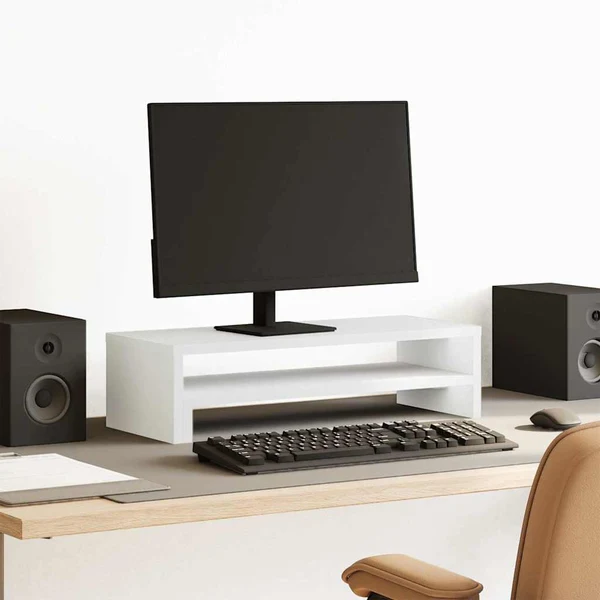
Monitor Stand, White Engineered Wood, 54x22x15 cm
£57.99 incl. VAT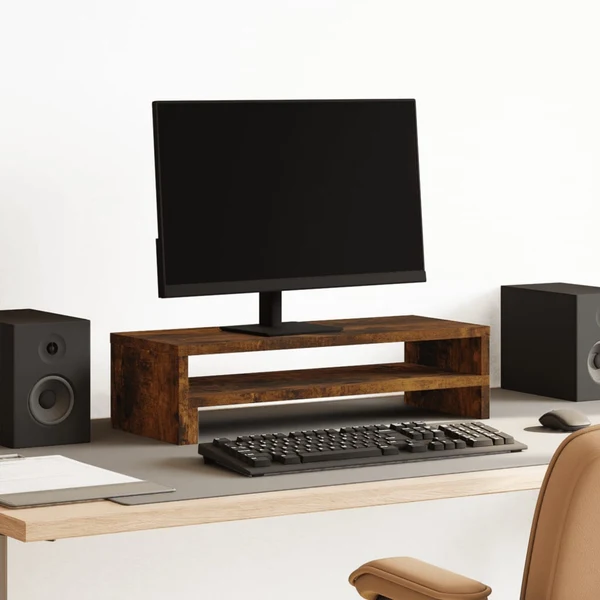
Monitor Stand, Smoked Oak Engineered Wood, 54x22x15 cm
£55.99 incl. VAT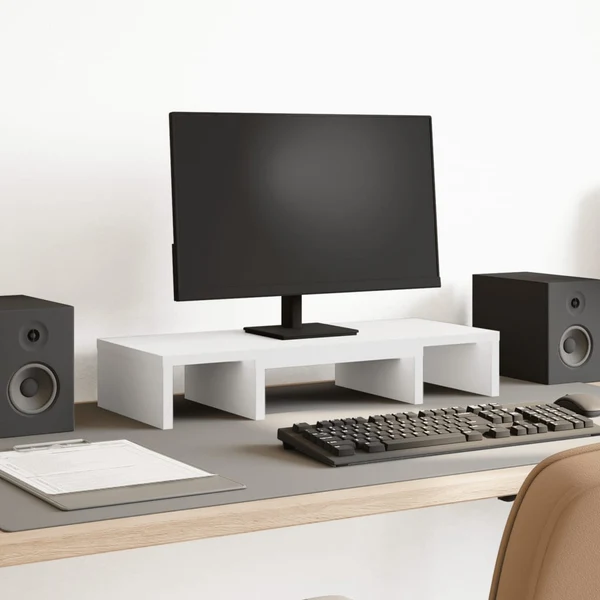
Adjustable Monitor Stand, White Engineered Wood, 60x24x10.5 cm
£52.99 incl. VAT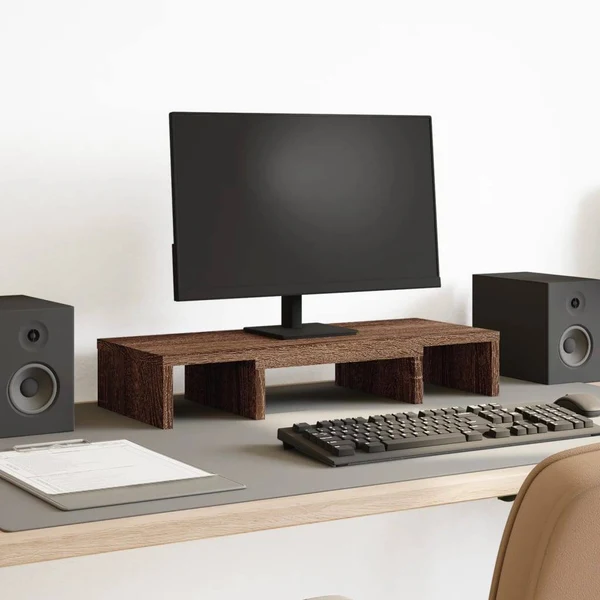
Adjustable Monitor Stand 60 x 24 x 10.5 cm Engineered Wood
£52.99 incl. VAT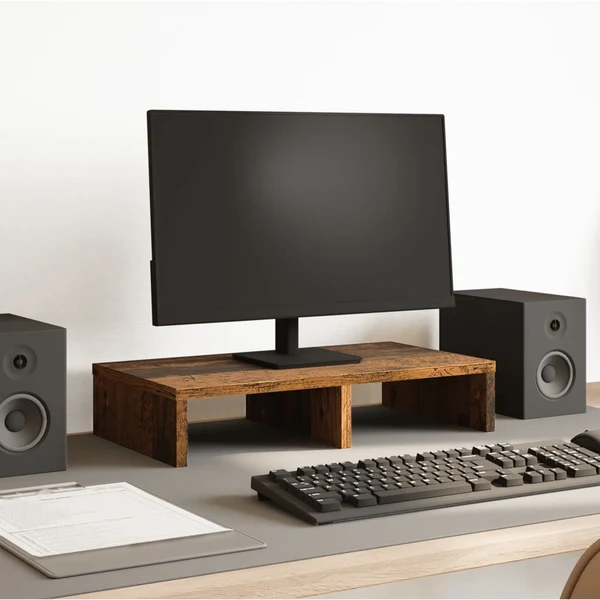
Old Wood Monitor Stand, Engineered Wood, 50 x 27 x 10 cm
£50.99 incl. VAT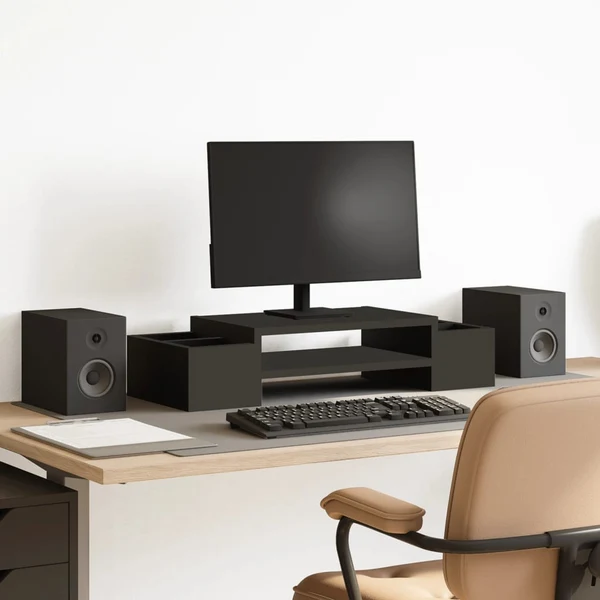
Black Monitor Stand with Storage, 70 x 27 x 15 cm Engineered Wood
£57.99 incl. VAT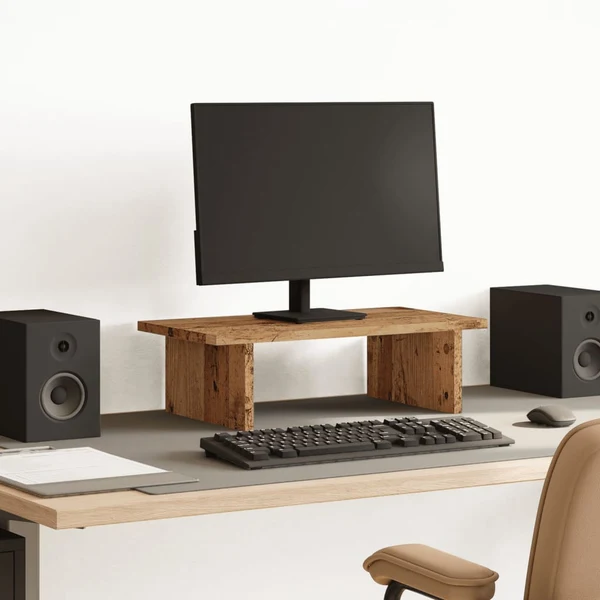
Old Wood Engineered Wood Monitor Stand, 50 x 27 x 15 cm
£50.99 incl. VAT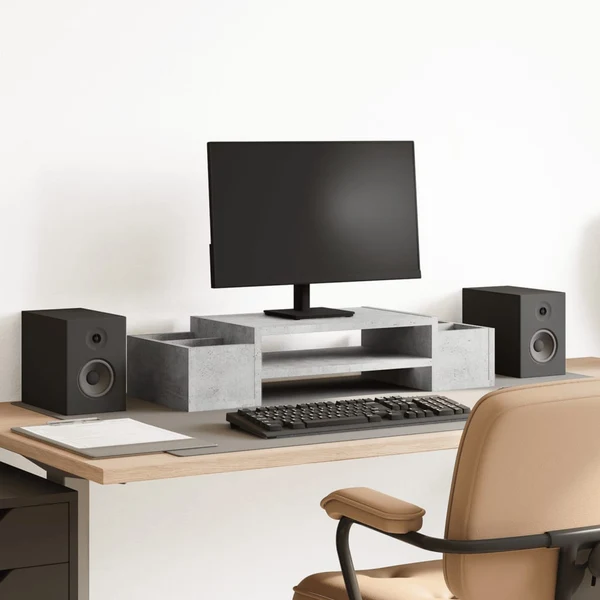
Monitor Stand with Storage in Concrete Grey
£55.99 incl. VAT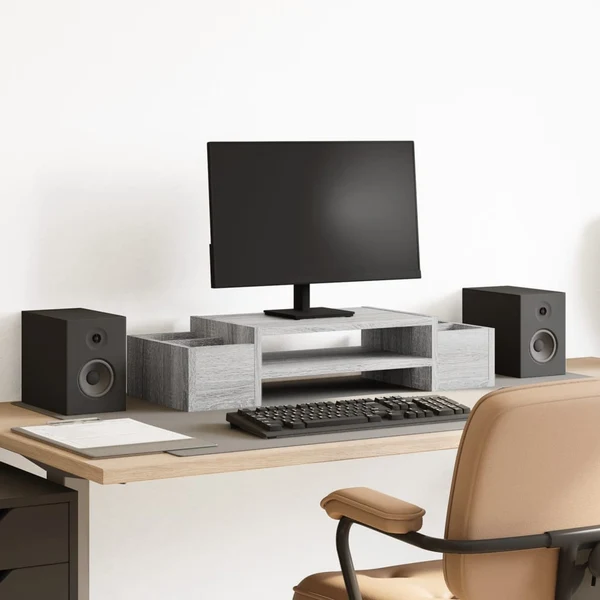
Monitor Stand with Storage, Grey Sonoma, 70 x 27 x 15 cm
£55.99 incl. VAT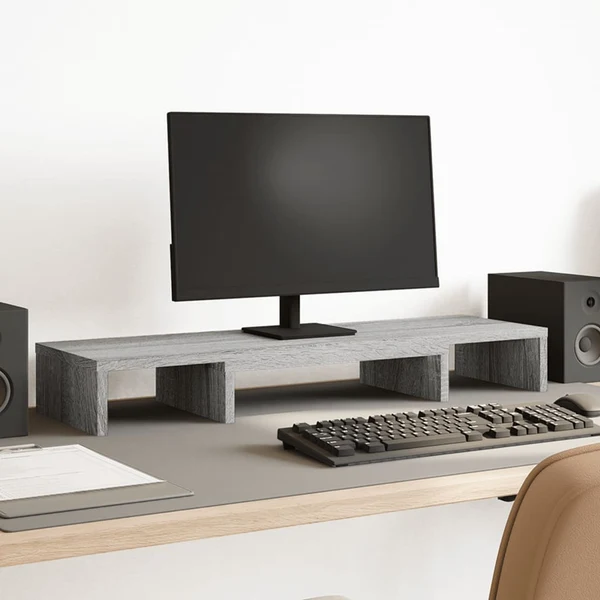
Adjustable Grey Sonoma Monitor Stand Riser, 80x24x10.5 cm
£57.99 incl. VAT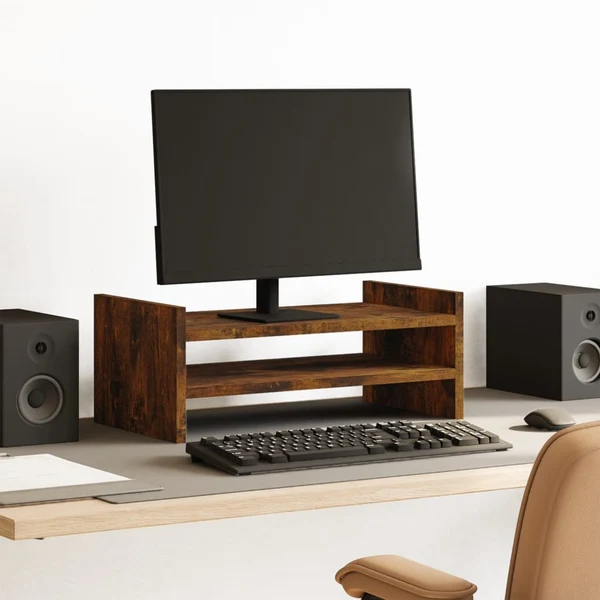
Smoked Oak Monitor Stand, Engineered Wood, 50 x 27 x 20 cm
£52.99 incl. VAT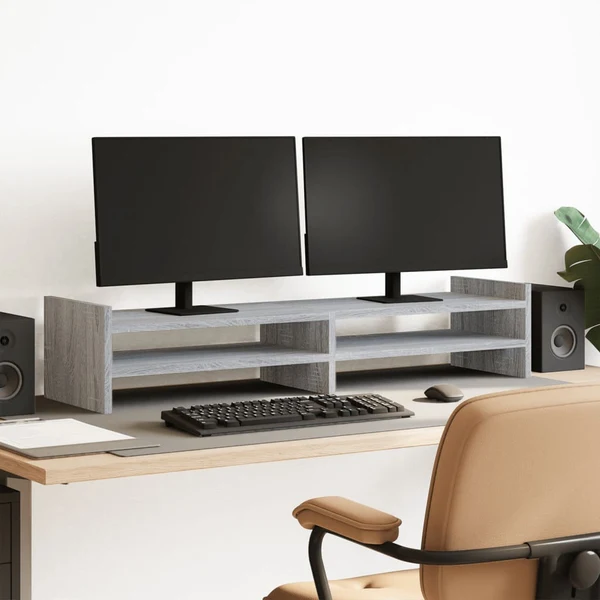
Grey Sonoma Monitor Stand with 2 Shelves, 100 x 27 x 20 cm
£55.99 incl. VAT
Solid Wood Pine Monitor Stand 100x27x10 cm
£57.99 incl. VAT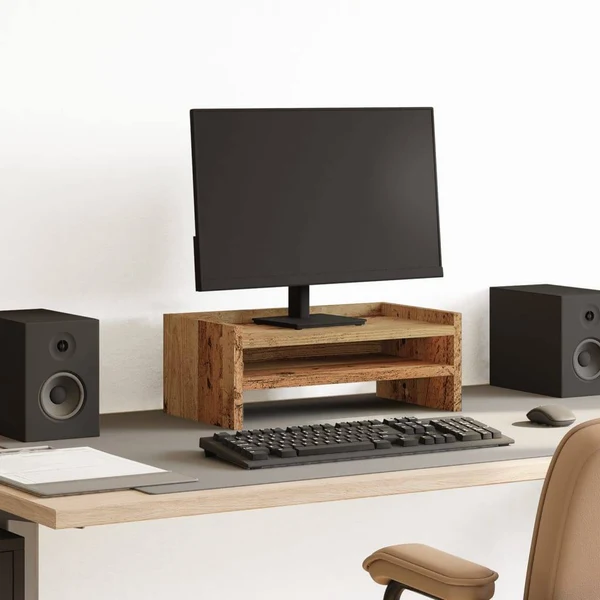
Old Wood Monitor Stand in Engineered Wood
£52.99 incl. VAT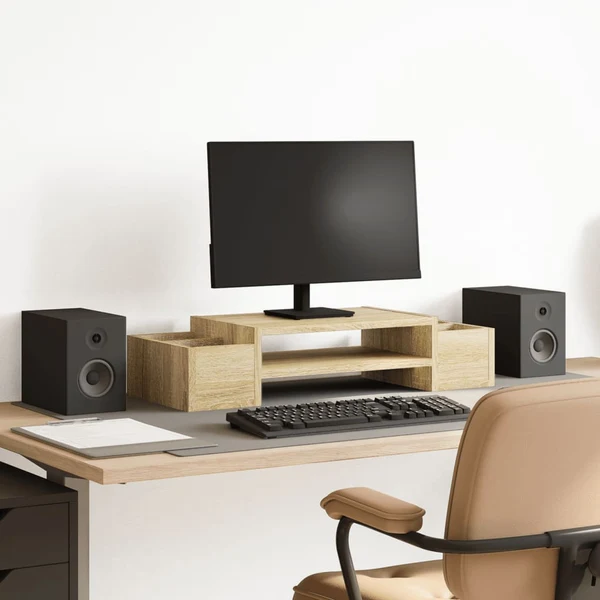
Monitor Stand with Storage Sonoma Oak 70 x 27 x 15 cm
£57.99 incl. VAT
Monitor Stand, Brown Oak, 85 x 23 x 15.5 cm, Engineered Wood
£52.99 incl. VATThe checks
Questions to settle first
Compare like with like: settle the type, then weigh size, material and what is included.
01
Compare materials
Materials shape weight, feel and care; weigh them against daily use.
Shop All ProductsHow to choose
- Decide which upgrades matter to you, such as material grade, finish or detail.
- For daily use, put more of the budget towards construction.
- Choose a set to spread the budget across matching pieces, or a single item to focus it.
- Count care costs, since some materials need regular products or attention.
- Spend more where you will notice it every day, and save on rarely used extras.
Frequently asked questions
How do I choose between a gaming headset and in-ear monitors?
Over-ear headsets cushion your ears with an integrated boom mic, whereas lightweight in-ear monitors stay cool during warm summer sessions and pair neatly with a dedicated desktop microphone.
How can I hide peripheral cables on a gaming desk?
Mount a no-drill steel cable tray underneath the rear edge to hold power strips, then bundle keyboard, mouse and monitor leads cleanly with reusable ties.
How do I compare options at the same price?
Compare desk monitor risers £50 to £60 on size, material, construction, finish and what is included, rather than on the price itself.
Is it sensible to upgrade desk monitor risers £50 to £60 later?
Starting with what you need now and upgrading desk monitor risers £50 to £60 later is a sensible approach, especially while you are still learning what matters to you.
Where should I spend more on desk monitor risers £50 to £60?
Spend more on desk monitor risers £50 to £60 where you will notice it every day, such as construction or the parts you handle, and less on extras you will rarely use.