
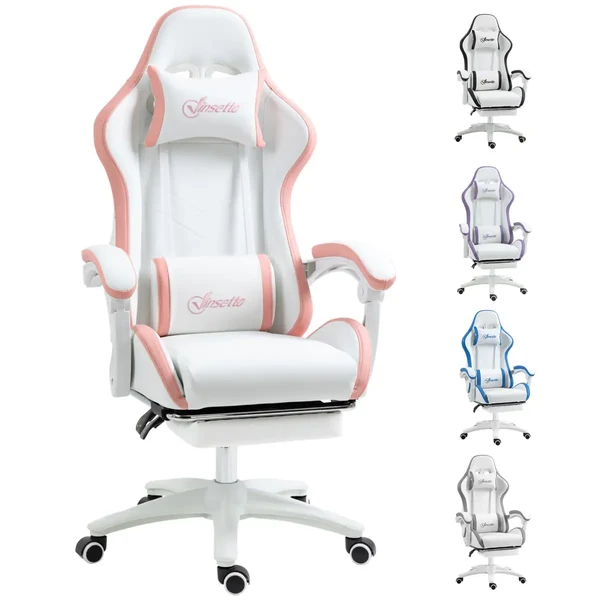
Racing Style Gaming Chair with Footrest, Pink
£242.99 incl. VAT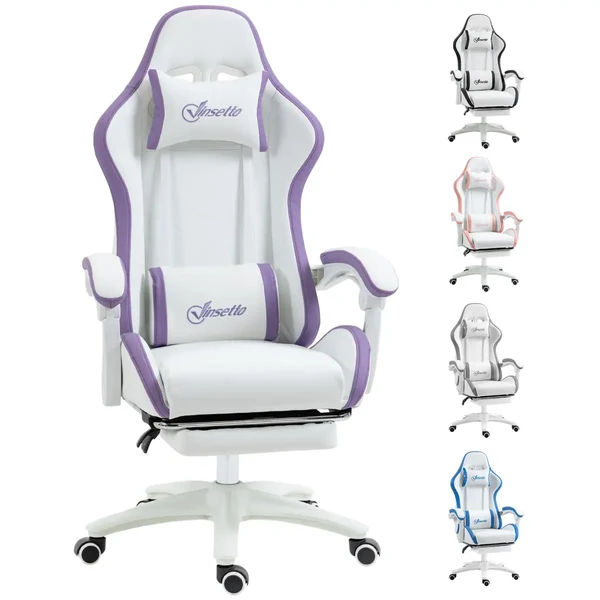
Racing Style Gaming Chair with Reclining and Footrest
£274.99 incl. VAT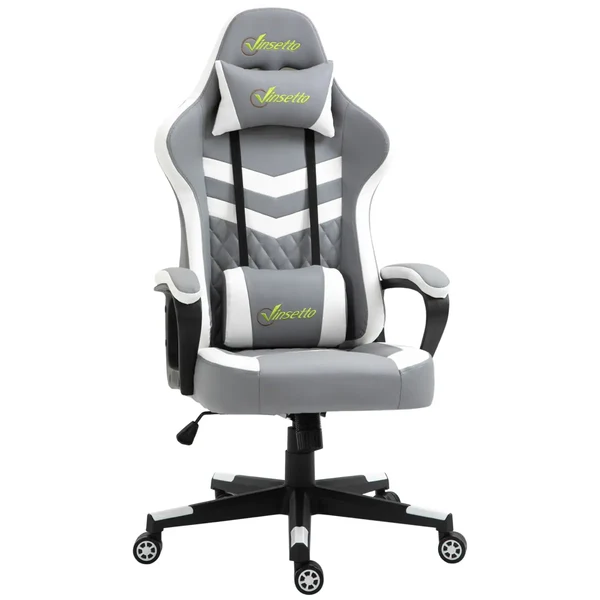
Racing Gaming Chair with Lumbar Support, Headrest, Grey White
£278.99 incl. VAT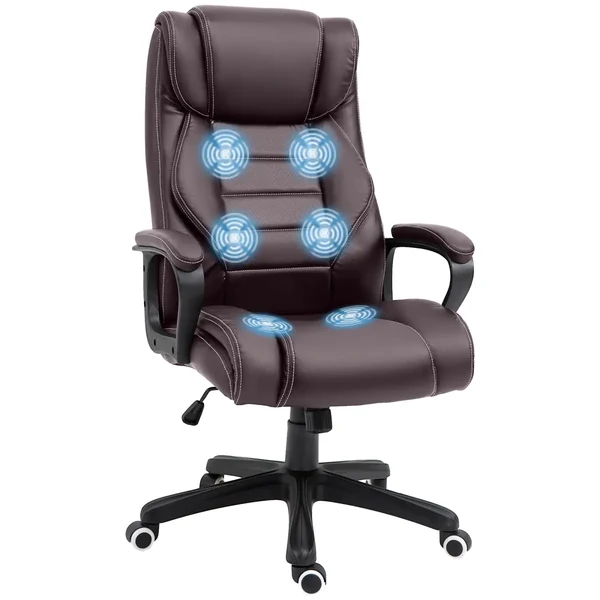
Vinsetto High-Back Executive Office Chair, 6-Point Massage, Brown
£234.99 incl. VAT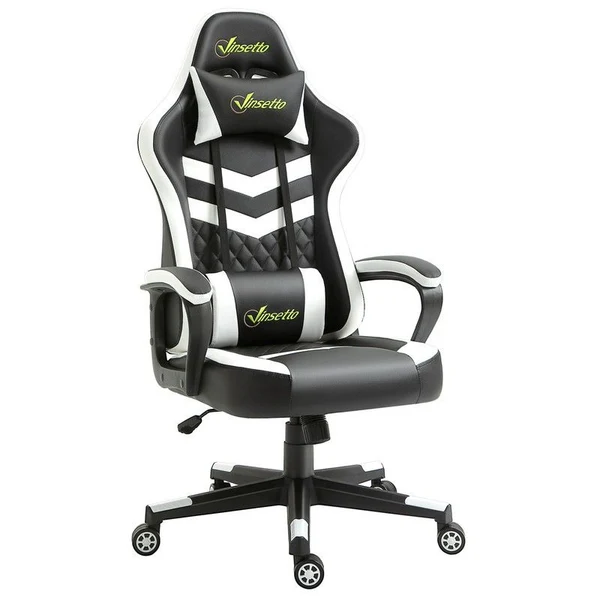
Racing Gaming Chair with Lumbar Support, Black and White
£284.99 incl. VAT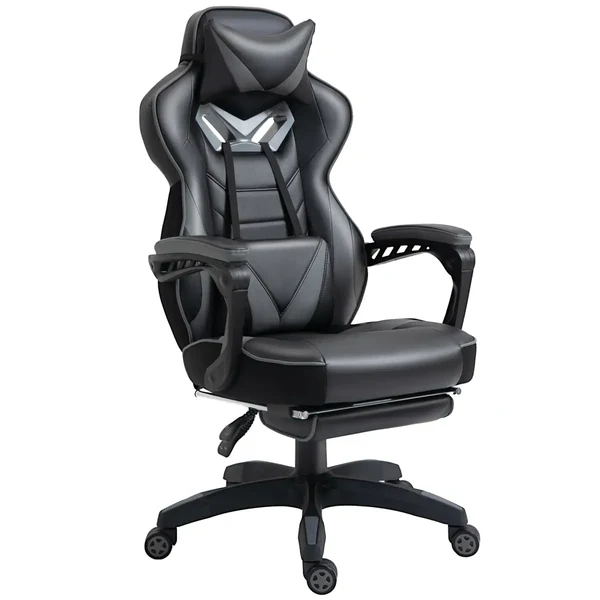
Ergonomic Reclining Gaming Chair in Grey
£350.99 incl. VAT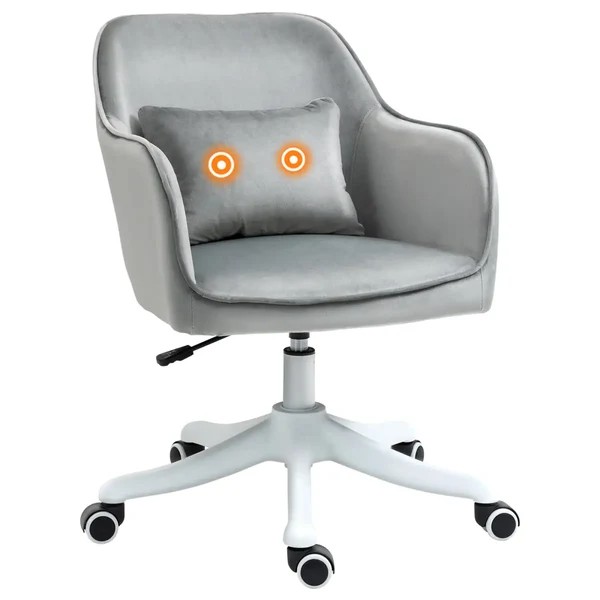
Office Chair with Rechargeable Massage Lumbar Pillow
£242.99 incl. VAT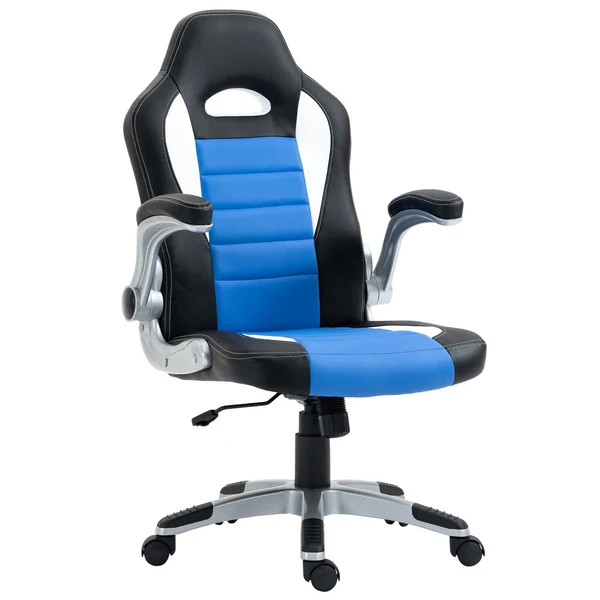
Racing-Style Gaming Chair, Model
£237.99 incl. VAT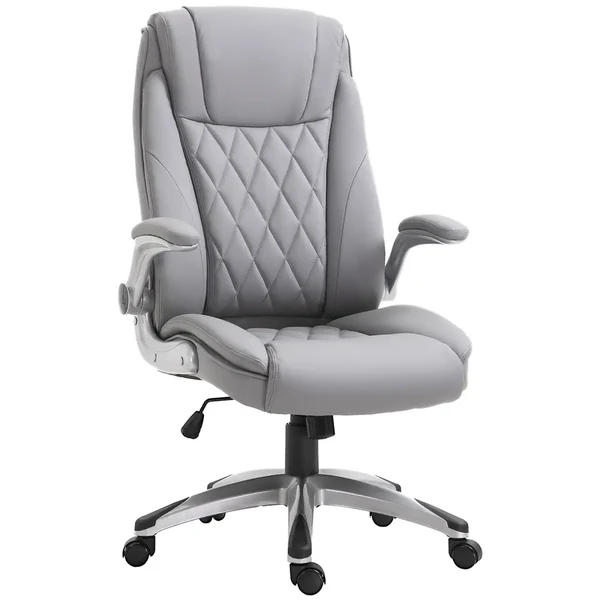
High Back Executive Office Chair, Grey PU Leather
£344.99 incl. VAT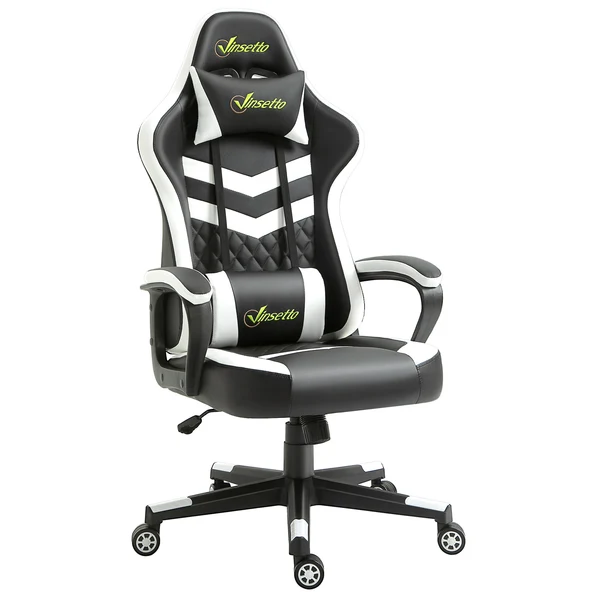
Racing Gaming Chair with Lumbar Support, Black and Grey
£271.99 incl. VAT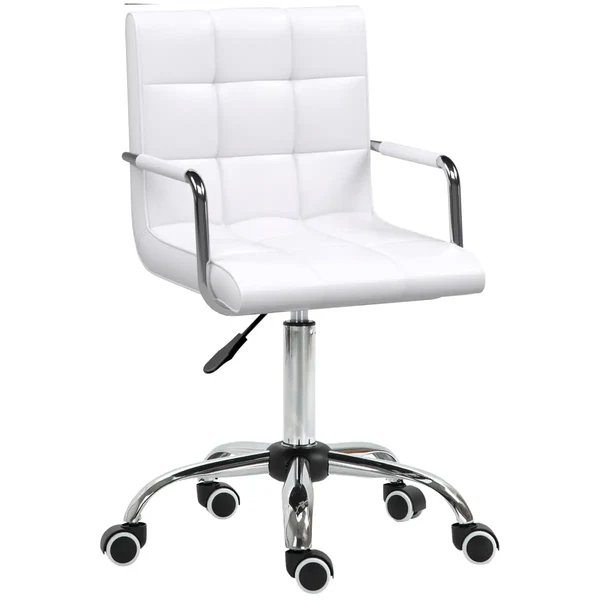
PU Leather Swivel Home Office Chair with Arms, White
£171.99 incl. VAT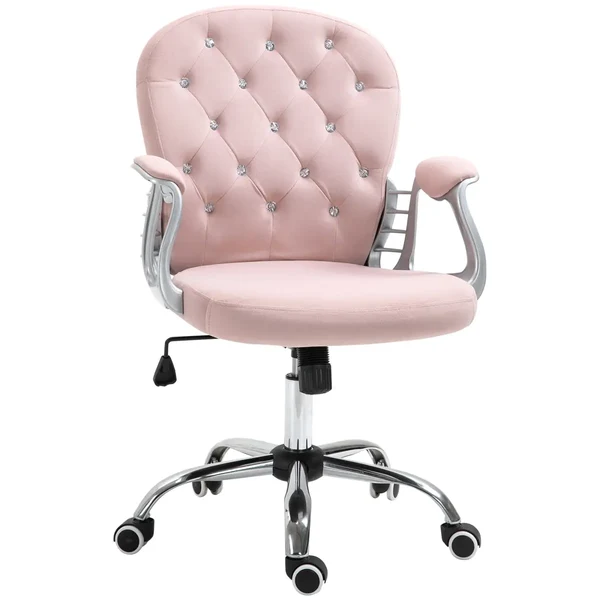
Velour Diamond Tufted Ergonomic Swivel Office Chair in Pink
£223.99 incl. VAT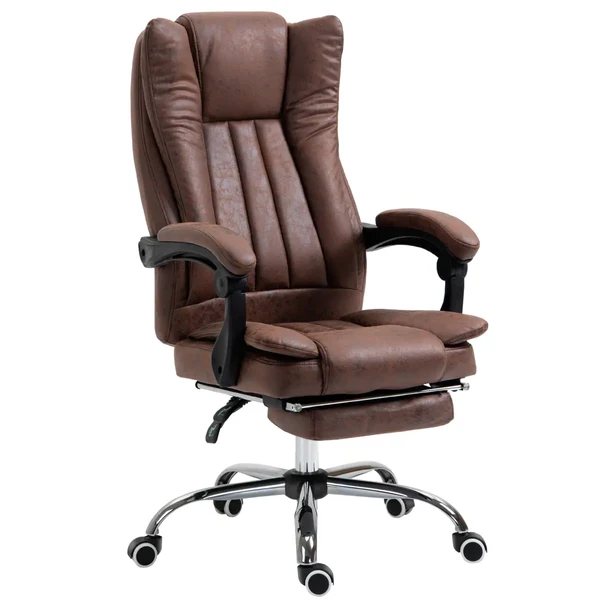
Executive Office Chair with Arms and Footrest, Brown
£397.99 incl. VAT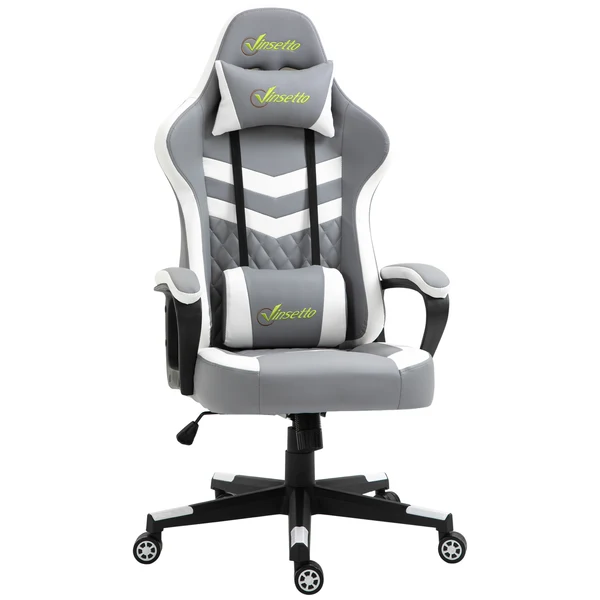
Racing Gaming Chair with Lumbar Support and Neck Pillow
£284.99 incl. VAT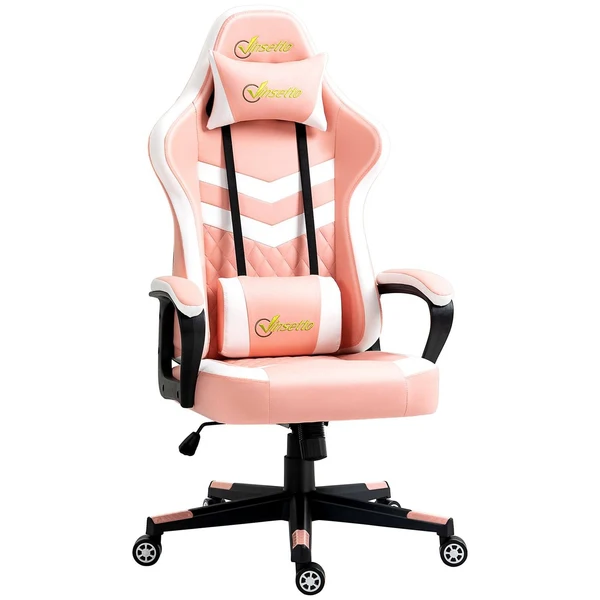
Pink Racing Gaming Chair with Lumbar Support
£271.99 incl. VAT
Grey Office Chair with Reclining Back and Footrest
£200.99 incl. VAT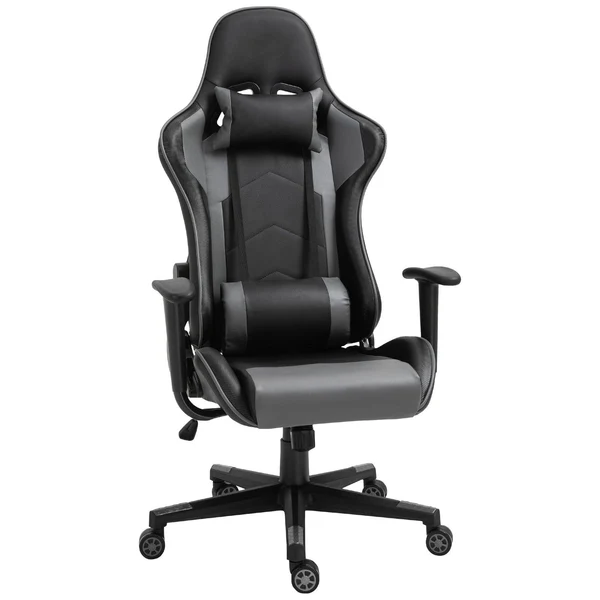
High Back Racing Gaming Chair in PU Leather
£284.99 incl. VAT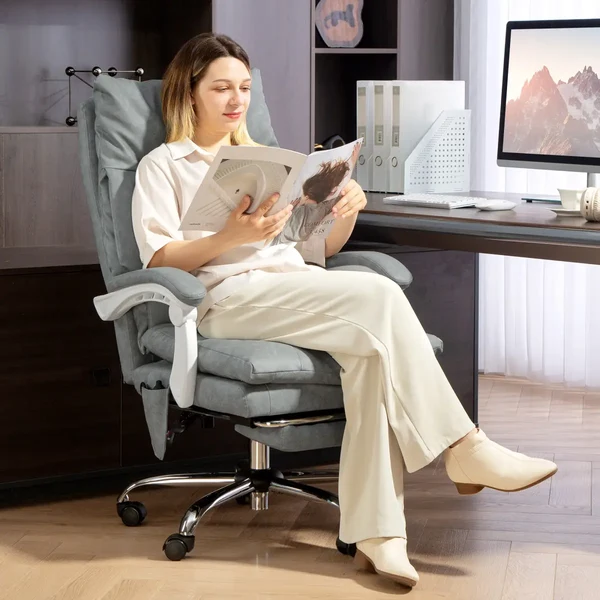
Grey Reclining Office Chair with Inflatable Lumbar Support
£475.99 incl. VAT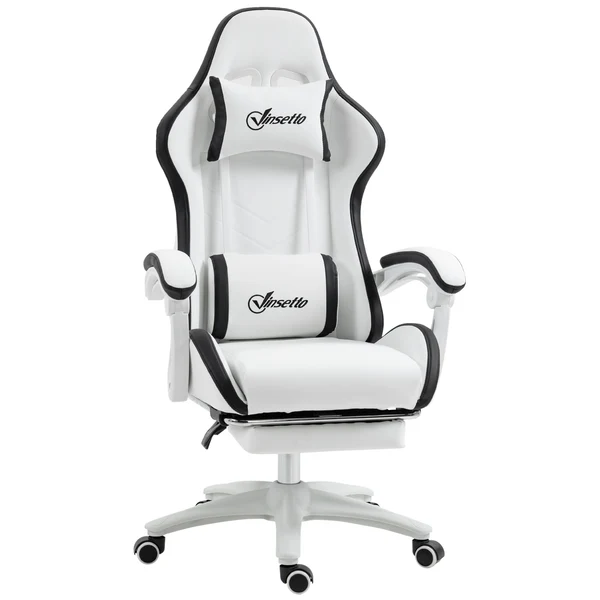
Racing Gaming Chair, White and Black, 45.5-53.5 cm Height
£308.99 incl. VAT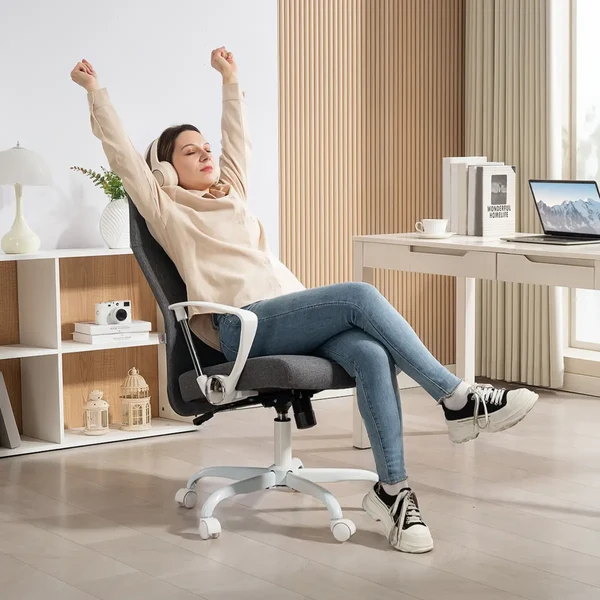
Office Chair with Massage
£249.99 incl. VAT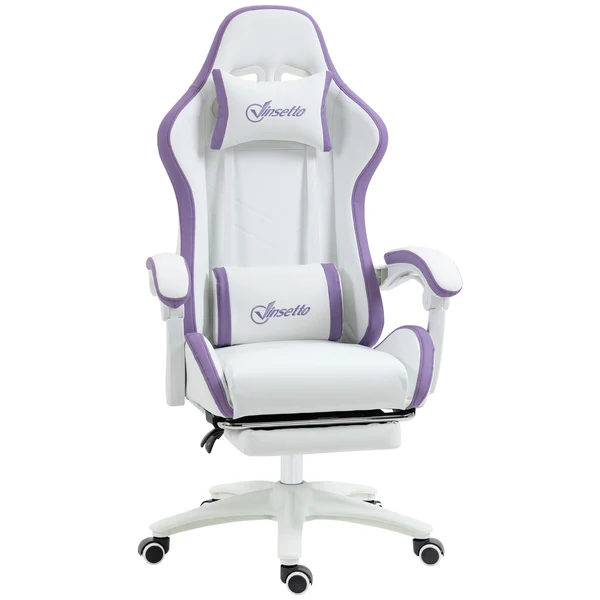
Racing Gaming Chair with Footrest
£284.99 incl. VAT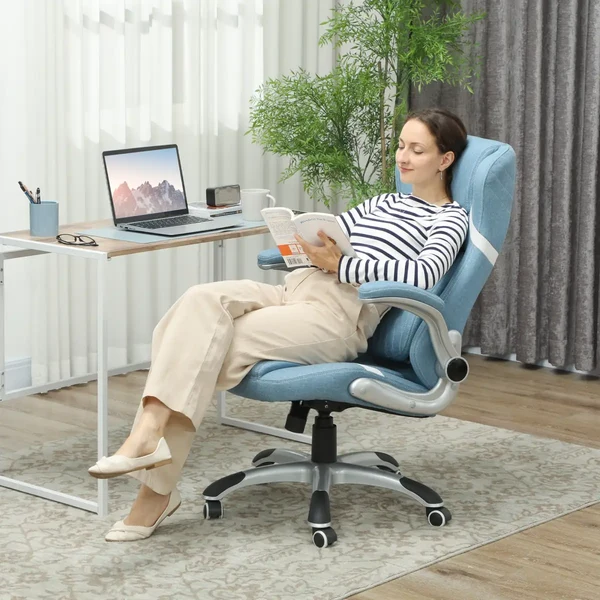
Blue Linen-Look High-Back Office Chair with Flip-Up Armrests
£521.99 incl. VAT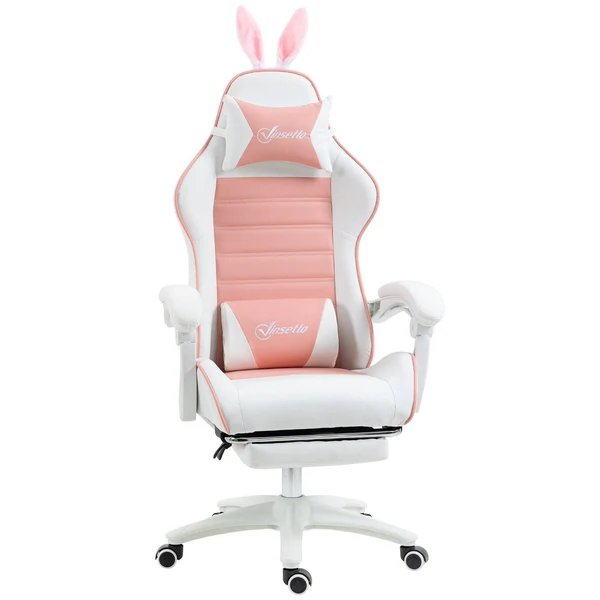
Racing Gaming Chair with Footrest, Pink and White
£308.99 incl. VAT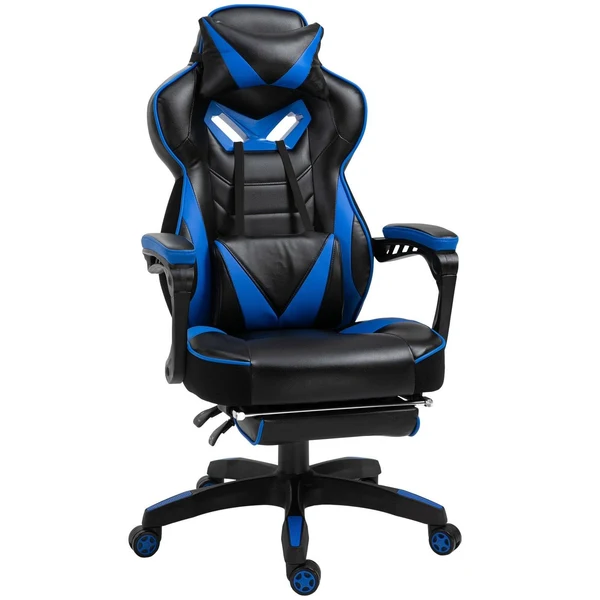
Racing Gaming Chair with Footrest, Blue and Black
£319.99 incl. VAT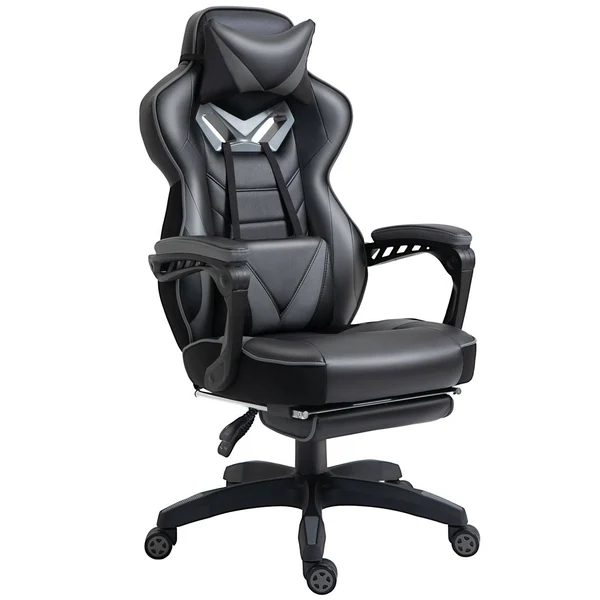
Racing Gaming Chair with Footrest, Grey and Black
£356.99 incl. VAT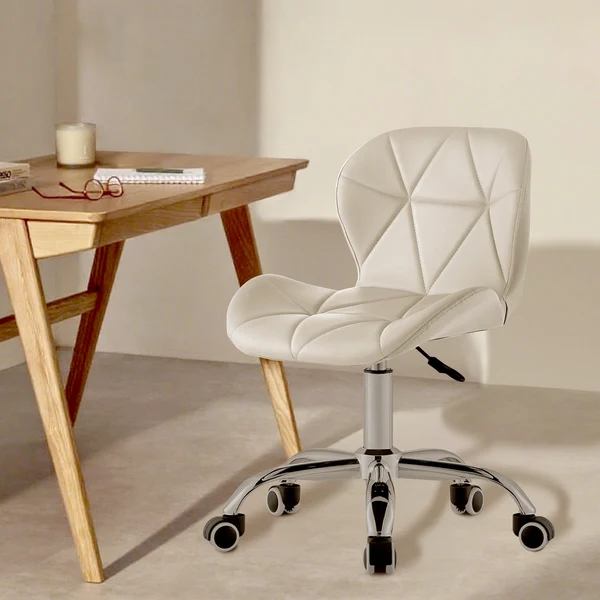
CLIPOPUK Luella White Faux Leather Office Swivel Chair
£168.99 incl. VAT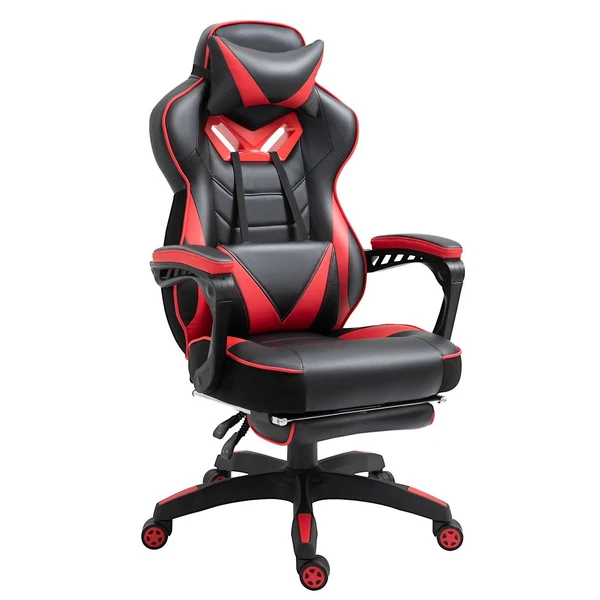
Racing Gaming Chair with Footrest, Red and Black
£308.99 incl. VAT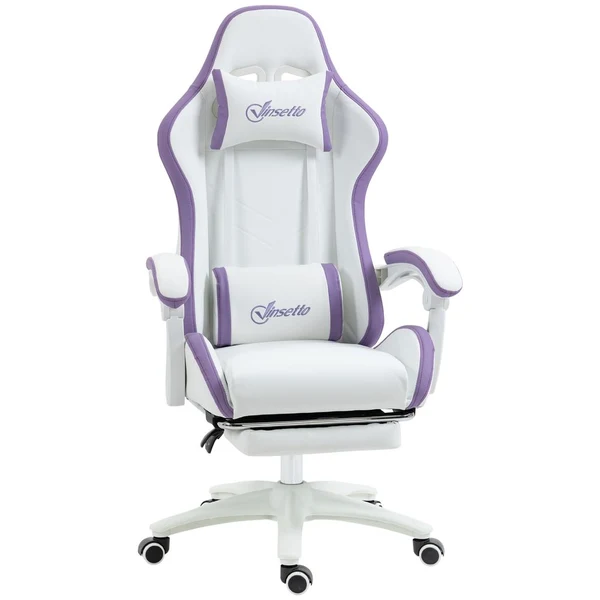
Racing Style Gaming Chair with Footrest
£279.99 incl. VAT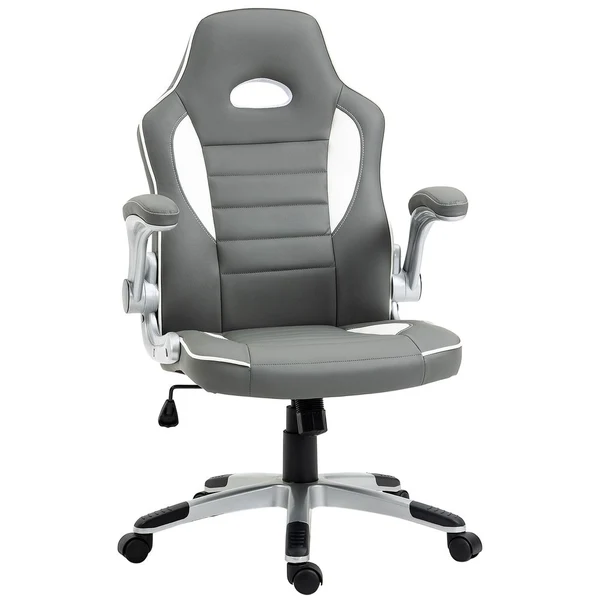
Racing Gaming Chair, Height Adjustable, Flip-Up Armrests
£232.99 incl. VAT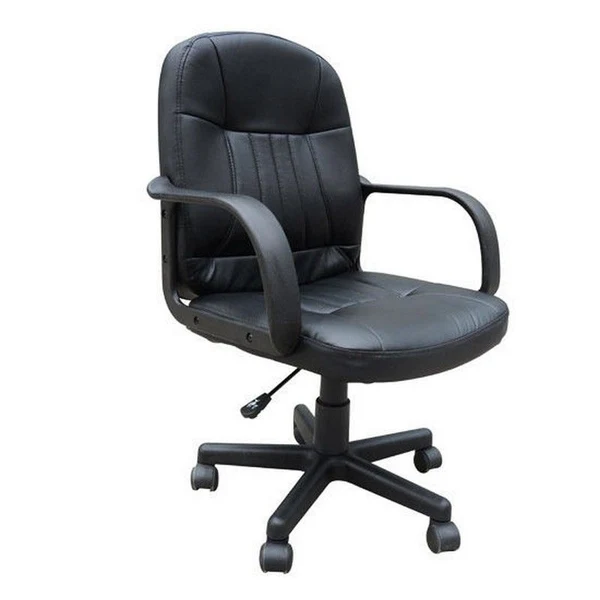
PU Leather 360 Swivel Home Office Chair with Armrests
£166.99 incl. VAT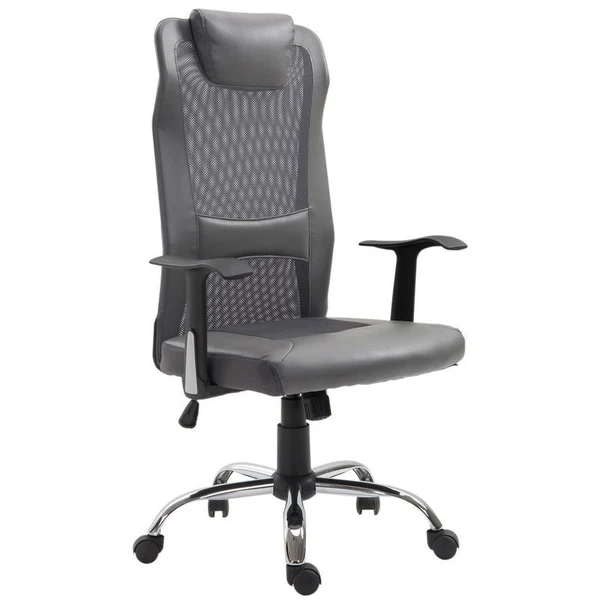
Mesh Office Chair with Headrest, Height Adjustable, Grey
£176.99 incl. VAT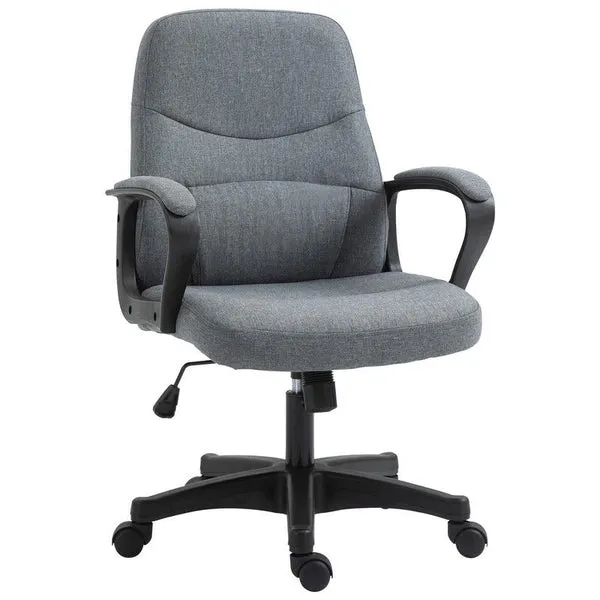
High-Back Ergonomic Lumbar Massage Office Chair, Grey
£200.99 incl. VAT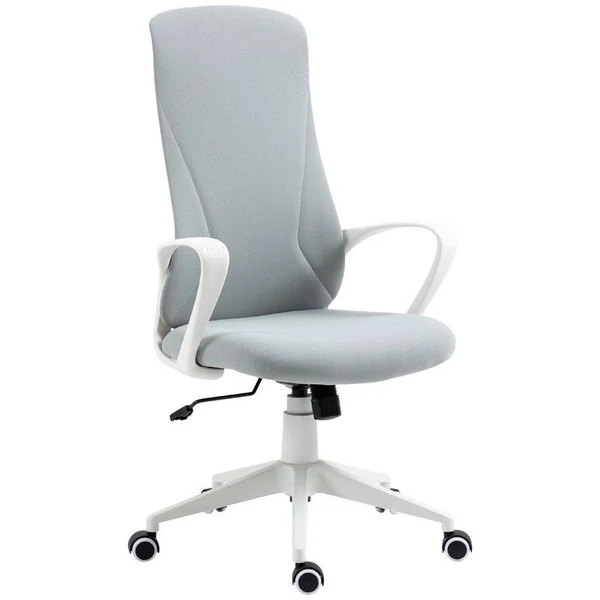
High-Back Fabric Office Chair with Armrests, Light Grey
£213.99 incl. VAT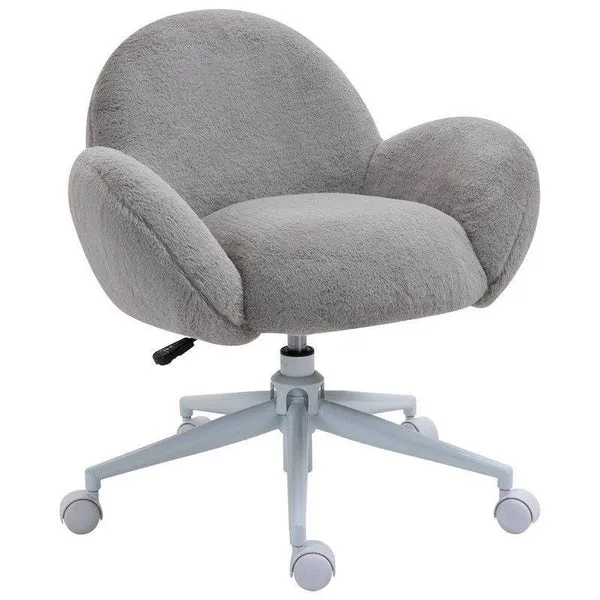
Fluffy Leisure Office Chair with Armrests
£261.99 incl. VAT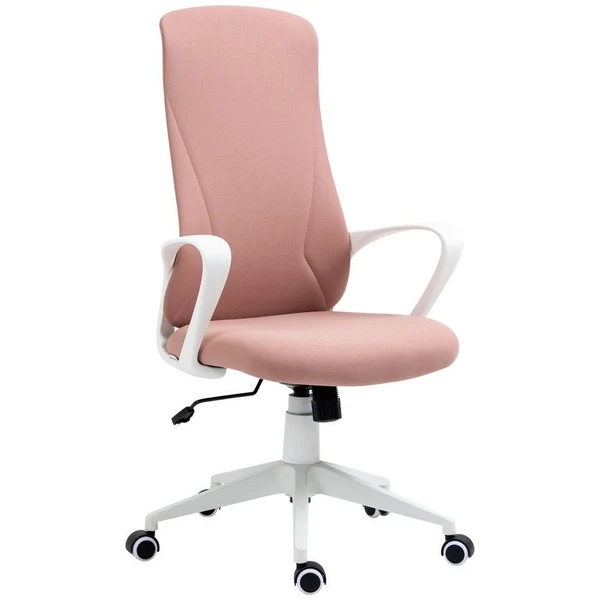
Pink High Back Fabric Office Chair with Armrests
£213.99 incl. VAT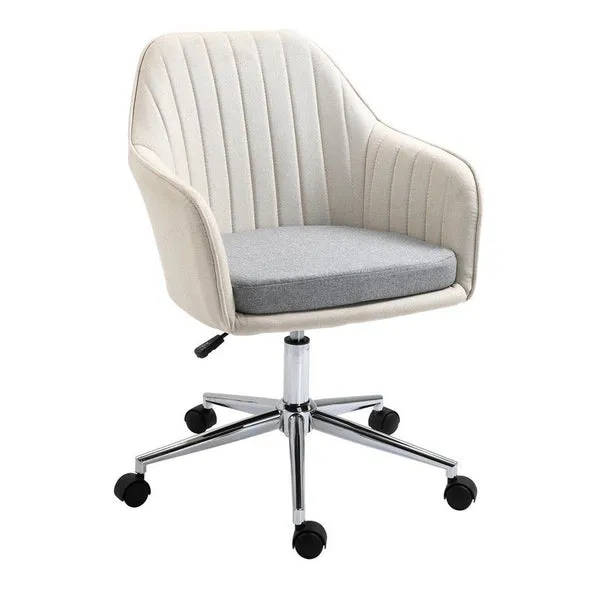
Leisure Linen Swivel Office Chair, Beige
£237.99 incl. VAT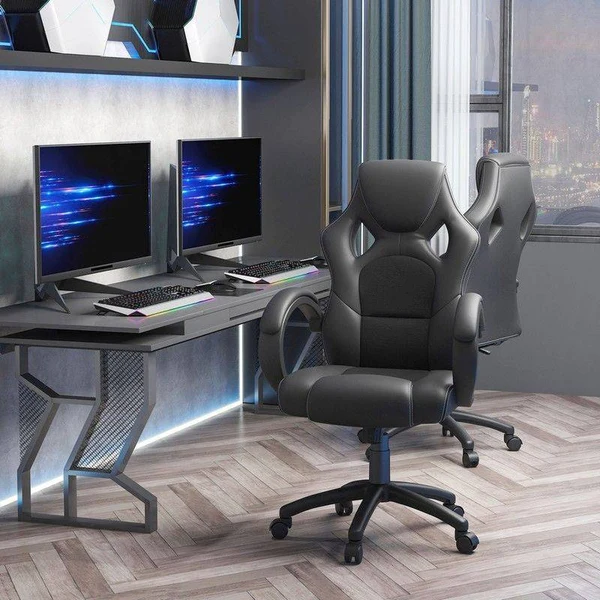
High-Back Faux Leather Office Chair with Armrests
£237.99 incl. VAT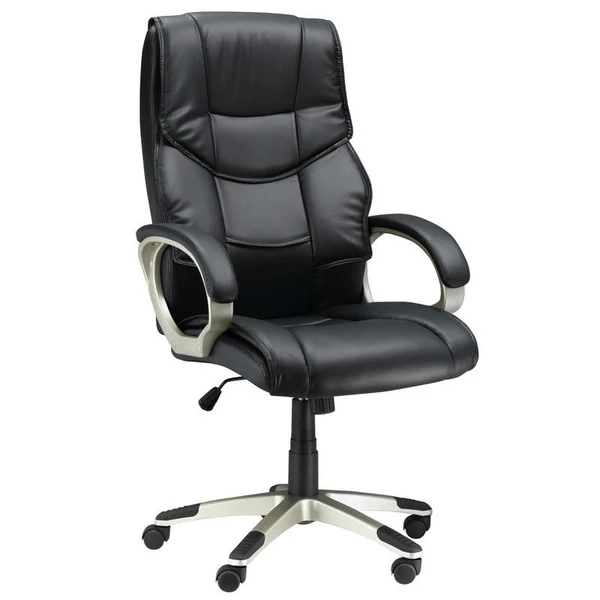
High Back Office Chair with Rocking Function
£271.99 incl. VAT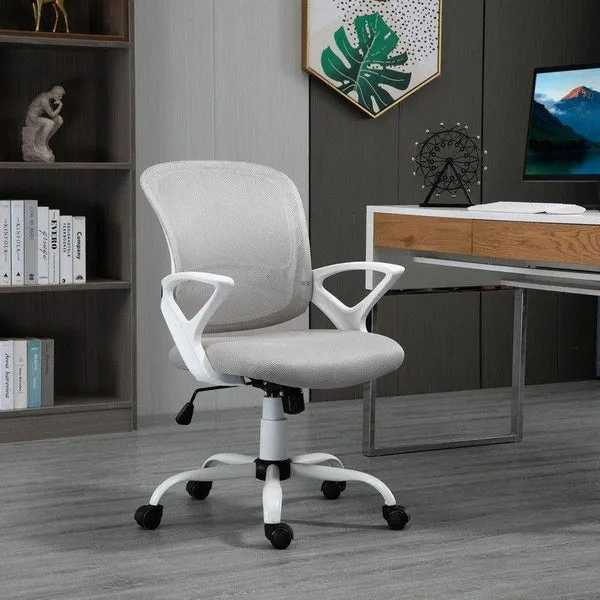
Mesh Office Chair with Lumbar Support, Grey
£248.99 incl. VAT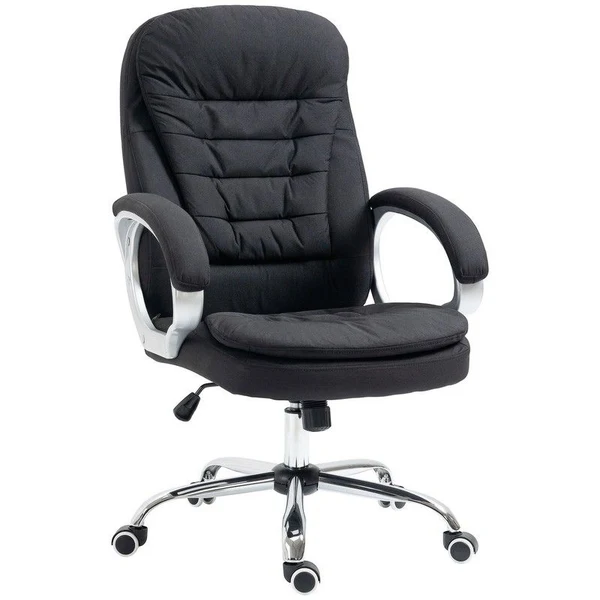
Ergonomic Office Chair, Black Linen Fabric
£248.99 incl. VAT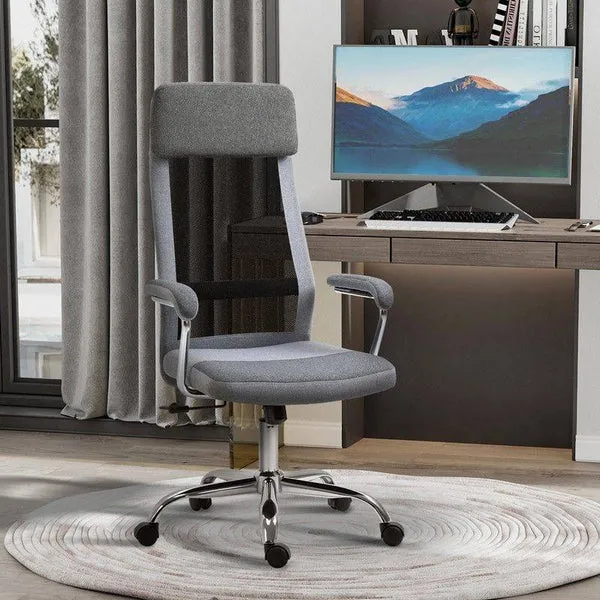
High-Back Office Chair with Arms and Wheels, Grey
£213.99 incl. VAT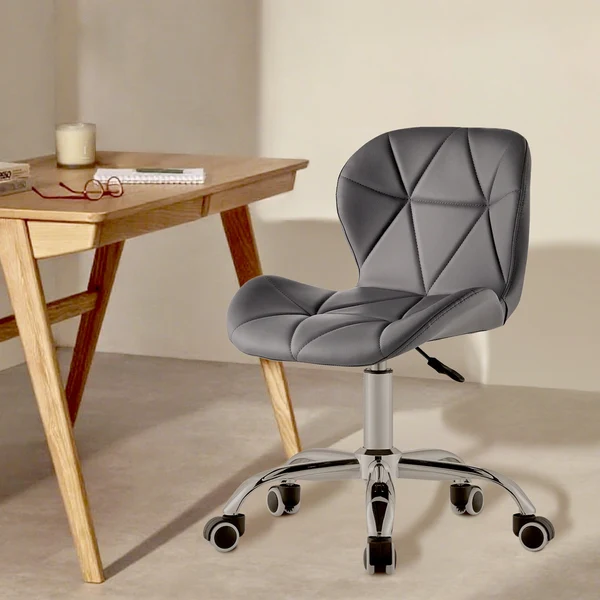
CLIPOPUK Luella Swivel Office Chair in Grey Faux Leather
£168.99 incl. VAT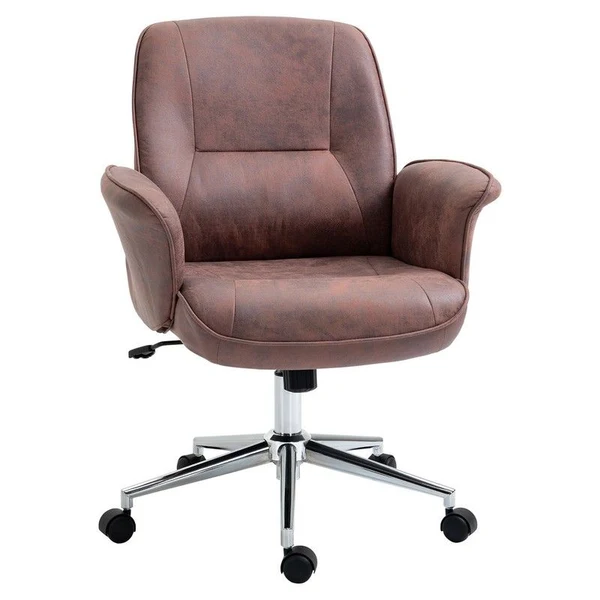
Red Microfibre Mid-Back Office Chair
£261.99 incl. VAT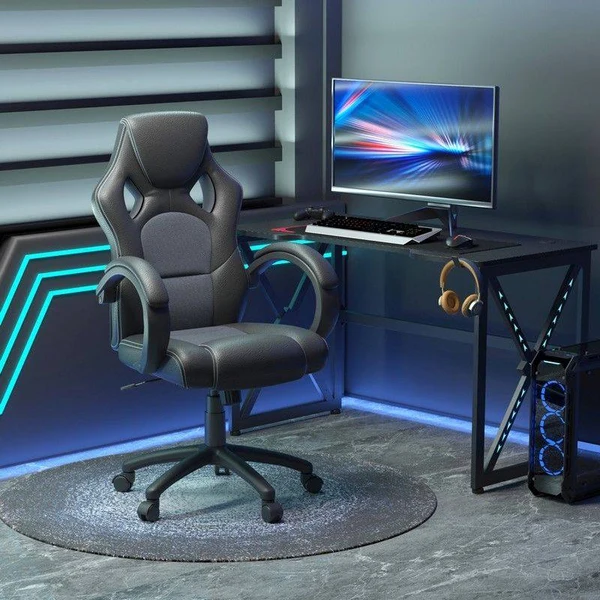
High-Back Faux Leather Swivel Office Chair
£261.99 incl. VAT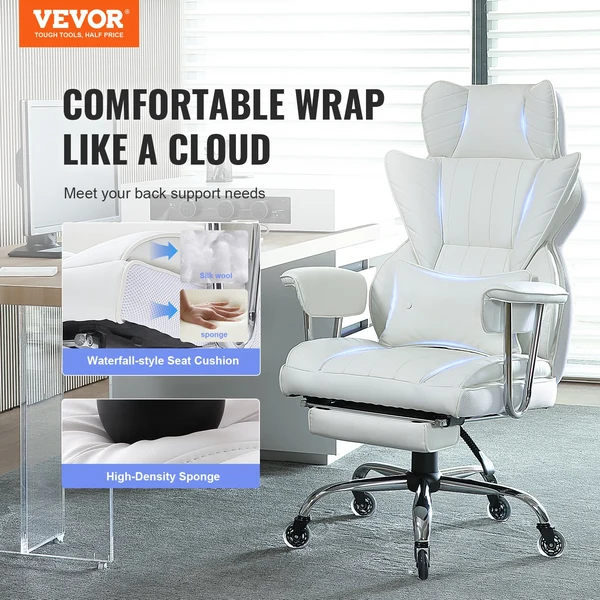
VEVOR Reclining Office Chair, Wide PU Leather Big and Tall, White
£427.99 incl. VAT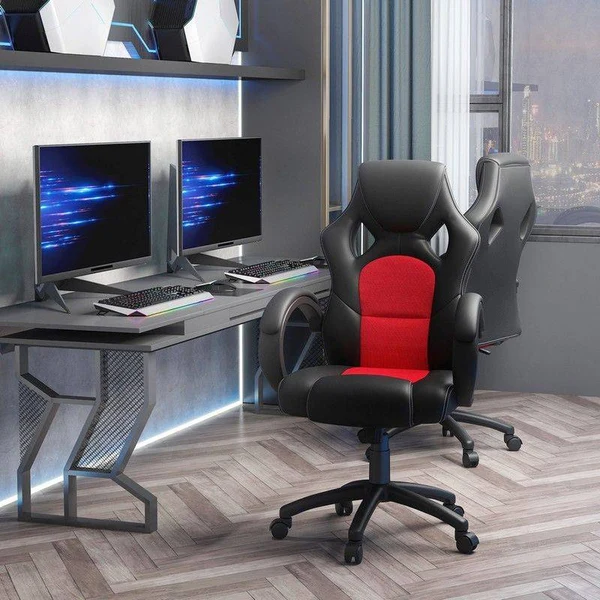
High-Back Faux Leather Swivel Office Chair, Black
£248.99 incl. VAT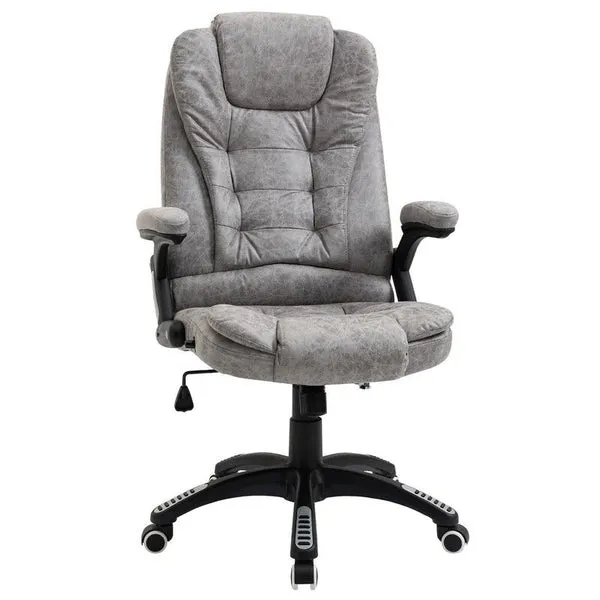
Grey Ergonomic Office Chair with Armrests and Recline
£319.99 incl. VAT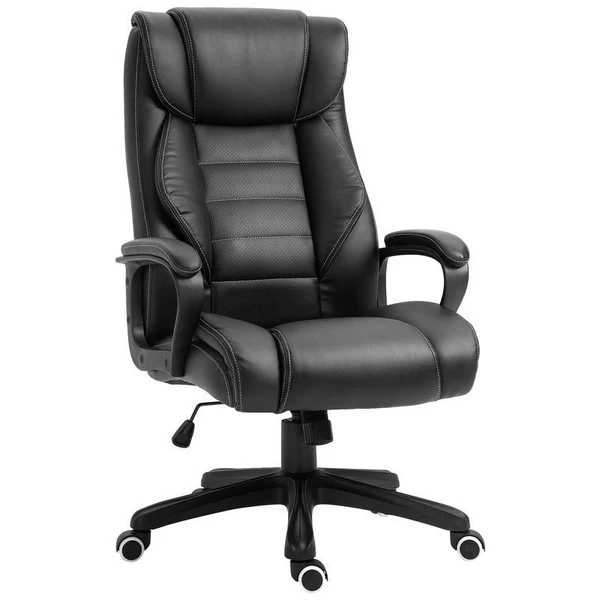
Black Faux Leather Massage Executive Office Chair
£319.99 incl. VAT
Shop by collection
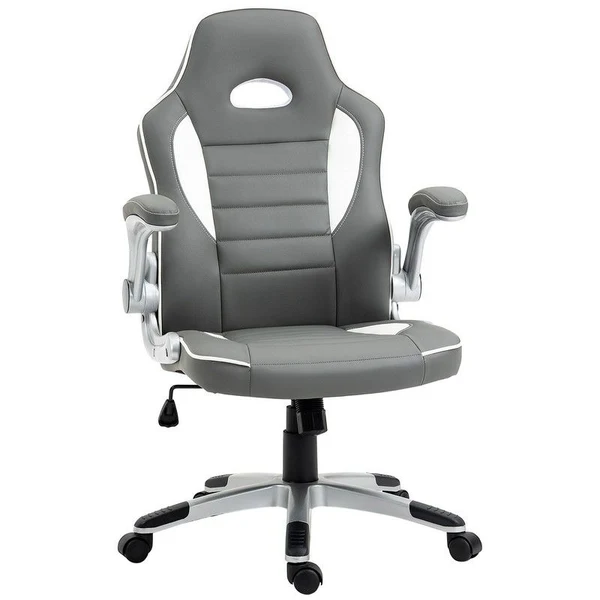
Racing Gaming Chair with Flip-Up Armrests and Tilting Seat
£248.99 incl. VAT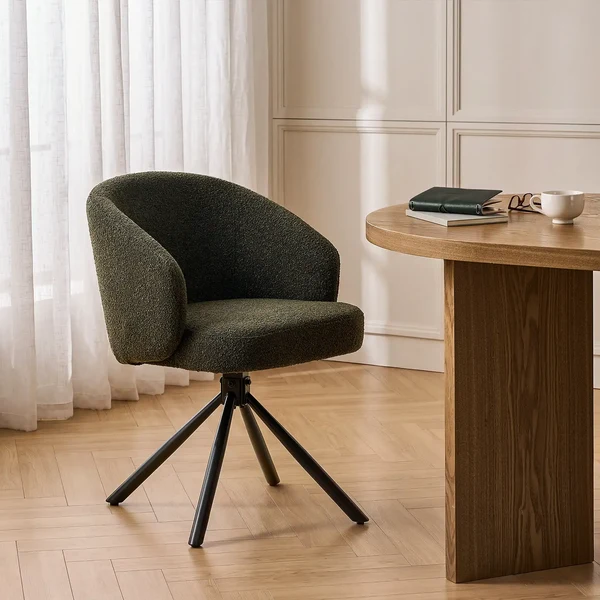
Cleo Dark Green Bouclé Swivel Desk Chair
From £160.99 incl. VAT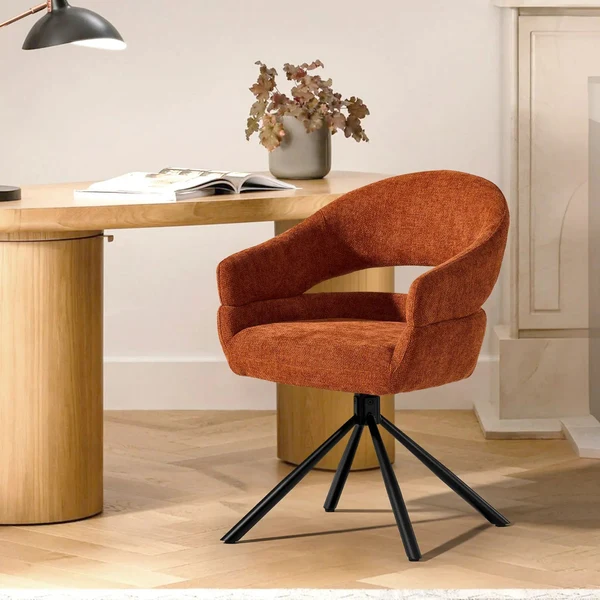
CLIPOPUK Clarice Swivel Dining Armchair
From £196.99 incl. VAT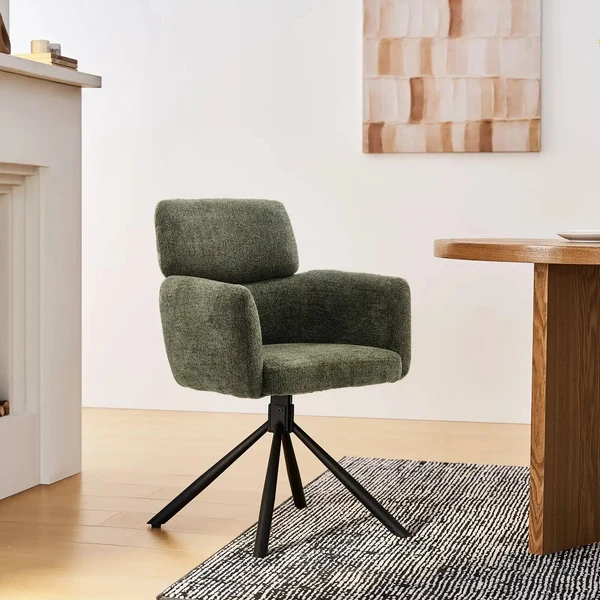
Castoro Chenille Swivel Armchair with Back Handle
From £164.99 incl. VAT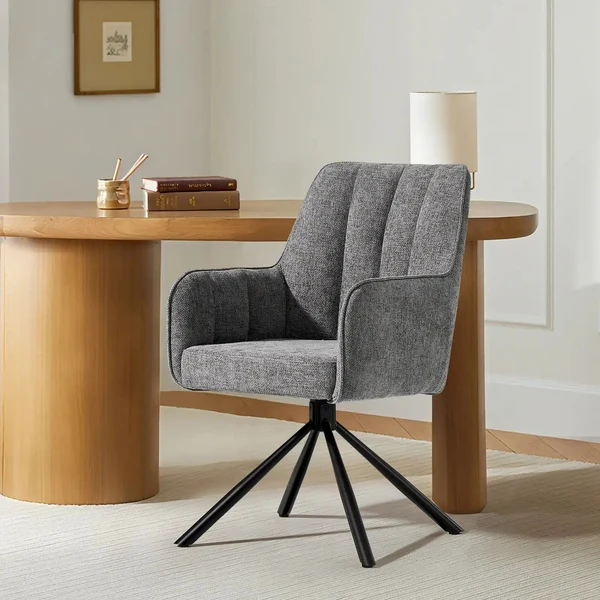
Eloise Linen Blends Swivel Chair
From £189.99 incl. VAT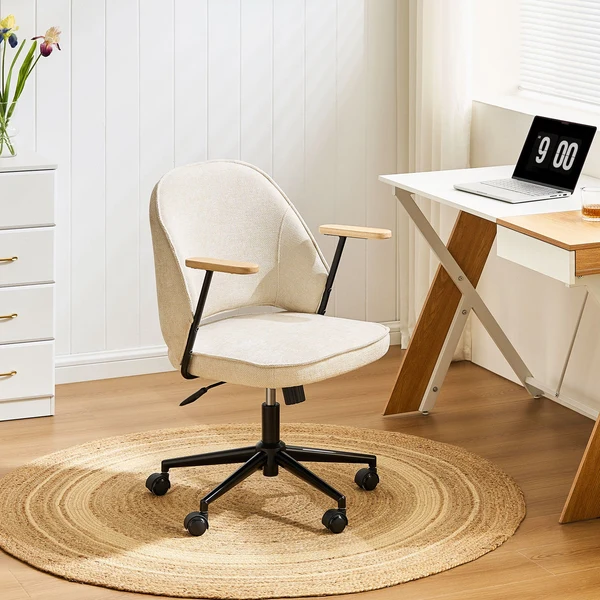
Coleto Office Desk Chair with Reclining Backrest and 360° Swivel
From £189.99 incl. VAT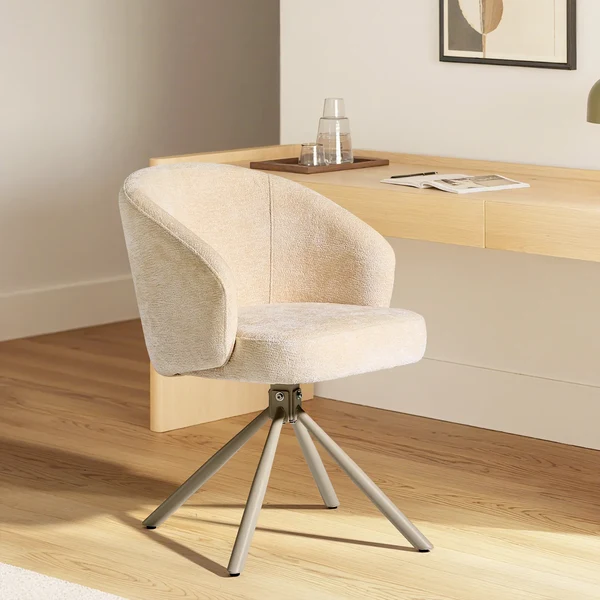
Cleo Cream Chenille Swivel Desk Chair
From £238.99 incl. VAT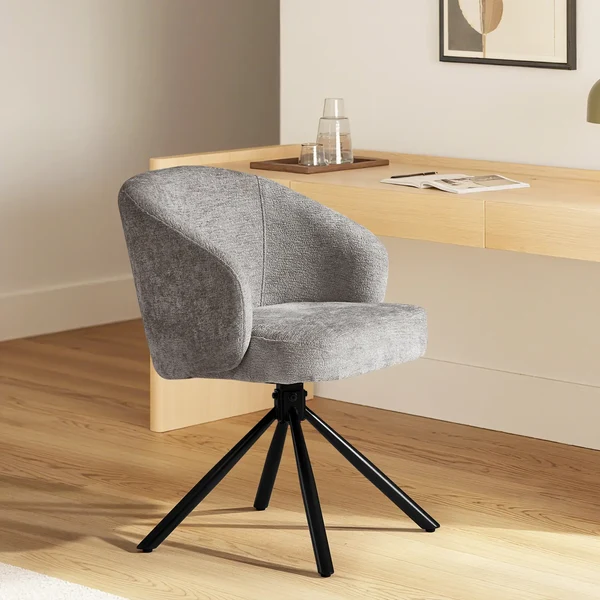
CLIPOPUK Cleo Swivel Desk Chair in Light Grey Chenille
From £160.99 incl. VATHow to choose
- Chair adjustability: Look for reclining tilt locks, lumbar cushions and adjustable armrests aligned with your desktop edge.
- Cable routing capacity: Add an under-desk cable tray and braided cord ties to lift power bricks off the floor and clear foot space.
- Desk depth and monitor clearance: Pair shallow desks with a clamp monitor arm or riser so your extended keyboard mat sits flat without crowding the screen stand.
- Settle on one type before comparing material and finish: Racing Gaming Chairs, Reclining Gaming Chairs and Kids Gaming Chairs.
- Weigh look and function together; something you like the look of is more likely to be used.
Frequently asked questions
Will a VESA monitor arm fit my existing gaming monitor and desk?
Check your monitor backplate spacing and total screen weight against the arm specification, and ensure the desk rear lip clears the steel clamp.
How should I position RGB LED strip lighting behind a gaming desk?
Stick flexible RGB tape along the rear edge of the desktop or behind the monitor bevel so indirect light washes the wall evenly without screen glare.
What should I check when replacing gaming chairs?
When replacing gaming chairs, note what worked and what did not with what you had before, then use that as a checklist for size, material and finish.