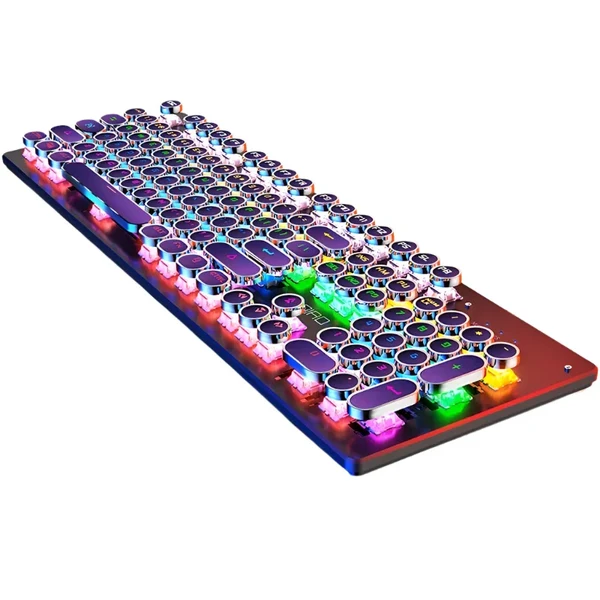
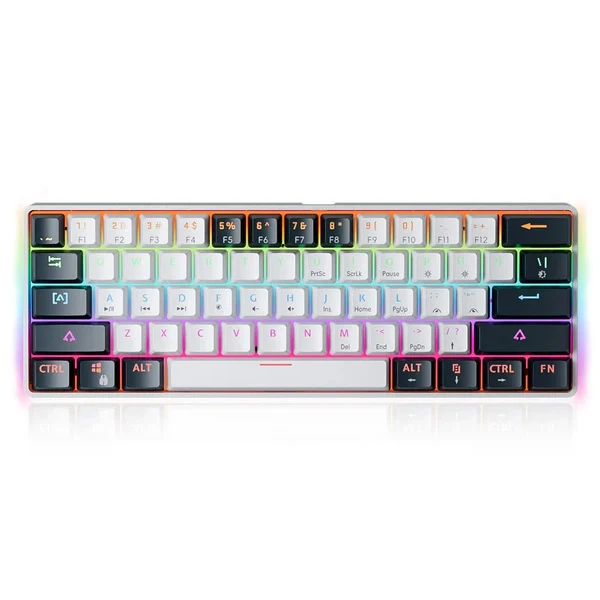
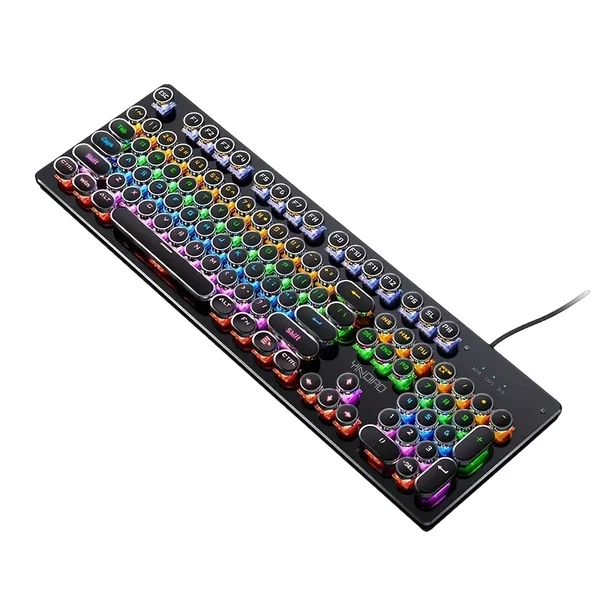
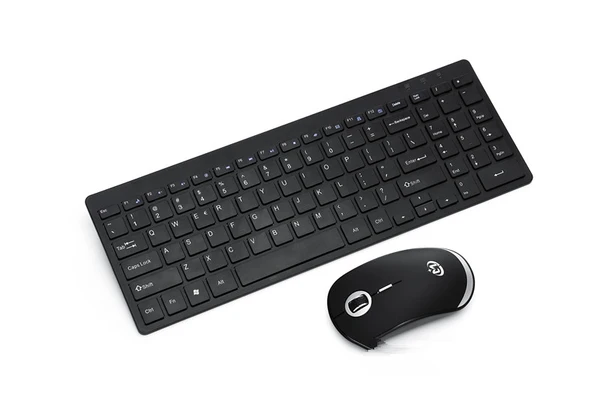
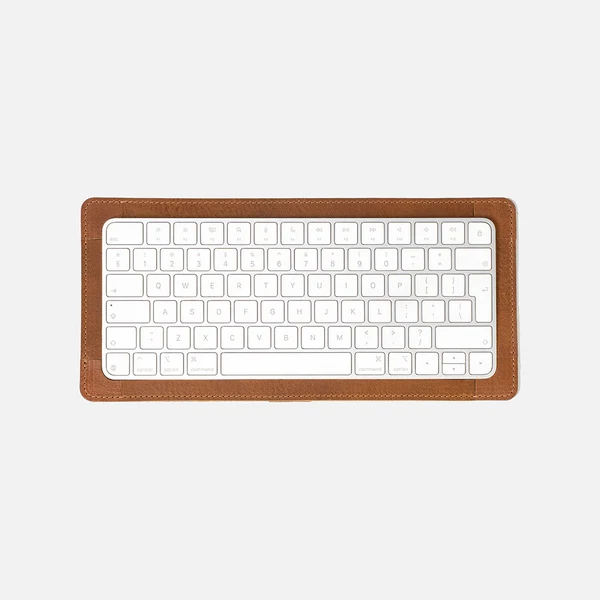
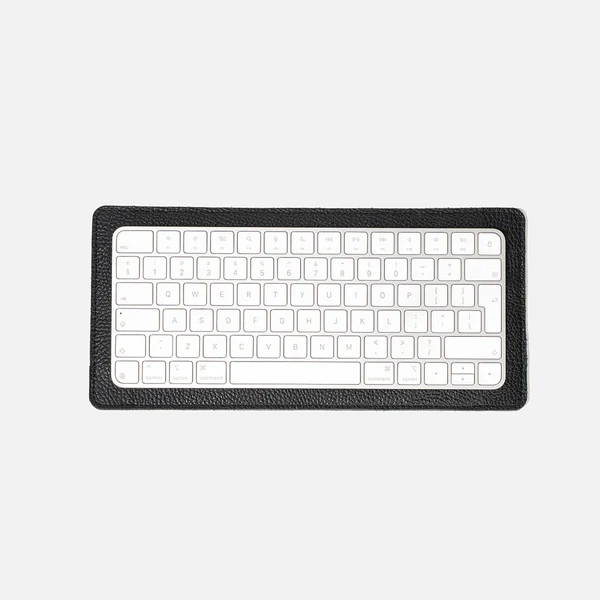
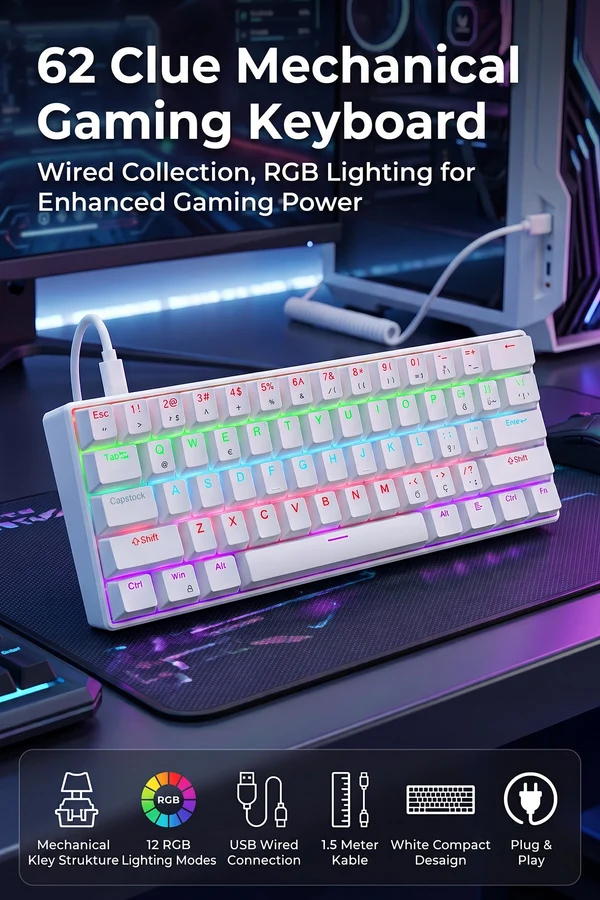
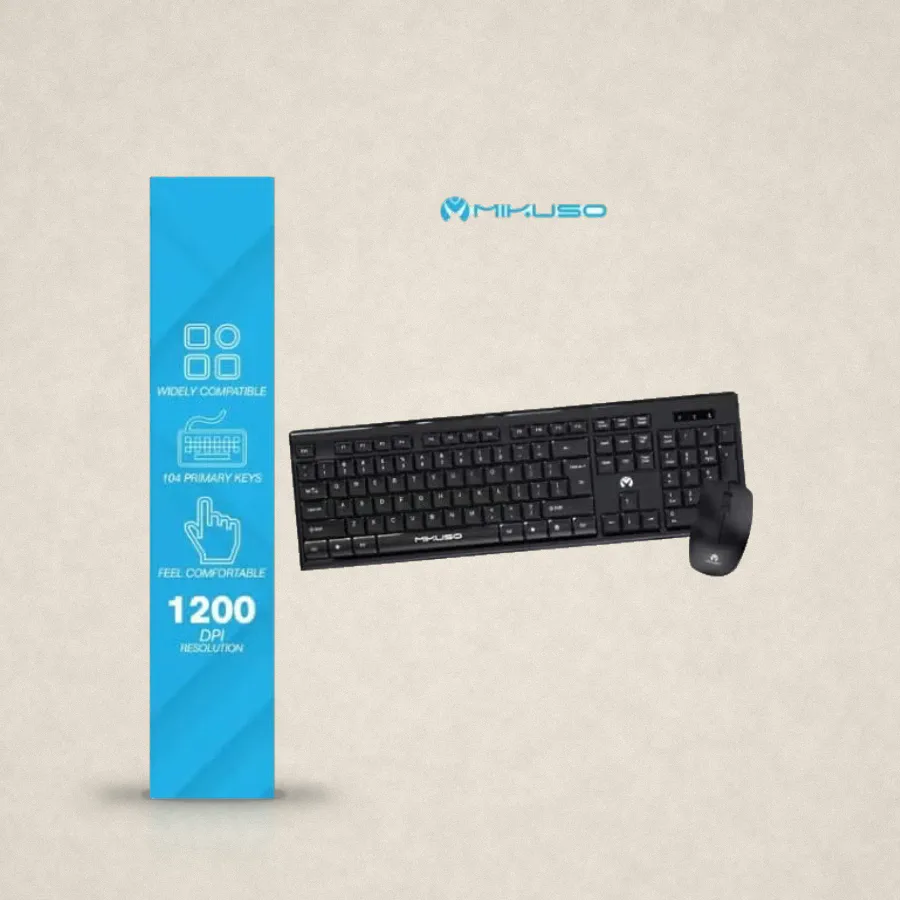
Compact Gaming Keyboards

Compact gaming keyboards can look alike at first glance, so the details matter: proportions, construction and finish. If it has to work with something you already own, check that the two will fit together.

Other types to compare

Comparing across types often settles a decision faster than comparing within one.
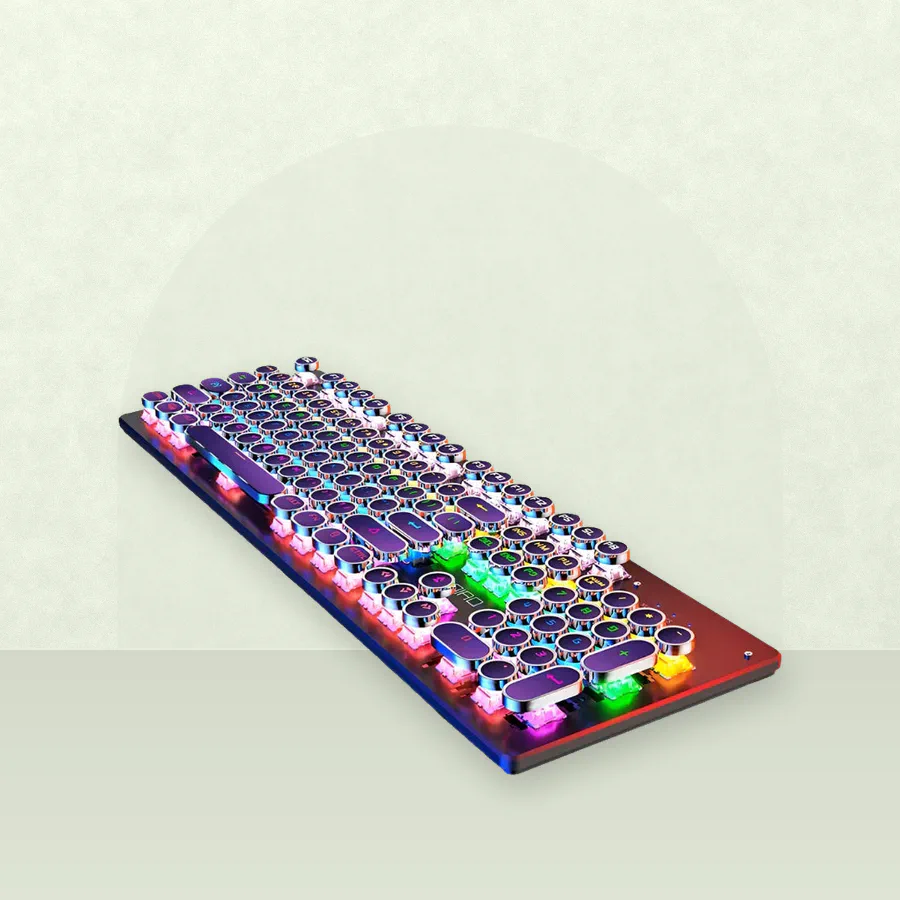
Mechanical Gaming Keyboards

Gaming Keyboard Combos

How to choose

  • If this kind is not quite right, compare the alternatives: Gaming Keyboard Combos, Custom Keycaps, Keyboard Wrist Rests and Mechanical Gaming Keyboards.
  • Choose the material for how it feels, how much it weighs and how much care it needs.
  • If it must work with something you already own, check that the two fit together.
  • Consider the weight, since it affects how comfortable it is in use.
  • For a broader choice, step back to the wider family: Gaming Keyboards.

Frequently asked questions

Why choose a compact mechanical keyboard over a full-size board?

Removing the number pad brings your mouse hand closer to shoulder width, creating a more natural posture and extra sweep area on an extended desk mat.

Which colour of compact gaming keyboards should I pick?

Pick a colour of compact gaming keyboards that works with what you already own; neutral shades are easy to match, while bolder ones make more of a statement.

How do I get the size of compact gaming keyboards right?

Measure the space, the person or the item it needs to fit, then compare that with the stated dimensions of compact gaming keyboards rather than the size name.

Why do sizes of compact gaming keyboards vary between makers?

There is no shared size standard for compact gaming keyboards across makers, so the same size name can mean different measurements; check the stated dimensions instead.

How heavy should compact gaming keyboards be?

The right weight for compact gaming keyboards depends on use: lighter suits frequent handling, while heavier can feel steadier; check the stated weight where it is given.