
Green Gaming Keyboards
With green gaming keyboards, the same colour can read quite differently in daylight, in warm indoor light and on a screen. Colour and material are linked: some materials take colour evenly, others show natural variation. Matching exactly is hard across makers, so aim for shades that harmonise rather than duplicate.
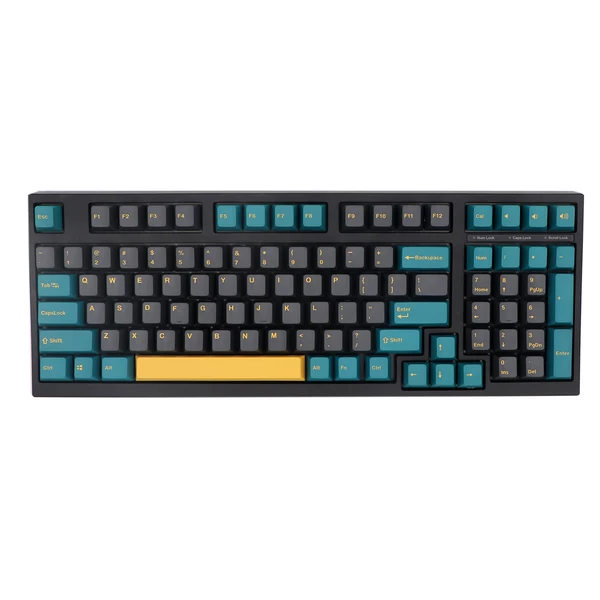
Mars Green PBT Two-Colour Keycap Set, 126 Keys
£52.99 incl. VAT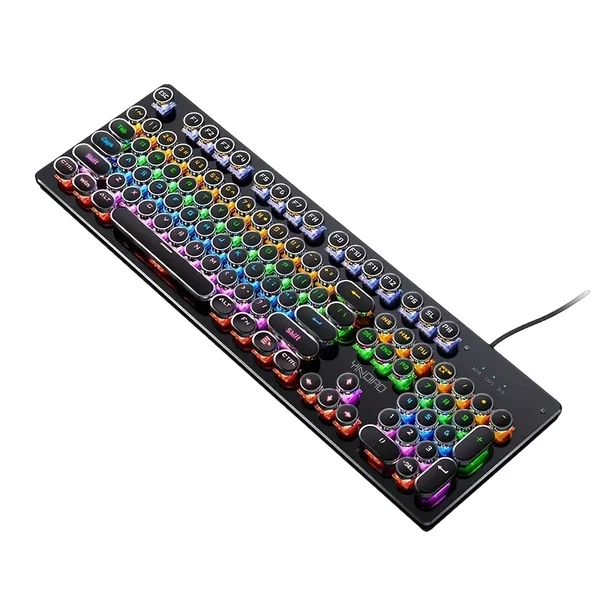
Caller 104-Key Backlit Mechanical Keyboard, Green Axis, USB, Black
£217.99 incl. VAT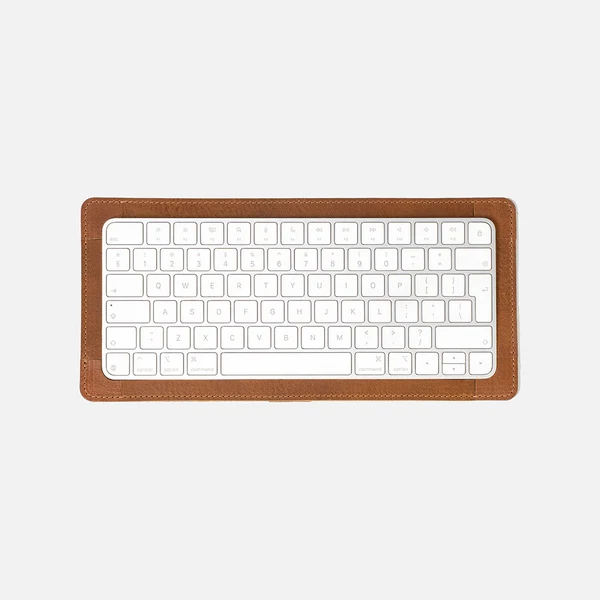
Full-Grain Leather Tray for Magic Keyboard
From £79.99 incl. VATThe checks
Questions to settle first
Compare like with like: settle the type, then weigh size, material and what is included.
01
Compare materials
Materials shape weight, feel and care; weigh them against daily use.
Shop All ProductsHow to choose
- Compare the actual shade, not the colour name, which varies between makers.
- Use small coloured details, such as trims or edges, to tie things together.
- Choose matching pieces together, as shades can vary between batches.
Frequently asked questions
Does this shade lean warm or cool?
Warm shades lean towards yellow or red and cool shades towards blue or grey; check the description and images of green gaming keyboards to see which, since each pairs more easily with colours of the same leaning.
Are colour names standard between makers?
No: makers name colours in their own way, so judge green gaming keyboards by the actual shade rather than the name.
Where can I compare this kind across every colour?
To compare the same kind across every colour, step back to the wider kind: Gaming Keyboards.
How do I keep this colour looking fresh?
Follow the care notes for green gaming keyboards, which may cover cleaning methods, suitable products or keeping it out of strong direct sunlight.
How can I make green gaming keyboards go with what I have?
Look at the colours you already have and check that this shade repeats one of them or sits quietly beside them; that decides how well green gaming keyboards will go with what you own.