
High-Refresh Gaming Monitors Over £750
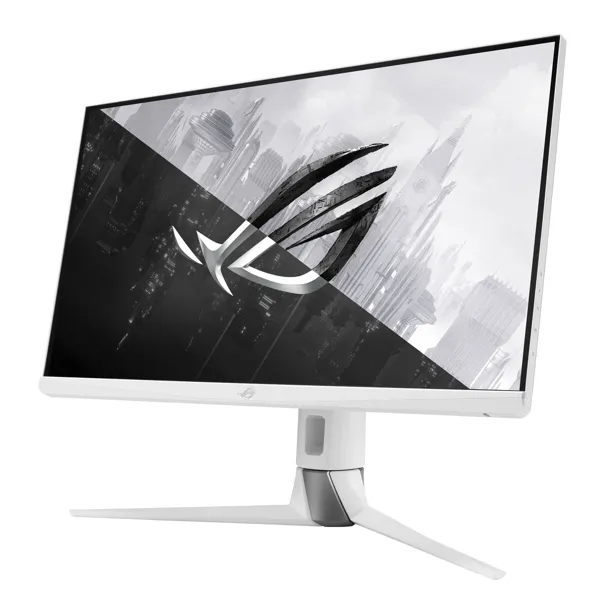
ROG Strix XG27AQ-W Gaming Monitor 27″ Wide Quad HD
£966.99 incl. VAT
4K Ultra HD 28″ Gaming Monitor
£1,169.99 incl. VAT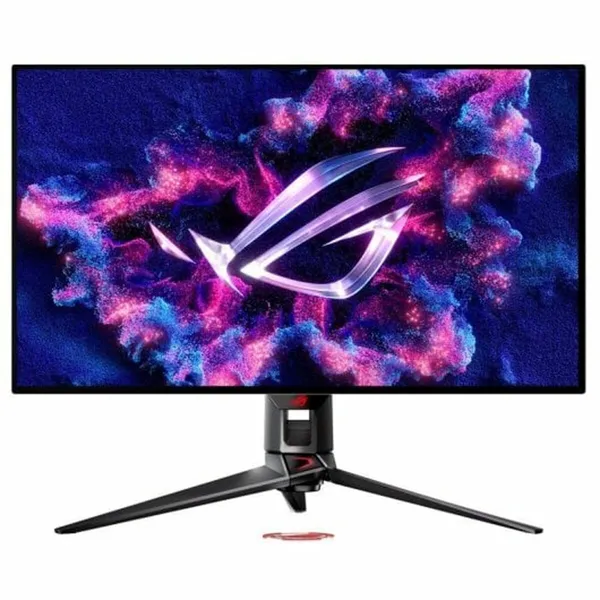
90LM0A50- Gaming Monitor 4K Ultra HD 31.5″
£1,934.99 incl. VAT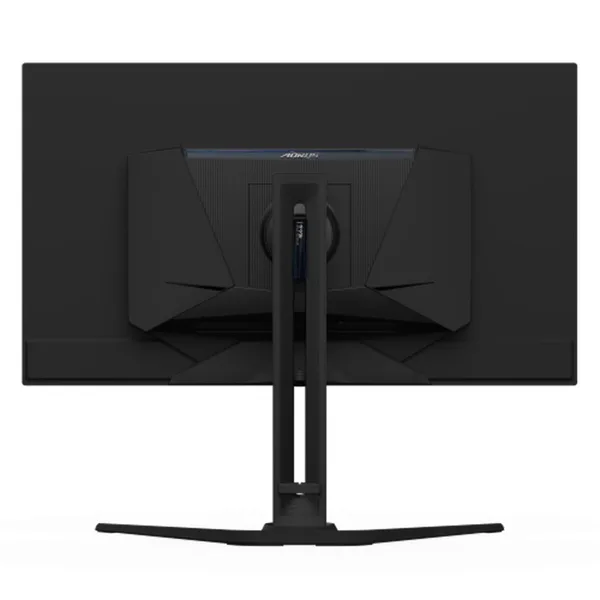
AORUS FO32U Gaming Monitor 4K Ultra HD 31.5″
£1,688.99 incl. VAT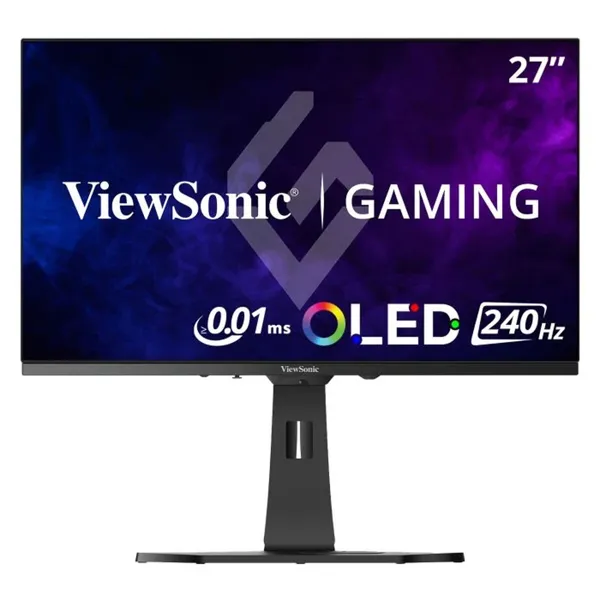
2K-OLED 27″ 2K Quad HD Gaming Monitor
£2,067.99 incl. VAT
Gaming Monitor 28 in 4K Ultra HD
£1,079.99 incl. VAT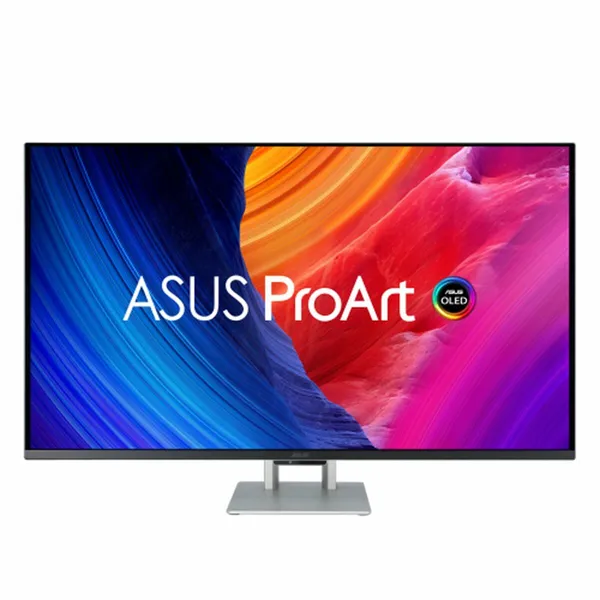
B01K70 4K Ultra HD Gaming Monitor 32″ (81.3 cm)
£3,166.99 incl. VAT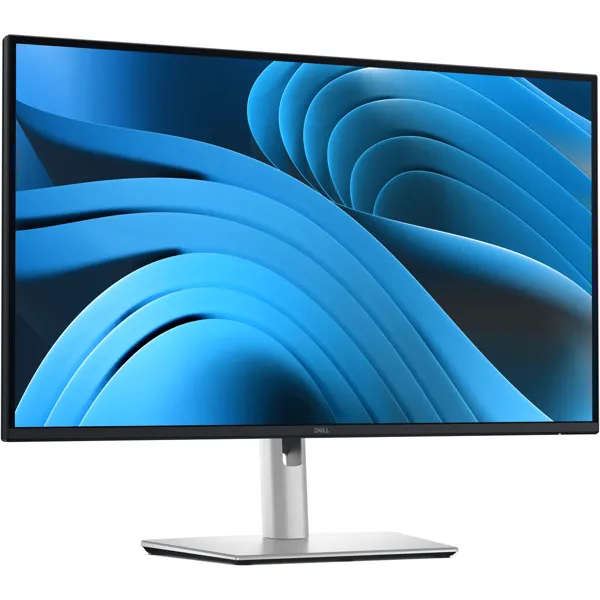
DELL- 27″ 4K Ultra HD Gaming Monitor
£758.99 incl. VAT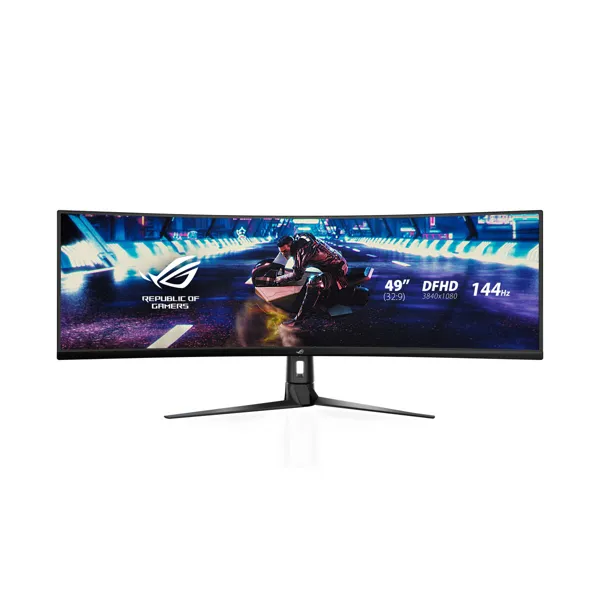
49″ LED VA UltraWide Monitor
£1,670.99 incl. VAT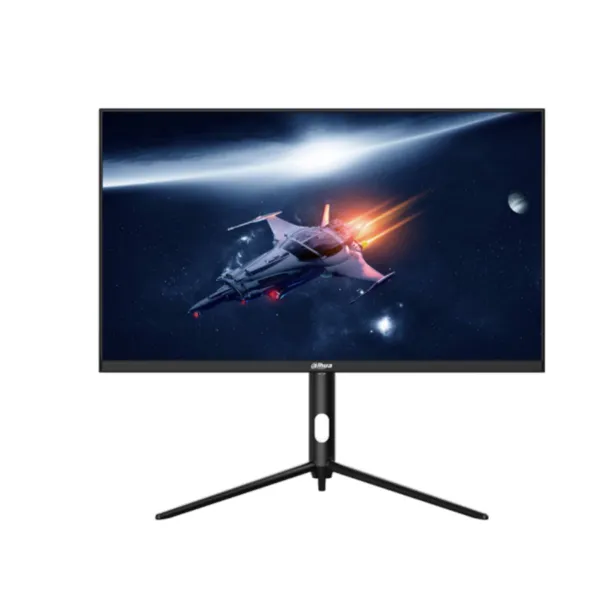
DHI-LM32- Gaming Monitor 32″
£819.99 incl. VATThe checks
Questions to settle first
Compare like with like: settle the type, then weigh size, material and what is included.
01
Compare materials
Materials shape weight, feel and care; weigh them against daily use.
Shop All ProductsHow to choose
- Choose a set to spread the budget across matching pieces, or a single item to focus it.
- Spend more where you will notice it every day, and save on rarely used extras.
- Fix a budget first, then compare options within it on the same points.
- Check the basics at any price: size, material, construction and care.
Frequently asked questions
Is it sensible to upgrade high-refresh gaming monitors over £750 later?
Starting with what you need now and upgrading high-refresh gaming monitors over £750 later is a sensible approach, especially while you are still learning what matters to you.
What changes as the budget goes up?
As the budget rises, you usually get a better grade of material, a finer finish, more detail or extras; decide which of those matter for high-refresh gaming monitors over £750.
Does a higher price mean high-refresh gaming monitors over £750 will suit me better?
Not necessarily: fit for your use depends on size, material and design, so a higher price only helps if it buys something you need from high-refresh gaming monitors over £750.
Why can similarly priced options differ so much?
Similarly priced high-refresh gaming monitors over £750 can differ in material, size, finish and what is included, so compare the descriptions rather than the price alone.